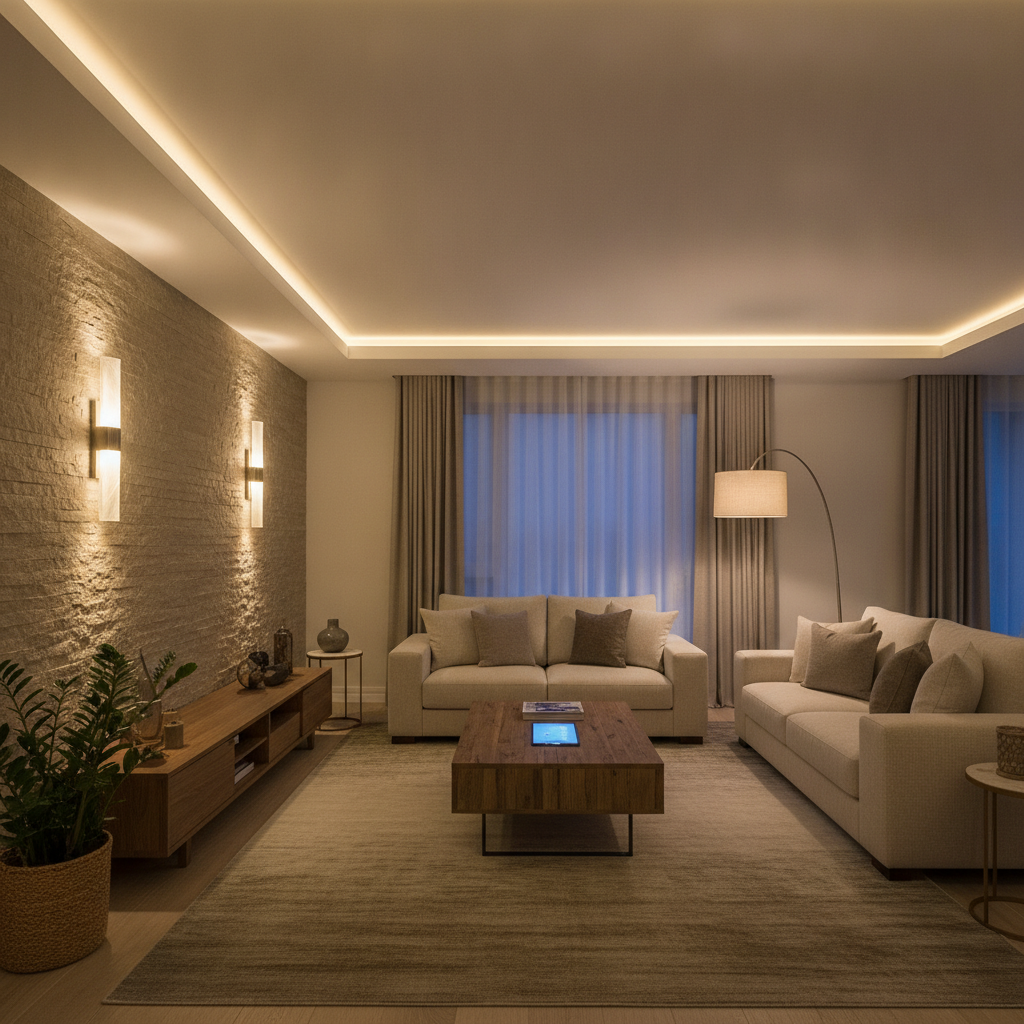
A smart lighting system is a connected network of bulbs, switches, dimmers, and sensors that automates brightness, color, and schedules across your home. It saves energy, improves comfort and safety, and centralizes control in one app or voice command. In Brampton homes, it integrates with security, shades, and climate for seamless living.
By SmartAura · Last updated: 2026-07-05
Overview and table of contents
Smart lighting is more than app-controlled bulbs. It’s a whole-home system that combines dimmers, tunable LEDs, sensors, and scenes to create comfort, safety, and energy savings. This guide explains what it is, why it matters, how it works, types of systems, best practices, tools, and real examples in Brampton.
Smart lighting touches daily life from the moment you wake up to when your exterior lights secure the yard at night. This complete guide is built for homeowners and renovators who want reliability, design harmony, and professional results.
- What a smart lighting system is in plain English
- Why it matters for energy, security, and mood
- How devices, networks, and scenes work together
- System types and when to choose each approach
- Best practices our Brampton team uses on installs
- Recommended tools, resources, and integrations
- Mini case studies from local homes
What is a smart lighting system?
A smart lighting system is a unified setup of bulbs, switches, dimmers, drivers, and sensors controlled by an app, voice, or control panel. It automates brightness, color temperature, and on/off schedules by room or activity and integrates with other home systems to improve comfort, safety, and efficiency.
Think of smart lighting as layers: fixtures and loads (the lights), control hardware (switches, dimmers, drivers), and software (apps, scenes, and automations). Together they create predictable lighting that adapts to your day—without constant fiddling.
- Bulbs and fixtures: LED downlights, pendants, sconces, and exterior lights set the canvas.
- Control points: Smart dimmers, keypads, and relay modules manage power and dim curves.
- Sensors: Motion, occupancy, ambient light, and door sensors trigger useful automations.
- Software: Scenes, schedules, sunrise/sunset offsets, and presence detection make it feel effortless.
In our experience designing smart lighting installation plans across the GTA, reliability comes from getting the fundamentals right: proper wiring, correct dimmer types for each load, and a network that never drops.
Why smart lighting matters
Smart lighting matters because it reduces wasted electricity, strengthens home security, and shapes your home’s mood. Automation turns lights off when rooms are empty, brightens paths for safety, and tunes color temperature to support focus by day and relaxation at night.
Lighting isn’t just illumination. It influences alertness, comfort, and safety. When lights adapt automatically, you get consistent results without thinking about switches.
- Energy and sustainability: LED efficiency plus dimming and occupancy control cut waste. Daylight harvesting trims output when rooms are bright.
- Security and safety: Pathway scenes and exterior schedules deter intruders and reduce trip hazards.
- Well-being and aesthetics: Tunable white supports circadian comfort; scenes keep rooms looking their best at any hour.
- Convenience: One-tap scenes and voice commands remove friction from everyday routines.
Homeowners often ask if smart lighting will “just work.” With engineered design, it does. Our unified platform approach, paired with strong home networking, keeps commands instant and scenes synchronized.
How a smart lighting system works
Smart lighting works by connecting fixtures to control devices (smart switches, dimmers, or modules) and linking them to a central app or hub over Wi‑Fi, Ethernet, or mesh radios. Scenes, schedules, and sensor inputs then orchestrate brightness and color in response to time, presence, or events.
At a technical level, you’re coordinating three layers: electrical loads, control interfaces, and a control platform. The control platform synchronizes scenes like “Welcome Home,” “Movie,” or “All Off,” and it can talk to shades, climate, and security.
- Loads: LED drivers, low-voltage fixtures, line-voltage circuits, and specialty loads (e.g., LED strips).
- Control devices: Smart dimmers, keypads, plug-in modules, or centralized panels in a wiring closet.
- Network + platform: Ethernet backbones with mesh Wi‑Fi systems ensure instant, reliable control.
- Automation logic: Scenes and rules driven by time, sunrise/sunset, occupancy, or door events from smart sensors.
Integration is where the magic happens. For example, when your video doorbell sees motion after dusk, a “Front Entry” scene can bring porch and foyer lights to 80% while your motorized shades lower for privacy. That’s one action, many coordinated results.
Types of smart lighting systems and when to choose each
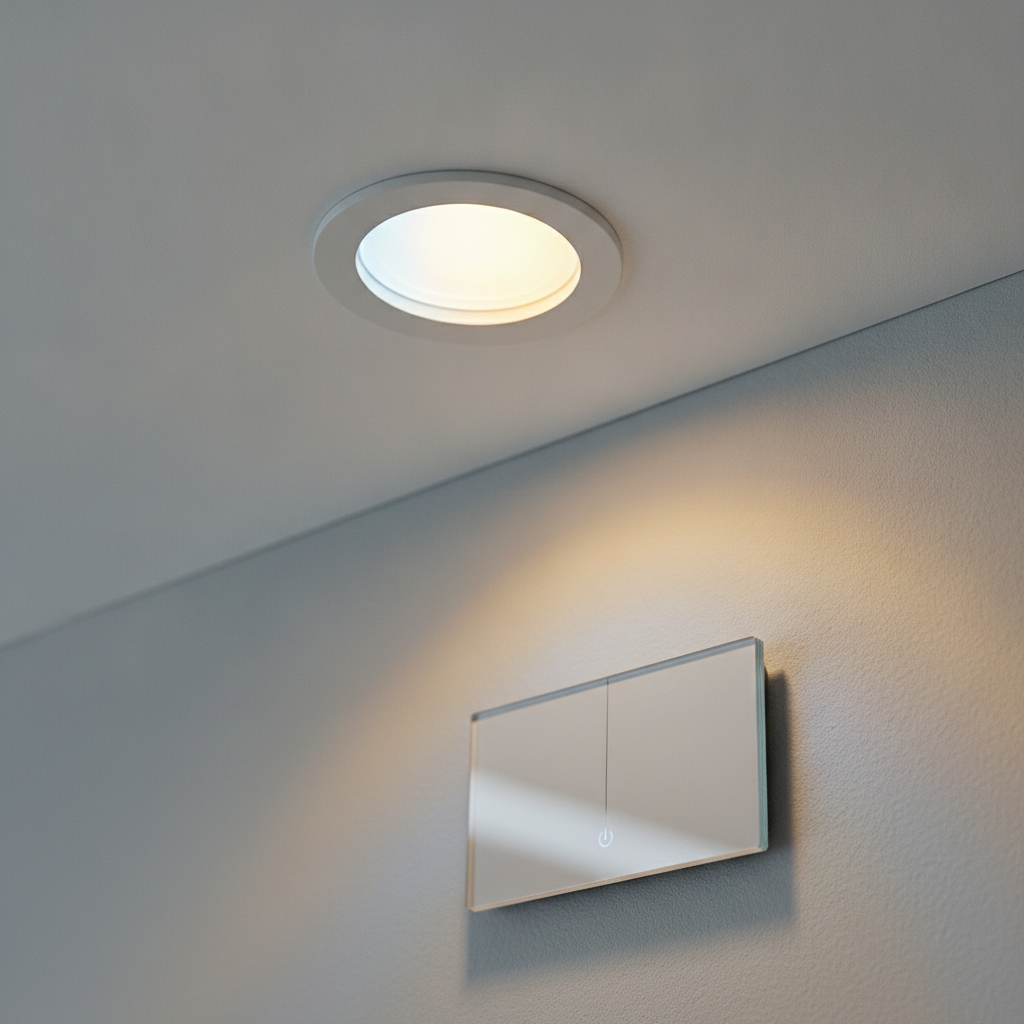
Choose between smart bulbs, smart switches, centralized lighting panels, and low-voltage architectural lighting. Bulbs are flexible for renters; switches preserve normal control; centralized panels enable luxury scenes; low-voltage systems deliver premium dimming and design for new builds or major renovations.
Each approach has trade-offs in reliability, aesthetics, and scalability. The right pick depends on your wiring, renovation plans, and design goals.
Smart bulbs (wireless)
- Pros: Quick wins, room-by-room upgrades, color and tunable white options.
- Consider: Wall switches must stay on; not ideal where guests expect physical control.
- Best for: Apartments or light retrofits where rewiring isn’t practical.
Smart switches and dimmers
- Pros: Works with normal bulbs, keeps familiar wall control, high reliability.
- Consider: Choose dimmer types compatible with LED drivers to avoid flicker.
- Best for: Most existing homes seeking dependable, whole-home control.
Centralized lighting (panelized)
- Pros: Clean walls with elegant keypads, advanced scenes, silent dimming.
- Consider: Ideal during renovations when rewiring is accessible.
- Best for: Luxury homes and design-forward projects wanting flawless aesthetics.
Low-voltage and LED drivers
- Pros: Superb dimming curves, long runs for LED strips, and architectural effects.
- Consider: Requires proper driver selection and load calculations.
- Best for: New builds or remodels targeting premium, uniform lighting.
| Approach | Reliability | Aesthetics | Scalability | Ideal Use |
|---|---|---|---|---|
| Smart bulbs | Moderate | Visible bulbs, normal switches | Room-level | Rentals, quick retrofits |
| Smart switches | High | Standard look or designer keypads | Whole-home | Most existing homes |
| Centralized panels | Very High | Minimalist walls, labeled scenes | Estate-scale | New builds, major renos |
| Low-voltage drivers | Very High | Architectural effects | Whole-home + outdoor | Premium projects |
Smart lighting best practices (our field-tested playbook)
Design whole-home scenes first, then map circuits and dimmers to support them. Prioritize rock-solid networking, use compatible LED drivers, and standardize keypad layouts. Integrate shades, sensors, and security events to automate the small moments—doors opening, people arriving, or rooms going idle.
We start every project with discovery: how you live, which rooms matter most, and what moods you want. Then we engineer the system to make those moments automatic.
- Scene-first design: Define core scenes like Welcome, Cooking, Dining, Movie, Entertain, Goodnight, and Away.
- Correct dimmer/driver pairing: Match ELV/MLV/0–10V dimmers to each load to eliminate flicker and hum.
- Solid network: Use Ethernet where possible and proven smart routers plus mesh for latency-free control.
- Keypad consistency: Keep button positions and labels consistent by room type to reduce learning curves.
- Sensor logic: Add occupancy and daylight sensors from our smart sensors lineup to minimize waste.
- Shades + lighting: Coordinate with motorized blinds so daylight and privacy work with your scenes.
- Documentation: We deliver labeled circuits, one-line diagrams, and scene maps so adjustments are painless.
Local considerations for Brampton
- Plan exterior lighting scenes for winter evenings so paths and entries are pre-lit after typical work hours.
- Use sunrise/sunset offsets that account for seasonal swings, keeping exteriors efficient year-round.
- Combine lighting with entry events—garage opens or door unlocks—so foyer and kitchen scenes welcome you home.
Tools, platforms, and integrations that elevate results
Great smart lighting relies on robust networks, reliable control platforms, and thoughtful add-ons. Pair a stable Wi‑Fi/Ethernet backbone with unified control panels, voice assistants, and Matter-ready hubs. Then layer shades, sensors, and entertainment for whole-home scenes that feel polished and effortless.
We favor a unified platform approach so all devices respond together and stay in sync. That’s the difference between “smart gadgets” and a professional smart lighting system.
- Unified control: Whole-home apps and control displays coordinate lighting, climate control, and scenes.
- Voice assistants and hubs: Natural voice triggers for everyday routines; streamlined setup with Matter integration.
- Networking & connectivity: Hardwire stationary gear; reserve Wi‑Fi for mobile devices. Our networking services stabilize control traffic.
- Shades & blinds: Daylight automation via shades and blinds saves energy and protects interiors.
- Audio & video: Sync lighting with whole-home audio and video for theater or party scenes.
For a broader context on energy-focused routines, see practical energy efficiency tips in the GTA. And for inspiration outdoors, review landscape lighting ideas that pair nicely with entry scenes.
Design and installation process (step-by-step)
Our process starts with a free in‑home consultation, then bespoke engineering-led design, certified white-glove installation, and lifetime, 24/7 priority support. We manage wiring, configuration, documentation, and training so your lighting, shades, and scenes work from day one—and keep working.
- Discovery: Walkthrough to understand lifestyle, rooms, and routines.
- Engineering design: Circuit maps, dimmer/driver schedules, keypad layouts, and scene logic.
- Networking readiness: Validate Wi‑Fi coverage and Ethernet to support instant control.
- Installation: Certified technicians handle wiring, labeling, and device commissioning.
- Programming: We build scenes, schedules, and integrations with shades, climate, and entry.
- Handover + training: We teach the app, voice commands, and scene tweaks.
- Support: Lifetime, 24/7 priority support with remote diagnostics and on-site service across Brampton and the GTA.
Security and exterior lighting that works with you
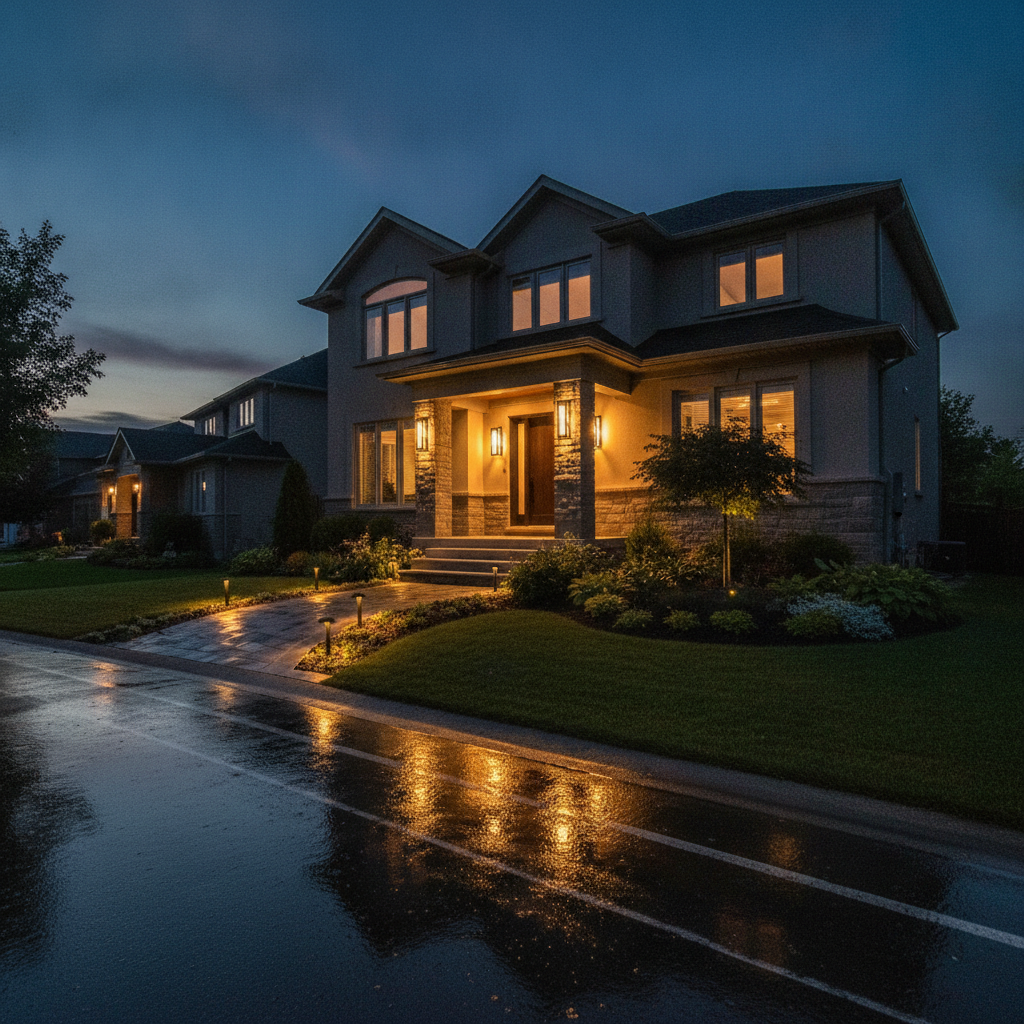
Exterior lighting paired with entry events deters intruders and improves safety. Tie porch, driveway, and pathway scenes to motion, arrival, or door unlocks. After midnight, dim to a night level to save energy while keeping critical paths visible.
Exterior scenes protect the perimeter and welcome you home. We routinely connect front entry lights to video doorbells and motion sensors so pathways come alive only when needed.
- Sunset schedules for porch and landscape lights with late-night dimming.
- Arrival-based scenes triggered by remote entry or geolocation.
- Garage and gate events that bring interior paths to safe levels.
For a general primer on benefits and common features, this smart lighting benefits overview covers typical capabilities at a high level.
Scenes you’ll use every day
The most-loved scenes are simple: Welcome, Cooking, Dining, Movie, Entertain, Goodnight, and Away. Build around these first, then fine-tune brightness and color temperature per room. Assign them to wall keypads, voice, and app favorites for instant recall.
- Welcome: Path, foyer, and kitchen to inviting levels when you arrive.
- Cooking: Bright, cool-white task lighting on counters and range.
- Dining: Warm, dimmed pendants with indirect accent light.
- Movie: 10–20% ambient backlight, zero glare, and shade closure.
- Entertain: Balanced layers throughout main floor with subtle accent.
- Goodnight: Whole-home off with soft nightlights in halls and baths.
- Away: Randomized patterns to make the home look occupied.
Tools and resources
Use planning worksheets, a room-by-room load schedule, and a scene map before buying devices. Verify LED driver compatibility, plan for Ethernet at key locations, and document keypad labels. Professional commissioning ensures fade rates, ramp times, and scenes feel natural.
- Room load schedule: list every fixture, wattage, and driver type.
- Scene map: define levels (e.g., Dining = 40% pendants, 20% sconces).
- Keypad layout: keep button positions consistent by room type.
- Network plan: confirm coverage where control panels and hubs will live.
- Integration plan: note shade groups, climate setpoints, and entry events.
If you’re renovating, combine this with our shades and blinds planning to capture clean wiring paths while walls are open.
Mini case studies (Brampton and GTA)
These quick scenarios show how a professionally designed smart lighting system solves daily problems: safer arrivals, better task lighting, smoother evenings, and lower wasted runtime. Each example pairs lighting with shades, sensors, networking, and entry to deliver reliable, repeatable results.
Evening arrival, northwest Brampton
A family wanted safer, brighter entries during winter. We tied garage door events to pathway lights and foyer scenes. After midnight, levels dimmed automatically. Result: brighter arrivals without leaving lights on all night.
Open-concept main floor, Mississauga
Cooking and entertaining needed different moods. We used keypad scenes—Cooking, Dining, and Entertain—with tuned color temperature. Motion kept pantry lights hands-free. Result: fewer switch hunts and a consistent look any time of day.
Townhome retrofit, Vaughan
Limited rewiring pushed us toward smart switches and LED strips for under-cabinet light. Scenes synchronized with a mesh Wi‑Fi backbone for snappy control. Result: whole-home feel without major construction.
Frequently asked questions
Homeowners ask about compatibility, reliability, and control options. The best approach is scene-first design, correct dimmer and driver pairing, and a robust network. Keep physical keypads for guests, and integrate shades and entry so the whole home responds to the same simple commands.
What’s the difference between smart bulbs and smart switches?
Smart bulbs put intelligence in each lamp and are great for quick upgrades and color effects. Smart switches control the circuit, work with standard bulbs, and preserve familiar wall control. For most homes, switches deliver higher reliability and simpler guest use.
Can smart lighting work during an internet outage?
Yes, with a properly designed system. Local control continues through switches, keypads, and the home hub. Internet is needed for remote access, but in-home scenes and schedules should keep working if the network and platform are engineered correctly.
Do I need special wiring for smart lighting?
Not always. Many existing homes use smart switches on current wiring. Renovations or new builds can add centralized panels and low-voltage drivers for cleaner walls and premium dimming. Planning early lets you choose the best approach for your project.
How do scenes integrate with shades and climate?
Scenes can close shades to reduce glare during Movie, or open them for daylight during Entertain. Welcome can nudge climate setpoints and bring lights to comfortable levels. Integration ties rooms together so each command adjusts multiple systems at once.
Related guides and next steps
Smart lighting shines when it’s part of a bigger plan. Explore networking, shades, climate, and entertainment to complete the picture. Then book a free in‑home consultation so we can translate your routines into simple, reliable scenes—installed and supported for the long haul.
Round out your plan with stable home networking, coordinated shades and blinds, efficient smart climate control, and immersive audio and video. When you’re ready, our lighting specialists will tailor a scene-first design.
Conclusion and key takeaways
A smart lighting system delivers everyday comfort, lower waste, and safer movement at home. Start with scenes, pair the right dimmers and drivers, stabilize your network, and integrate shades and entry events. With professional design and support, it “just works” from day one—and stays that way.
- Design scenes first; engineer circuits and keypads to match.
- Stabilize networking; control should be instant, every time.
- Integrate systems; shades, entry, and climate elevate results.
- Document and label; make future tweaks simple.
- Lean on support; our team provides lifetime, 24/7 priority help.
Have questions or a renovation on the horizon in Brampton? Book your discovery visit and we’ll design a lighting plan you’ll love to live with—every day and every night.