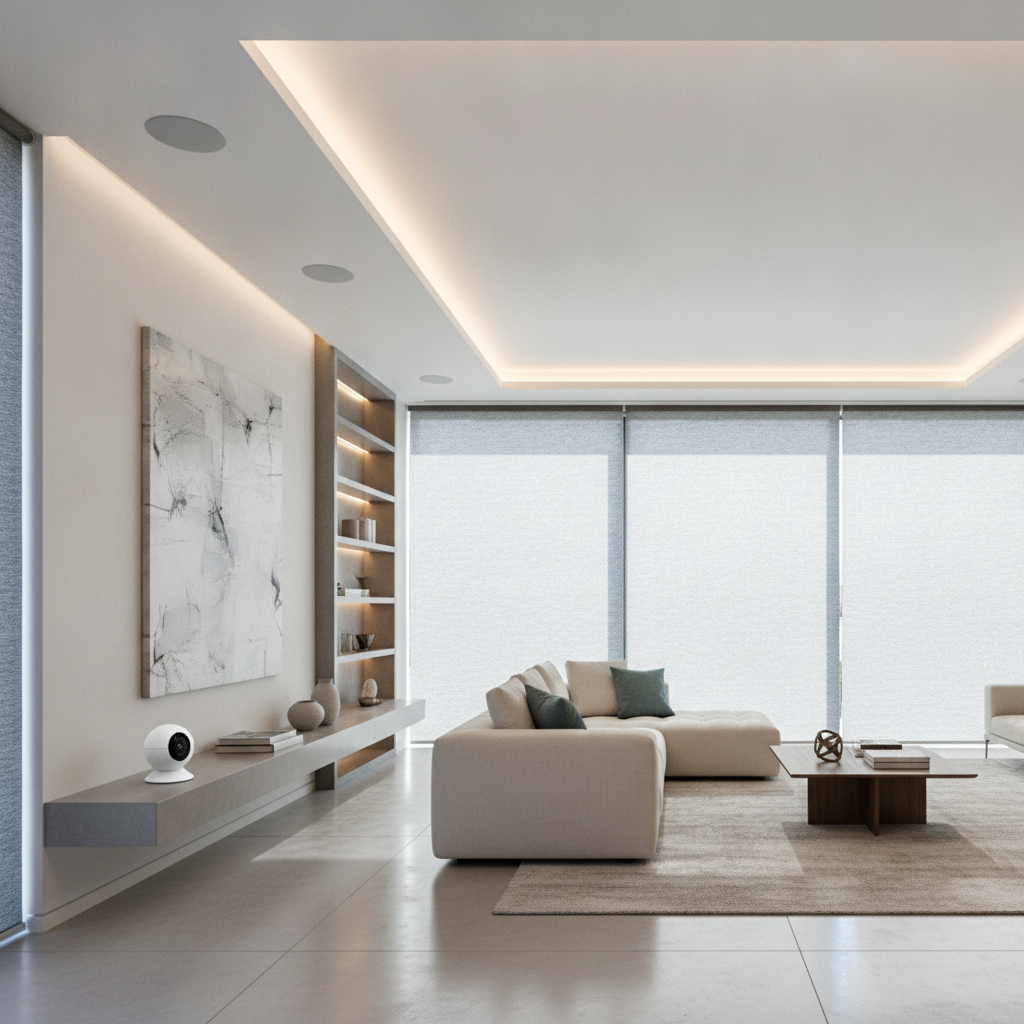
Smart home automation solutions are integrated systems that connect lighting, climate, security, shades, entertainment, and networking into one control. In Brampton, SmartAura designs and installs unified platforms with Matter-ready devices and 24/7 support, so GTA homeowners get reliable, simple control from apps, touchscreens, and voice.
By Jai inder • Last updated: 2026-06-22
Start Here: Your Smart Home Game Plan
Begin with outcomes: comfort, safety, and simple control. Map rooms and routines, then choose a unified platform that ties security, lighting, climate, A/V, and shades together. SmartAura’s engineer-led design, white-glove installation, and lifetime 24/7 support turn scattered devices into one dependable, easy-to-use system.
Before you compare gadgets, define the experience you want at home. Do you want lights that track the sun, doors that lock automatically, or music in every room? A clear vision guides the plan, and the plan prevents chaos.
- Scope it: List spaces (entry, kitchen, bedrooms, exterior) and daily routines (wake, leave, return, sleep).
- Prioritize: Safety and networking first, then lighting and climate, then entertainment and shades.
- Unify: Favor platforms that support Matter and offer one-touch scenes across categories.
- Partner: Work with pros for wiring, configuration, and documentation you’ll actually use.
For a fast orientation to categories and options, explore SmartAura’s solutions overview, then deep-dive into smart security and smart lighting to anchor your plan.
Quick Summary
Smart home automation combines security, lighting, climate, A/V, and shades under one platform you control by app, voice, or touch. A solid network, Matter compatibility, and professional design minimize headaches while maximizing comfort, energy savings, and safety across your entire home.
- What you’ll learn: Core concepts, protocols, device types, best practices, tools, and real-world scenarios.
- Who it’s for: GTA homeowners and renovators who want premium results without DIY hassles.
- Outcome: A step-by-step path to a reliable, unified system designed, installed, and supported for the long run.
What Is Smart Home Automation?
Smart home automation is the orchestration of lighting, climate, security, entertainment, and shades through a unified controller. Devices communicate over Wi‑Fi, Zigbee, Z‑Wave, Thread, and Matter, enabling one-touch scenes, schedules, and voice control that make your space safer, more efficient, and easier to live in.
In our experience designing homes across the GTA, the magic isn’t in a single device—it’s in the way everything works together. The difference between “connected” and “automated” is coordination.
- Connected: Individual devices you can tap or ask to do something.
- Automated: Devices that act together based on time, presence, or conditions.
- Unified: One platform, one app, one remote, one logic stack.
Take a typical evening “Arrive Home” scene: the garage opens, vestibule lights ramp to 60%, the door unlocks for recognized users, hallway speakers play softly, and the thermostat adjusts to your preferred setting. That’s automation working as a single story, not a pile of apps.
Why Smart Home Automation Solutions Matter
Automation matters because it reduces mental load, improves safety, and trims energy waste. With one platform, you get dependable routines, presence-based security, and lighting and climate tuned to your lifestyle—backed by pro-grade networking that keeps everything responsive across your whole home.
Here’s the thing: technology should fade into the background. When it’s done right, you simply sleep better, leave faster, and return to a comfortable space without thinking about it.
- Comfort you feel: Smooth dimming to 1% increments and zoned climate tuning stabilize light and temperature.
- Safer access: Smart locks and video doorbells verify who’s there; sensors cue lights and alerts.
- Time saved: Scenes replace 6–10 manual steps at common transitions (wake, leave, return, sleep).
- Energy trimmed: Occupancy and daylight features reduce waste while keeping rooms pleasant.
For many Toronto and Brampton families we’ve helped, the biggest surprise isn’t the tech—it’s the calm that comes from fewer decisions each day.
How Smart Home Systems Work
Smart systems rely on solid networking, a control brain (hub, processor, or app), and interoperable devices. Wi‑Fi carries high‑bandwidth media; Zigbee, Z‑Wave, and Thread handle sensors and switches; Matter simplifies cross-brand pairing and control so scenes feel instant and reliable.
A dependable network is step one. Mesh Wi‑Fi nodes typically cover 1,500–2,000 square feet per node, and strategic placement avoids dead zones. Low‑power devices favor Zigbee, Z‑Wave, or Thread for speed and battery life, while Wi‑Fi supports cameras and streaming.
Core building blocks
- Network layer: Hard‑wired backbones where possible, enterprise‑grade Wi‑Fi where wireless is required.
- Control layer: Hubs, processors, or unified apps that manage scenes, schedules, and logic.
- Device layer: Switches, dimmers, locks, sensors, shades, thermostats, speakers, and displays.
- Experience layer: Touchscreens, voice assistants, smart remotes, and well‑tuned automations.
Protocol comparison at a glance
| Protocol | Best for | Range/Topology | Notes |
|---|---|---|---|
| Wi‑Fi | Cameras, A/V streaming | High bandwidth, AP‑based | Use wired backhaul for stability; reserve for heavy data. |
| Zigbee | Sensors, switches, bulbs | Mesh via repeaters | Fast and efficient for low‑power devices. |
| Z‑Wave | Locks, sensors | Mesh with long range | Great wall penetration; battery‑friendly. |
| Thread | Modern sensors/controls | IP‑based mesh | Pairs well with Matter for multi‑brand harmony. |
| Matter | Cross‑brand control | Works over Wi‑Fi/Thread | Standardizes setup and scenes across supported brands. |
Want a deeper dive into control interfaces? Compare voice assistants and hubs alongside assistants and hubs and our unified solutions approach to choose the right control mix for your home.
Solution Types and Approaches
The smartest path is layered: start with security and networking, then add lighting and climate, followed by shades and entertainment. Tie everything together with scenes, presence detection, and voice. SmartAura designs each layer so upgrades later feel seamless, not like a restart.
Security and entry
- AI cameras: Person/vehicle detection reduces nuisance alerts and improves response.
- Video doorbells: Two‑way talk, motion zones, and package detection for clarity at the door.
- Smart locks: Pin codes, proximity unlock, and auto‑lock improve daily convenience.
- Sensors: Door/window, motion, glass break, leak sensors feed automations and alerts.
Explore SmartAura’s smart security services to see how AI cameras, video doorbells, and smart locks work within one control stack.
Lighting and shades
- Dimmers and switches: Smooth 0–100% fades, multi‑way control, and engravable scene keys.
- Motion lighting: Presence‑based hallways and baths that shut off automatically.
- Motorized shades: Sun‑tracking and schedules tame glare and protect interiors.
- Accent lighting: Tunable LED strips for cove, toe‑kick, and task applications.
See options on our smart lighting page, and consider pairing with shades for daylight harvesting that feels natural.
Climate control
- Smart thermostats: Adaptive schedules, remote sensors, and geo‑fencing for comfort on arrival.
- Air quality sensors: Automations for ventilation and filtration when particulates spike.
- Zone control: Balance temperatures across floors for even comfort day and night.
Learn how zoning, sensors, and schedules work together on our smart climate page.
Audio, video, and control
- Whole‑home audio: Discreet in‑ceiling speakers and multi‑room streaming.
- Home theater: Calibrated displays, immersive sound, and app/remote/touch control.
- Control displays and remotes: Wall touchscreens and handheld remotes simplify family use.
Browse our audio & video overview for examples of seamless room‑to‑room control.
Networking and connectivity
- Mesh Wi‑Fi: Whole‑home coverage with wired backhaul for speed and reliability.
- Network security: Segmented networks keep IoT separated from personal devices.
- Signal extenders: Targeted boosts for garages, patios, and detached spaces.
Solid networks are invisible until they fail. SmartAura engineers design coverage so control latency stays low and streams remain smooth.
Best Practices for Planning & Installation
Design the backbone first: wiring, racks, and network. Standardize devices, document scenes, and label everything. Validate Wi‑Fi heat maps and sensor placement before patch and paint. With SmartAura’s white‑glove approach, you get professional wiring, configuration, and lifetime, 24/7 support.
Planning checklist
- Site survey: Verify construction details, cabinet space for networking, and low‑voltage runs.
- Backbone design: Conduits and Cat6A home‑runs where possible; power where processors live.
- Standards: Choose one lighting control family, one shade motor family, one lock family.
- Scenes first: Name and define scenes (Arrive, Goodnight, Vacation) before selecting buttons.
- Documentation: As‑builts, labeled cables, and a device inventory for support continuity.
Installation rhythm
- Prewire and rough‑in: Place backboxes, conduits, speaker rings, and contact sensor magnets.
- Network build: Mount rack, switches, router, and access points; validate coverage.
- Device fit‑off: Install dimmers, keypads, locks, cameras, shades, and thermostats.
- Programming: Scenes, schedules, presence logic; integrate assistants and hubs.
- Commissioning: Test every device, train the household, provide documentation.
Local considerations for Brampton
- Seasonal swings in the GTA mean calibrating climate schedules for hot summers and cold winters. Zoned thermostats and window sensors pay off.
- Holiday hosting spikes network load; plan mesh Wi‑Fi and wired backhaul to keep streaming and scenes responsive.
- Winter evenings arrive early; motion lighting and sun‑tracking shades maintain comfort and visibility without manual fiddling.
For voice, hub, and display options that fit your household, review our assistants and hubs lineup. For environmental triggers, see SmartAura’s smart sensors.
Tools, Platforms, and Resources
Choose platforms that support Matter, offer stable apps, and integrate security, lighting, climate, and media. Pair with professional‑grade networking and documented programming. Start with core devices, then expand—your system should grow without rewiring or reprogramming from scratch.
Control and assistants
- Voice assistants: Hands‑free control for scenes, devices, and status checks.
- Smart hubs: Keep logic local for speed; expose scenes to voice and apps.
- Control displays: Wall‑mounted interfaces ensure any guest can operate the home.
If you’re renovating the kitchen or living spaces, planning rough‑ins for power and data near control points saves drywall later. For broader renovation planning context, you can scan this whole-home renovation guide for sequencing ideas.
Networking essentials
- Wired where possible: TV walls, cameras, and racks benefit from hard lines.
- Mesh with wired backhaul: Reduces latency for scenes and streams.
- Segmentation: Separate IoT from personal devices for security.
Curious about how home automation fits into broader service offerings? This home automation overview sketches a consumer-facing perspective you can compare to SmartAura’s engineered approach.
Electrical and safety touchpoints
- Dedicated circuits: Racks, shades, and networking gear run best on clean power.
- Low‑voltage labeling: Label at both ends; photograph walls before close‑up.
- Surge and UPS: Protect processors and switches from brownouts.
For a general homeowner refresher on electrical priorities around upgrades, skim this residential electrician guide before you open walls.
Case Studies and Real-World Examples
Real homes prove the point: a unified plan outlives devices. Across Toronto, Mississauga, and Brampton, SmartAura projects show that stable networking, standardized gear, and clear scenes deliver fast, intuitive control that families actually use every day.
Toronto: Downtown condo, small space, big calm
- Challenge: Wi‑Fi interference from neighbors, mixed DIY bulbs, and spotty door access.
- Solution: Mesh Wi‑Fi with wired backhaul to media center, standardized dimmers, smart lock, and doorbell integrated into one app.
- Outcome: Evening “Relax” scene dims lights to 35%, cues soft audio, and arms the door—all in under a second.
Mississauga: Family home with zoned comfort
- Challenge: Hot‑cold spots between floors and lights left on after bedtime.
- Solution: Zonal thermostats with remote sensors, motion lighting in halls, and goodnight scene on a bedside keypad.
- Outcome: More even temperatures and fewer “who left the lights?” moments, with routines families follow effortlessly.
Brampton: Entry security with smooth arrivals
- Challenge: Missed parcels and keys forgotten during rushed mornings.
- Solution: Video doorbell with package zones, smart lock with family codes, and Arrive/Leave scenes.
- Outcome: Fewer interruptions, better visibility, and doors that manage themselves.
These projects share a pattern: start with security and networking, add lighting and climate, then round out with shades and A/V. That stack creates a system you can live with for years.
Frequently Asked Questions
Get quick, direct answers to common buyer questions about platforms, reliability, renovations, and support. Each response is grounded in SmartAura’s engineer‑designed, professionally installed systems across the GTA.
What’s the best sequence to build a smart home?
Start with networking and security, then layer lighting and climate, followed by shades and entertainment. Define scenes first so each new device plugs into established routines without rework.
Do I need a hub if devices support Matter?
Matter simplifies cross-brand control, but a hub or controller still centralizes logic, scenes, and schedules. Local processing improves speed and keeps automations working even if the internet blips.
Can I retrofit automation during a renovation?
Yes. Renovations are ideal for adding low-voltage wiring, backboxes, and shade power. Planning rough‑ins during drywall work reduces future labor and keeps gear hidden for a clean look.
How does SmartAura support my system long‑term?
We provide lifetime, 24/7 priority support. You’ll get documentation, remote diagnostics, and on‑site service across the GTA, so your system stays reliable as your household and devices change.
Key Takeaways
Anchor your plan in scenes, standardize devices, and invest in networking. Build in layers—security, lighting, climate, then shades and A/V. With SmartAura’s design, installation, and lifetime support, your smart home remains simple, stable, and future‑ready.
- Define your daily scenes before buying devices.
- Design the backbone: wiring, rack space, and reliable mesh Wi‑Fi.
- Standardize gear families to avoid app sprawl and odd behavior.
- Document everything so changes are fast and predictable.
Conclusion and Next Steps
Smart home automation solutions work best when engineered as one system. If you’re in the GTA, SmartAura turns scattered devices into a unified experience—designed, installed, and supported around the clock—so your home feels calmer, safer, and easier to live in.
Ready to turn a wish list into a plan? Start with a discovery call and a free in‑home consultation. We’ll map your routines, design scenes, and engineer a platform that fits your property.
Mid‑article tip: If you’re renovating soon, looping us in before drywall means cleaner installs and fewer visible devices.
Explore SmartAura solutions and see how we unify security, lighting, climate, A/V, shades, and networking with one‑touch control.
Book a discovery session in Brampton: Our team supports homes across Toronto, Mississauga, Brampton, Vaughan, Oakville, Kitchener, Waterloo, and Cambridge from our base at 8 Nelson St W.