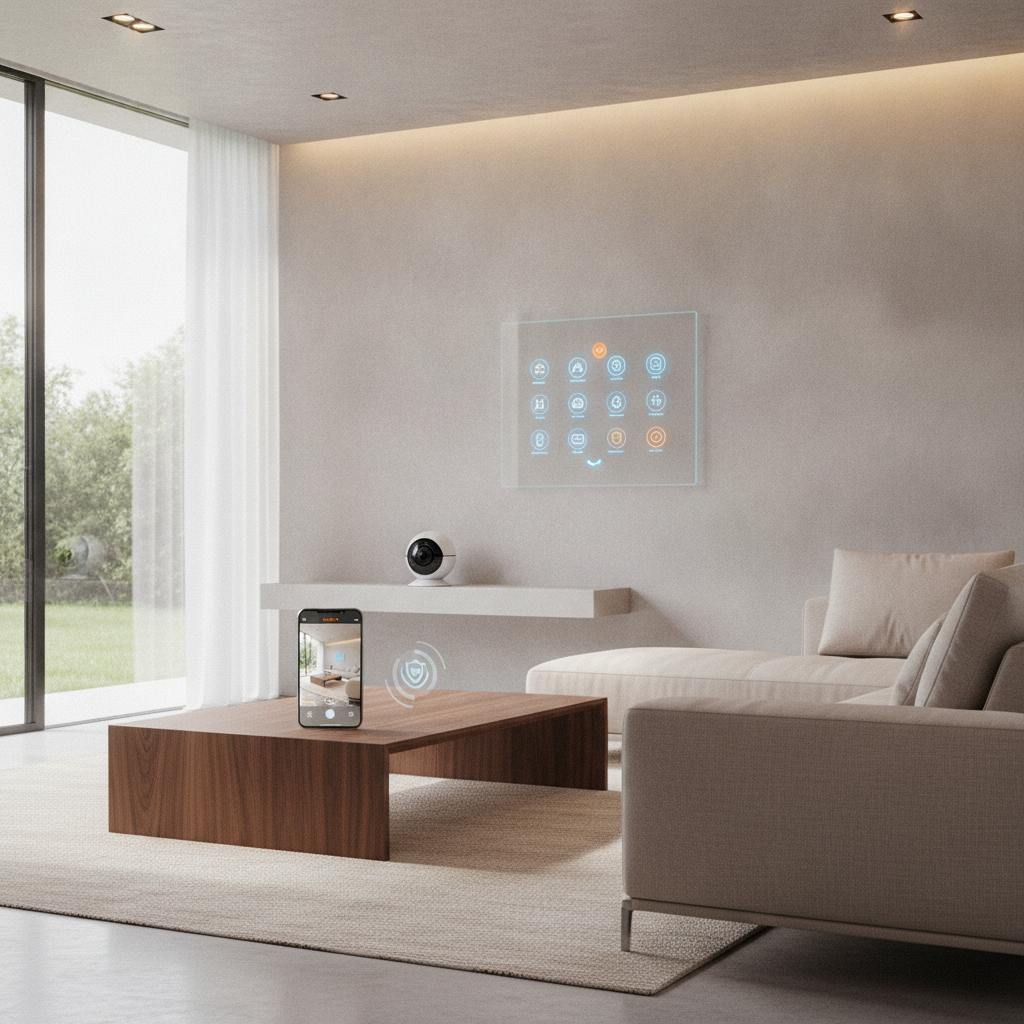
Automated home security systems are integrated networks of smart cameras, sensors, locks, and alarms that detect threats and trigger instant alerts and actions. They combine automation with professional-grade hardware to prevent break-ins and protect people and property. For homes in Brampton, unified control and reliable networking are essential for fast, consistent response.
By SmartAura • Last updated: 2026-06-29
Quick Summary
This complete 2026 guide explains what automated security includes, why it matters now, how systems work, and exactly how to plan, compare, and deploy one in a modern GTA home. You’ll get checklists, step-by-step guidance, and pro tips drawn from SmartAura’s white-glove installations and lifetime, 24/7 support.
Here’s what you’ll learn at a glance:
- What automated home security systems are and how they reduce risk
- Core components: AI cameras, video doorbells, smart locks, sensors, and hubs
- How network performance, lighting, and shades raise both security and comfort
- Exact planning steps, a buying guide, and a DIY vs professional comparison
- Local tips for Brampton and real GTA mini case examples
What Are Automated Home Security Systems?
Automated home security systems are connected devices that monitor entry points and movement, authenticate access, and automate responses like locks, lights, sirens, and alerts. They unify cameras, sensors, and controls under one app or panel, so detection and action happen in seconds with minimal user effort.
In our work across the GTA, “automated” means the system does more than notify you. It acts: locking doors, turning on lights, recording clips, and notifying your phone or a monitoring center simultaneously. Unification matters because fragmentation delays action.
- Core goals: deter attempts, detect early, verify quickly, respond automatically.
- Unified control: a single app or control display instead of juggling multiple brands.
- Resilience: works through network hiccups with on-device detection and local failovers.
- Compatibility: cross-brand via standards such as Matter for reliable automation.
SmartAura’s platform approach ties security to lighting, shades, climate, and A/V—so “alarm events” become orchestrated scenes, not isolated pings.
Why Automated Security Matters in 2026
In 2026, threats evolve fast and homes are more connected than ever. Automated systems coordinate cameras, locks, and sensors with network security and smart lighting, improving deterrence, verification speed, and recovery—key for safety and peace of mind in busy GTA households.
Here’s the thing: response time wins. Systems that trigger multiple defenses in under a second help stop intrusions before they escalate. Good design also reduces false alarms, which erode trust and waste time.
- Faster verification: AI-based person/vehicle detection filters noise, focusing on real events.
- Reduced false alerts: zone masks, schedules, and sensitivity curves cut nuisance pings.
- Deterrence-by-design: visible cameras, lit approaches, and auto-locked doors shift attacker calculus.
- Always-on visibility: 24/7 recording with privacy zones captures evidence when it matters.
We’ve found that pairing security with smart lighting and motorized shades can change outcomes dramatically—lit paths and closed shades at the right hours reduce targets of opportunity.
How Automated Systems Work
Automated security links sensors, cameras, locks, and hubs over secure networks. When a trigger fires, rules and scenes coordinate responses—recording video, locking doors, turning on lights, and notifying you or a monitoring team—often in under a second.
At a high level, the flow looks like this:
- Detection: door/window sensors, motion sensors, and cameras watch defined zones.
- Classification: on-device AI or hub logic labels events (person, vehicle, animal).
- Decision: if rules match (time, arming state), the system triggers actions.
- Action: locks engage, lights switch, siren sounds, clips save, alerts send.
- Review: you confirm on a phone, tablet, or control display; optional talk-through.
Network design underpins reliability. Dual-band Wi‑Fi (2.4/5 GHz), wired PoE for fixed cameras, and VLANs for device isolation keep latency low and uptime high—critical when seconds count.

Components and Approaches: Cameras, Sensors, Locks, Lighting, and More
A complete system blends visible deterrents (cameras, lighting), physical security (locks, garage/entry controls), and discreet sensors (motion, contact) with a hub and app. The best setups also integrate shades, climate, and networking for resilient, low-latency performance.
Cameras and video doorbells
- Resolution & optics: 2K/4K sensors, 120–160° field of view, HDR for backlit entries.
- Night vision: color low-light or IR LEDs; 30–60 ft ranges suit most driveways.
- Power: wired PoE for fixed cams; battery + trickle charge for doorbells.
- Talk-through: echo-cancelled two-way audio helps de-escalate at the door.
Entry and perimeter
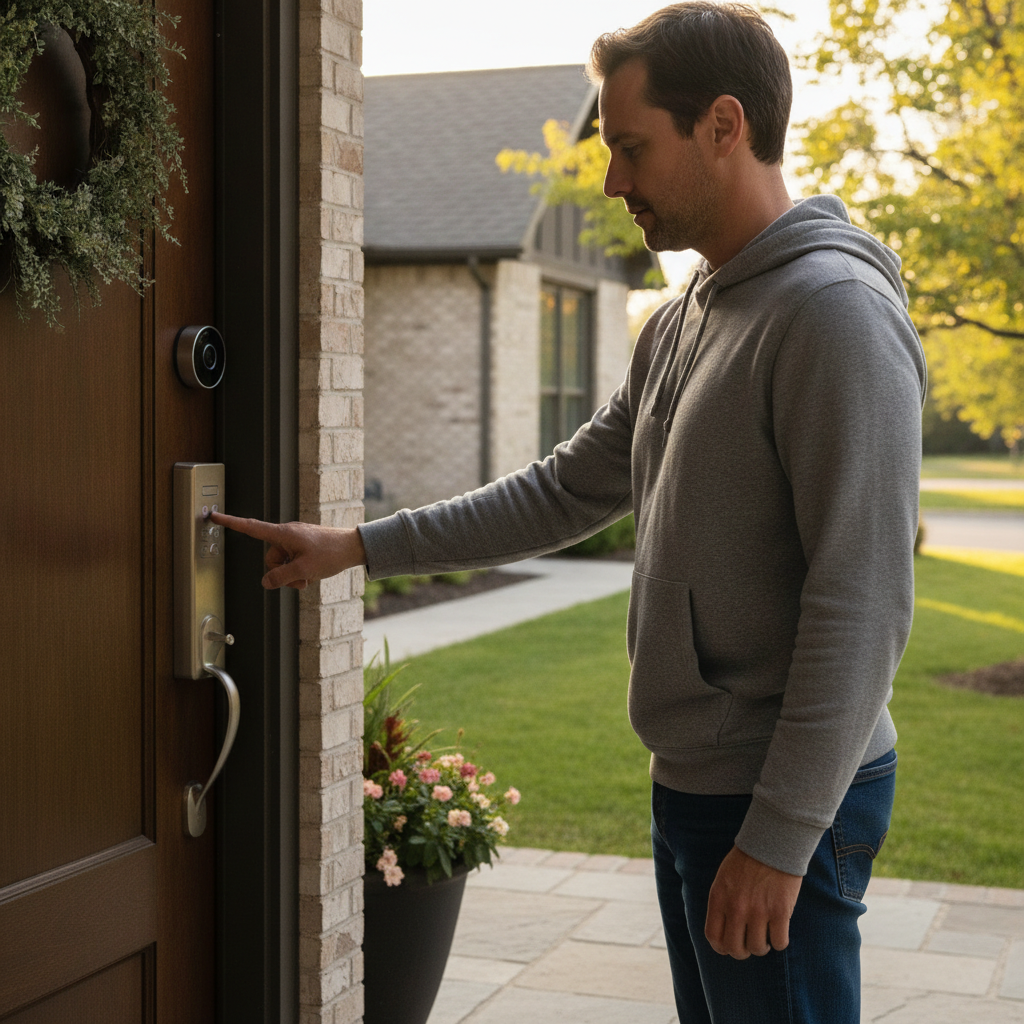
- Smart locks: auto-lock, user codes, phone-as-key, geofenced arming.
- Garage & gates: remote open/close, vehicle sensors, auto-close at schedules.
- Contact sensors: doors, windows, cabinets; tamper detection with instant alerts.
Interior detection
- Motion sensors: pet-immune options reduce false triggers; adjustable masks.
- Environmental: water leak, smoke/CO listeners, air-quality sensors in key zones.
- Glass-break: acoustic signatures to flag shatter near ground-level windows.
Control, automations, and platforms
- Hubs & assistants: voice control, quick arm/disarm, and scene recall from panels.
- Rules & scenes: “Away” arms, locks, and shades; “Arrive” disarms and lights paths.
- Matter integration: cross-brand reliability for lights, locks, and sensors in one app.
SmartAura unifies these pieces so you don’t manage a dozen apps. Explore our smart security service, smart sensors, and garage and entry controls to see how they fit into one touch-friendly experience.
Step-by-Step: Plan and Deploy Your System
Plan zones, map devices, secure networking, and then stage automations. This step-by-step approach delivers clean installs with fewer false alarms and faster responses, whether you choose professional installation or a guided DIY path.
- Define outcomes: deter porch theft, secure side yards, protect interior zones.
- Map zones: entries, driveway, side paths, main living areas, and bedrooms.
- Select devices: mix cameras, doorbells, locks, motion/contact sensors per zone.
- Design networking: mesh Wi‑Fi, PoE switches, VLANs, and WPA3 with strong credentials.
- Stage automations: set “Arrive”, “Away”, and “Goodnight” scenes that coordinate lights, locks, and arm states.
- Test & tune: adjust sensitivity, privacy masks, and detection zones for day/night.
- Document: label circuits, note device locations, and snapshot final rules for support.
When we deliver white-glove installations, certified technicians also handle wiring and configuration, then back everything with lifetime, 24/7 priority support and one-touch control.
Local considerations for Brampton
- Plan for seasonal shifts. Create winter and summer scenes that adjust lighting times and shade positions to keep entries visible and paths lit at the right hours.
- Account for busy schedules. Automate “Away” arming and auto-locks on weekdays, then widen notification thresholds for weekends and holidays.
- Design for strong connectivity. Use mesh access points and wired PoE for fixed cameras so live views stay snappy during high network use.
Buying Guide: Features to Compare
Compare field of view, resolution, power, storage, encryption, and platform compatibility. Look for Matter support, WPA3/TLS 1.3, and reliable networking. Favor PoE for fixed cams, battery + trickle for doorbells, and documented privacy controls.
| Feature | Good | Better | Best |
|---|---|---|---|
| Camera resolution | 1080p | 2K (1440p) | 4K (2160p) |
| Night capability | IR B/W | IR + HDR | Color low-light + IR |
| Power | Battery | Battery + trickle | PoE or hardwired |
| Storage | Cloud clips | Hybrid (SD + cloud) | NVR + cloud backup |
| Encryption | AES-128 | AES-256 | FIPS-grade + TLS 1.3 |
| Platform | Single-brand | Matter bridge | Native Matter + unified app |
For entry control, look for smart locks with reliable auto-lock, secure credential resets, and activity logs. On doors exposed to weather, prefer sealed keypads and doorbells with proper drip edges.
DIY vs Professional Installation: A Clear Comparison
DIY is flexible for simple layouts, while professional installation ensures engineered design, clean wiring, and accountability. If you want unified control, low false alarms, and lifetime support, a certified pro delivers consistent results.
| Consideration | DIY | Professional (SmartAura) |
|---|---|---|
| Design & coverage | Trial-and-error | Bespoke, engineer-led design |
| Wiring | Surface runs, limited PoE | Neat, labeled, code-aware PoE and power |
| Networking | Basic Wi‑Fi | Mesh + VLANs, tuned QoS |
| App experience | Multiple apps | Unified control, Matter integration |
| False alarms | Higher risk | Tuned zones and schedules |
| Accountability | Self-maintained | Lifetime, 24/7 priority support |
If you prefer a hands-off path, our SmartAura smart security team designs, installs, and supports systems for GTA homes, end to end.
Best Practices for Reliability and Privacy
Engineer for uptime first. Use wired PoE where feasible, segment IoT devices, enable strong encryption, and define clear automation rules. Then tune lighting and shades to support deterrence while preserving comfort and privacy.
- Network first: mesh Wi‑Fi for mobile devices; wired PoE for fixed video.
- Segment IoT: isolate devices on VLANs; enable WPA3 and disable weak ciphers.
- Harden access: unique passcodes, biometric unlocks, and role-based permissions.
- Automate scenes: motion-activated path lights; night lock-down with shade closure.
- Test quarterly: verify sensors, batteries, and failovers (UPS for critical gear).
- Respect privacy: mask private areas, restrict sharing, and set retention windows.
Lighting and shades aren’t just “nice to have.” Motion lighting that hits 300–500 lumens at approaches and sun-tracking shades that close at dusk both deter prowling and signal occupancy—without you lifting a finger.
Tools, Apps, and Resources
Choose tools that simplify control and strengthen reliability. Combine a unified app, robust networking, and well-placed control displays so arming, review, and talk-through are always one tap away.
- Unified app + control displays: one-tap arming, live view, and history review.
- Voice assistants & hubs: quick commands, hands-free scenes, and status checks—see our voice assistants and hubs.
- Networking & connectivity: pro-grade mesh, smart routers, and VLANs—explore networking & connectivity.
- Smart sensors: door/window, motion, leak, and air-quality—browse smart sensors.
- Learning references: broad overviews of security system basics, a home alarm installation overview, and a concise CCTV guide.
Free in-home consultation: Prefer a turnkey path? SmartAura’s certified technicians handle wiring, configuration, and training—then back it all with lifetime, 24/7 priority support.
Schedule your discovery visit and get a bespoke, engineer-led design for your home.
Case Studies and Examples from GTA Homes
Real installations show how automation changes outcomes. These GTA scenarios illustrate how unified cameras, locks, lighting, and networking prevent incidents and simplify daily life—without adding apps or complexity.
- Busy household with packages: Video doorbell + porch cam verify deliveries. If motion is a person, the system records a clip, turns path lights to 60%, and locks the front door after 30 seconds. Family gets a live view on the control display.
- Detached home with side yard: PoE turret camera covers a dim side path. After 10 p.m., person detection triggers step lights and a brief pre-roll siren chirp—most prowlers disengage when lit and acknowledged.
- Garage and entry workflow: The car’s arrival sensor opens the garage, turns on mudroom lights, and disarms “Away.” If the door doesn’t open in 2 minutes, the lock re-engages and the garage auto-closes.
In our experience, clear scenes like “Arrive,” “Away,” and “Goodnight” make the system feel invisible—everything secure, nothing fiddly.
Networking: The Hidden Foundation of Security
Security is only as strong as the network beneath it. Design for low latency and high reliability with mesh coverage, VLAN isolation, quality PoE switching, and UPS-backed core gear to keep protection online.
- Coverage: site survey to place access points; avoid channel overlap; target -65 dBm or better.
- Wired where it counts: PoE for fixed cams; Cat6 runs to exterior eaves; shielded where needed.
- Segmentation: separate IoT from personal devices; use WPA3 and strong passphrases.
- Power stability: UPS for modem, router, switch, and hub for graceful failover.
If buffering ever makes live video lag, the fix is almost always better coverage or a wired backhaul—not more apps. Our networking & connectivity approach prioritizes stability first.
Lighting and Shades: Security’s Quiet Force Multiplier
Well-placed lighting and scheduled shades make intrusion riskier and less attractive. Motion lighting and dusk routines pair with cameras and locks to form layered defense that’s comfortable and energy-conscious.
- Motion path lights: 300–500 lumens for walks and entries; warmer 2700–3000K for comfort.
- Dusk routines: set porch and side sconces to 30–50% at dusk, rising with detected motion.
- Shade schedules: auto-close at sunset on street-facing windows; sun-tracking in summer.
Security that feels natural is security you’ll keep on. SmartAura integrates lighting and motorized shades and blinds so protection blends into your daily rhythm.
Monitoring and Alerting Options
Pick the alerting path that fits your lifestyle: self-monitor with rich push alerts and talk-through, or add professional monitoring for call-down verification and emergency dispatch. The best setups support both with easy toggles.
- Self-monitoring: rich notifications include thumbnails and clip previews for fast triage.
- Pro monitoring: optional call-down protocols reduce escalation time and decision load.
- Escalation scenes: if an alarm confirms, locks engage, siren sounds, and lights flash.
Most families prefer flexibility—quiet modes for nap time, escalated responses when traveling, and clear history for quick review.
Common Mistakes to Avoid
Avoid under-covering approaches, relying only on Wi‑Fi, skipping VLANs, and leaving default credentials. Missed basics cause most false alarms and video gaps—design solves them before they appear.
- One camera for everything: wide views help; details still need a second angle.
- Ignoring back/side paths: most opportunistic approaches aren’t at the front door.
- Weak networking: choppy live views lead to missed verifications.
- No rules testing: review day/night behavior; pets and wind can trigger motion.
A one-hour validation walk-through with test clips and zone tweaks often halves false alerts.
Implementation Checklist
Use this checklist to move from plan to action. It covers coverage, device placement, wiring, networking, scenes, and QA—so your system performs on day one and month twelve.
- Mark camera heights (8–10 ft), sightlines, and cable paths.
- Confirm PoE switch capacity for planned channels; label ports.
- Create VLANs: cameras, IoT, personal; document SSIDs and keys.
- Program scenes: Arrive, Away, Goodnight; test arming windows and delays.
- Set alert rules per sensor type; enable thumbnails and pre-roll on cams.
- Validate talk-through echo cancelation on doorbells/intercoms.
- Schedule quarterly health checks and battery cycles where applicable.
Working with a Service Partner
A premium integrator reduces risk with engineered designs, clean installs, and lifetime support. SmartAura adds unified control across security, lighting, climate, and A/V so your protection becomes a seamless daily experience.
What most people don’t realize: the strongest security often looks simple. Our process—free in‑home consultation, bespoke engineering-led design, certified white-glove installation, and lifetime, 24/7 priority support—removes the guesswork. Learn more about our team and approach or start at the SmartAura homepage.
Frequently Asked Questions
These quick answers cover the questions GTA homeowners ask most about automated systems—coverage, privacy, monitoring, and smart home integration—so you can move forward with clarity.
What does an automated home security system include?
It typically includes cameras, a video doorbell, smart locks, motion and contact sensors, a hub or control display, and a unified app. Good designs also integrate lighting, shades, and reliable networking so detection triggers coordinated actions like recording, locking, and lighting.
Do I need professional monitoring?
Monitoring is optional but helpful when you’re busy or traveling. Many families self-monitor day to day and enable professional monitoring for extended trips. The best platforms let you toggle this easily without rewiring anything.
Can automated security work with voice assistants?
Yes. With the right hub, you can arm, disarm, and run scenes by voice, and get doorbell announcements on speakers. For reliability, pair voice control with on-wall control displays so key actions are always one tap away.
How do I reduce false alarms?
Use person/vehicle detection, set privacy masks, and tune sensitivity by time of day. Position sensors thoughtfully, validate rules at night and during windy conditions, and isolate pets from motion zones when possible.
Key Takeaways
Automated security works best when unified, well-networked, and tuned to your lifestyle. Design for outcomes, wire what matters, and let lighting and shades amplify deterrence. A premium integrator ensures it’s reliable from day one.
- Unify devices under one app and clear scenes.
- Engineer the network first; wire PoE where feasible.
- Use lighting and shades to deter without hassle.
- Document rules and test quarterly to keep trust high.
- Consider lifetime support to simplify ownership.
Conclusion
A thoughtfully designed automated home security system deters, detects, and responds in seconds—without daily tinkering. When unified with lighting, shades, and networking, it becomes a quiet layer of safety that’s always on.
If you’re ready to secure your home in Brampton with a platform that feels invisible but works tirelessly, let’s talk. Book a free in-home consultation and we’ll design, install, and support a system tailored to your space and lifestyle.
Next step: Start with a discovery session—book with SmartAura. Prefer a call? Reach our team and ask for a smart security walkthrough.
Related Guides and Next Steps
Keep building your Home foundation: explore lighting scenes, motorized shades, whole-home audio announcements, and robust networking. Each layer supports security without adding complexity.
- Lighting scenes that support safety and comfort
- Motorized shades and blinds for privacy-by-design
- Networking and connectivity that keep live views instant
- Voice assistants, hubs, and control displays that simplify arming