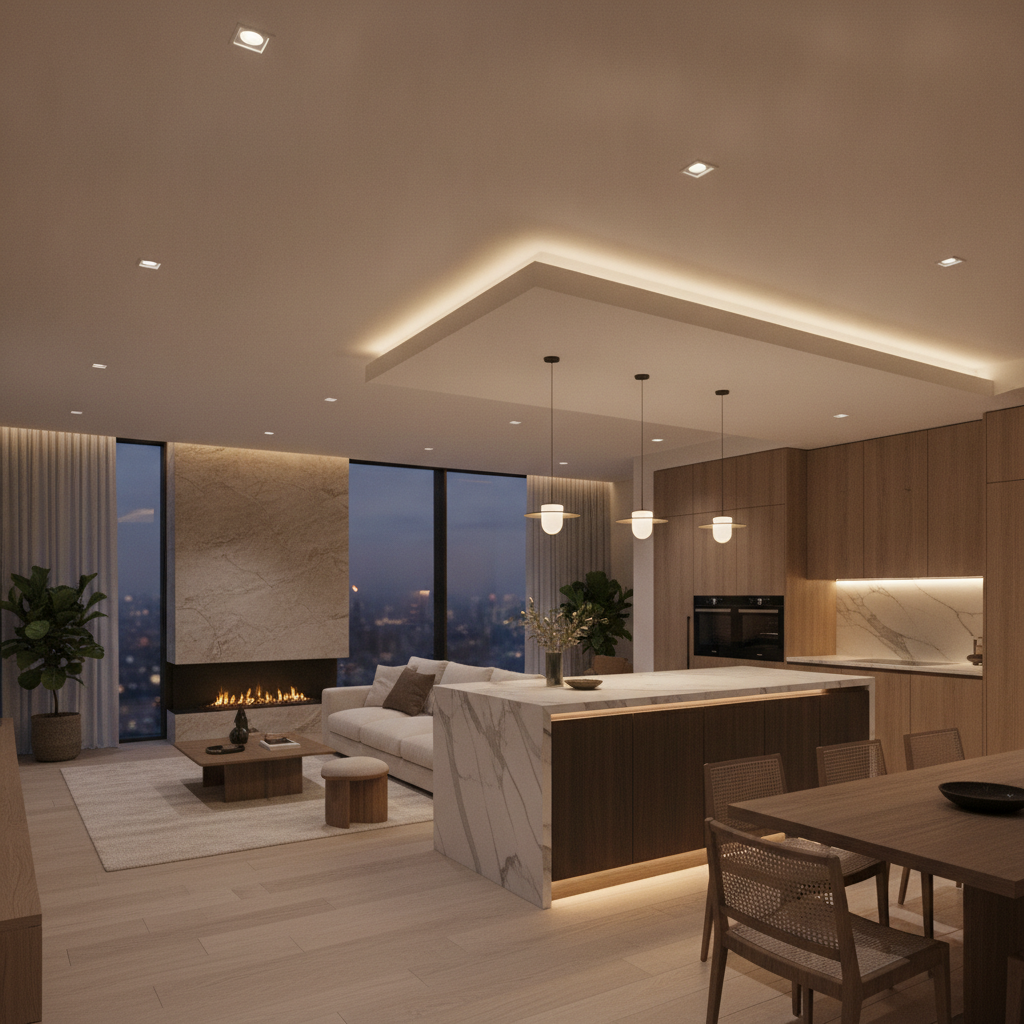
Smart lighting is the networked control of LED fixtures, switches, and sensors so your home’s light responds to you—automatically and from anywhere. In Brampton and across the GTA, SmartAura integrates smart lighting with shades, climate, and security to simplify daily living, save energy, and elevate design.
By SmartAura • Last updated: 2026-06-20
Above the fold: hook and table of contents
Use this expert guide to plan a reliable, design-forward smart lighting system. We explain what it is, why it matters, how it works, and the best ways to implement it—plus GTA-focused examples. You’ll leave with step-by-step next actions and options for switches, bulbs, sensors, and control platforms.
Here’s what you’ll learn and how to put it to work today:
- What smart lighting actually means—without jargon
- Why it pays off daily: comfort, safety, and efficiency
- How devices talk: dimmers, sensors, hubs, and apps
- Which products fit each room and renovation stage
- Pro tips from SmartAura’s white-glove installations across the GTA
At a glance
Smart lighting blends tunable LEDs, smart switches, sensors, and a control hub so lights respond to routines, voice, and daylight. The best systems unify with motorized shades and security for a lived-in look and dependable safety—while keeping control simple for every family member and guest.
- Core components: LED fixtures, smart dimmers/switches, occupancy/daylight sensors, hub/app, voice control
- Key benefits: Everyday comfort, consistent safety, beautiful design, lower energy usage
- Best fit: New builds, major renovations, and strategic retrofits in existing homes
- SmartAura approach: Free in-home consultation, bespoke design, certified installation, lifetime 24/7 support
Local considerations for Brampton and the GTA
- Plan seasonal scenes for early winter sunsets and summer late-evening gatherings; tie porch and path lights to astronomical schedules.
- Use occupancy sensors in garages, mudrooms, and basements where hands-free lighting boosts safety during icy or rainy days.
- Pair motorized shades with tunable-white LEDs to manage glare during bright GTA afternoons and conserve heating during cold snaps.
What is smart lighting?
Smart lighting is lighting you can automate and control via schedules, scenes, sensors, apps, and voice. It centers on LED fixtures, smart switches, and a secure hub. When integrated with shades and security, your home looks lived-in, feels welcoming, and uses energy thoughtfully every day.
At SmartAura, we design a lighting “brain” that coordinates dimmers, bulbs, and occupancy/daylight sensors. Natural light comes first, artificial second. That’s why our projects often link motorized shades with tunable LEDs so sunlight and color temperature rise and fall together—supporting alert mornings and relaxed evenings.
For homeowners and renovators across Toronto, Mississauga, Brampton, and beyond, the value is simple: fewer switches to fiddle with, lighting that adapts to your routine, and a clean, design-forward look that complements premium interiors.
Why smart lighting matters
Smart lighting enhances everyday life by improving comfort, safety, and energy performance. Tunable white supports focus in the morning and unwind modes at night. Hands-free paths reduce trips and fumbles. Efficient LEDs cut waste. The payoff is immediate: your home feels intentional instead of improvised.
Comfort is more than brightness. Tunable-white fixtures shift color temperature throughout the day—cooler for productivity, warmer for winding down. Scenes like “Welcome,” “Cook,” and “Movie” sync multiple fixtures at once, so one tap or voice cue sets the mood.
Safety is predictability. Entry scenes illuminate stairs, hallways, and the kitchen on arrival. Exterior lights follow the sun automatically, maintaining curb appeal and a “someone’s home” presence.
Efficiency grows from consistency. Occupancy sensors in laundry rooms, bathrooms, and the garage eliminate “left-on” waste. Daylight sensors dim fixtures when the sun does the work. Over time, that reliability matters more than any single feature.
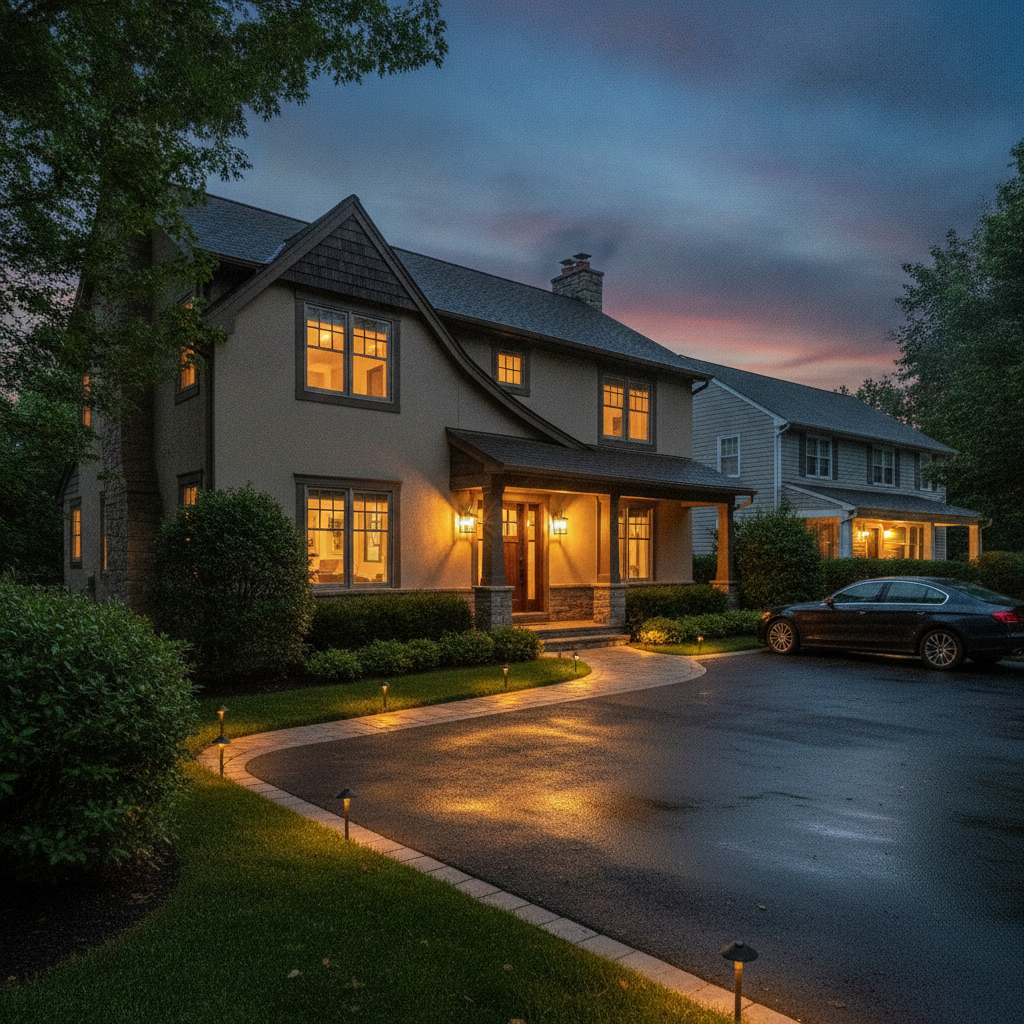
For inspiration on exterior ambiance, browse these outdoor lighting ideas and think about how path lights and porch sconces could tie into your evening scenes.
How smart lighting works
A smart lighting system combines LED fixtures, control devices (dimmers, keypads), sensors, and a hub or bridge. Devices use protocols such as Zigbee, Z‑Wave, Thread, or Wi‑Fi. The hub coordinates scenes and schedules—and integrates with shades, climate, and security for unified control.
Here’s the simple architecture we deploy in GTA homes:
- LED fixtures and loads: Recessed cans, pendants, chandeliers, cove and stair lighting, and exterior circuits.
- Smart switches/dimmers: Wall controls that keep standard fixtures reliable, even when the app or Wi‑Fi isn’t available.
- Sensors: Occupancy, vacancy, motion, and daylight sensors deliver hands-free control and daylight harvesting.
- Hub/bridge: The “brain” that stores scenes, schedules, and automation logic; often Matter-compatible for cross-brand support.
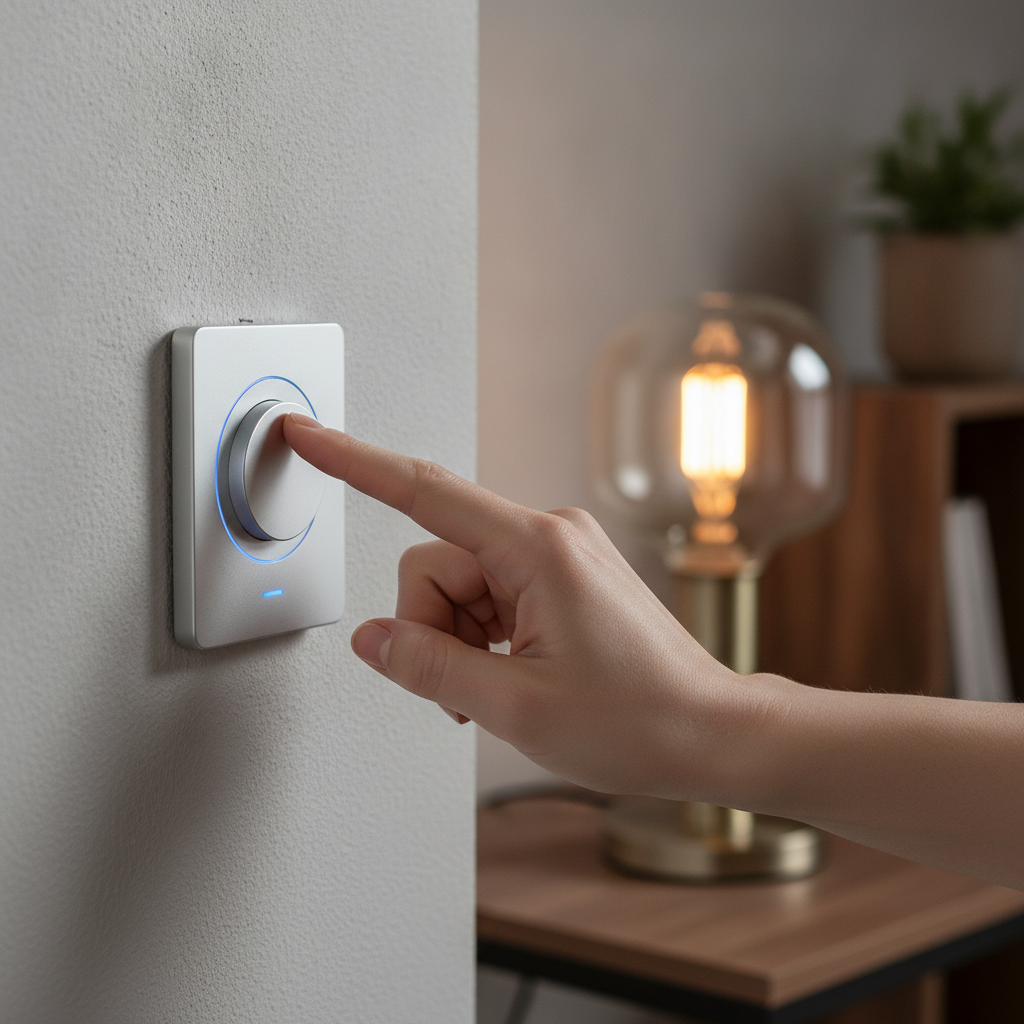
- Voice and app control: Quick access for scenes and one-off adjustments; guests can use wall keypads without learning an app.
Networking matters. We stabilize Wi‑Fi and low-voltage backbones through our home networking services, segmenting smart devices from work and streaming where appropriate. That way, lights respond instantly and consistently—no lag, no drama.
Control protocols in plain English
- Zigbee/Z‑Wave: Low-power mesh networks; devices relay signals for range and reliability.
- Thread/Matter: Newer standards emphasizing speed and cross-brand compatibility.
- Wi‑Fi: Flexible for retrofits, but we avoid crowding the network with mission-critical loads.
- DALI/0‑10V/ELV/triac: Dimming methods that must match your fixtures and drivers to avoid flicker or dropout.
We document firmware versions, assign clear device names, and capture wiring photos before drywall. That record makes expansions painless years later.
Types, methods, and approaches
Most homes combine three approaches: smart switches/dimmers for whole-room control, smart bulbs/strips for color and accent lighting, and in‑ceiling drivers/modules for architectural runs. Add sensors and motorized shades for a daylight-first strategy that feels effortless and looks cohesive.
Where each approach shines
- Smart switches and dimmers: Use for main room circuits—kitchen, great room, hallways, and bedrooms—so everyone can operate lights with familiar wall controls.
- Smart bulbs and LED strips: Use for per-fixture color, toe-kick accents, and display shelves. Great in media rooms and kids’ spaces.
- In-ceiling drivers/modules: Use for cove lighting, stairs, and long linear runs in new builds or major renovations.
- Motorized shades: Pair with tunable LEDs to reduce glare and heat gain; see our Shades & Blinds solutions.
- Sensors: Add occupancy or vacancy sensors to garages, pantries, bathrooms, and secondary hallways; visit Smart Sensors for options.
Smart switches vs smart bulbs vs drivers
| Approach | Best for | Reliability | Color/Tunable | Retrofit Friendliness |
|---|---|---|---|---|
| Smart switches/dimmers | Whole-room circuits | High (works at wall) | Via fixture selection | Excellent |
| Smart bulbs/LED strips | Accent and color | Medium (app/hub dependent) | Strong (per-fixture control) | Excellent |
| In-ceiling drivers/modules | Architectural runs | High (pro-installed) | Excellent with tunable drivers | Best for renovations/new builds |
Best practices for design and installation
Start with a lighting storyboard, then map circuits, dimming types, and control locations. Favor wired backbones for critical zones, reserve Wi‑Fi for non‑critical loads, and test scenes before drywall. Document everything so future upgrades—like Matter devices—drop in without rewiring.
Plan by “moments,” not rooms
- Write down morning, work-from-home, cooking, dining, relax, clean, and away modes.
- Assign fixtures to each moment, then design scenes that feel natural—one tap per situation.
- At main entries, install multi-button keypads for Welcome/Goodnight/All Off control.
Match dimming to the fixture
- Confirm whether your LEDs need triac, ELV, 0‑10V, or DALI. Mismatches cause flicker or dropout.
- Use in-line modules for specialty fixtures where wall dimmers aren’t practical.
- Reserve color-changing LEDs for spaces where ambiance matters; keep task zones neutral-white.
Wire for the future
- Pull low-voltage to coves, stairs, and exterior soffits for later LED strips.
- Home-run critical loads to a central panel when feasible in remodels.
- Label every cable and photograph terminations before insulation and drywall.
Stabilize the network
- Use enterprise-grade access points for even coverage and low latency.
- Place smart devices on segmented networks where practical; see our Networking & Connectivity service.
- Backup hub configurations and create a simple recovery plan for homeowners.
Tools, platforms, and standards
Choose a control platform that unifies lighting, shades, security, and climate, and supports modern standards like Matter/Thread. Prioritize stability, intuitive apps, and responsive voice control. For efficiency and outdoor ambiance ideas, reference credible design inspiration and practical upgrade checklists.
In our experience, the best platform is the one you don’t notice—because it just works. Look for:
- Unified scenes: One app and one set of scenes across lighting, shades, climate, and security.
- Matter/Thread support: Gives you cross-brand flexibility as ecosystems evolve.
- Guest-proof controls: Wall keypads that make sense to anyone walking in.
- Resilience: Local processing and fast recovery after power blips.
Free in-home smart lighting consultation. If you’re in Toronto, Mississauga, Brampton, Vaughan, Oakville, Kitchener, Waterloo, or Cambridge, our certified team will map moments, fixtures, and controls with you—then deliver white-glove installation and lifetime, 24/7 priority support. Start your plan.
Case studies and GTA examples
These three scenarios mirror our GTA projects: a family home prioritizing safety and routines, a design-forward condo optimizing daylight, and a light commercial studio seeking consistent, flattering illumination. Each shows how scenes, sensors, and shades create reliable, repeatable results every day.
Family home in Brampton: safety first, zero guesswork
- Challenge: Busy entries, a dark stairwell, and kids who forget switches.
- Solution: Entry keypad with Welcome/Goodnight/All Off; stair tread lights on motion; garage and mudroom on occupancy sensors.
- Outcome: Hands-free safety, predictable evenings, and no “did we leave the lights on?” moments.
Design-forward condo in Toronto: daylight takes the lead
- Challenge: Glare in the afternoon and flat, cool light after sunset.
- Solution: Motorized shades on sun-tracking, tunable-white cove lighting, and a single keypad with Work/Dine/Relax scenes.
- Outcome: Natural-feeling days, warm evenings, and a calm, uncluttered look.
Light commercial studio in Mississauga: consistent on-camera light
- Challenge: Inconsistent lighting for recorded sessions and workshops.
- Solution: Layered key/fill/back lighting with dimmer presets; occupancy sensors for back-of-house areas.
- Outcome: Flattering, repeatable scenes and lower fatigue during long sessions.
For more inspiration on outdoor ambiance while keeping things cohesive with the interior plan, scan these concise LED upgrade tips before your walkthrough.
Implementation steps: from consult to one-touch control
The easiest path is guided: discovery, design, installation, and support. SmartAura handles wiring, configuration, and labeling, then trains your household on scenes and voice. With lifetime, 24/7 priority support, your system stays dependable as your routines evolve.
- Consultation: We learn your routines, style, and must-haves room by room.
- Design: We storyboard moments, map circuits, pick dimming types, and plan shade integration.
- Installation: Certified technicians perform white-glove wiring, configuration, and testing.
- Training: We set up scenes, voice assistants, and app access, and label keypads.
- Support: Lifetime, 24/7 priority support keeps everything tuned and reliable.
Explore our service overview and how we approach whole-home projects on the solutions page or dive into Smart Lighting services if you’re ready to plan specifics.
Frequently asked questions
These quick answers cover platforms, switches vs. bulbs, retrofits, and privacy. If you’re planning a renovation, bring a professional in early so low-voltage runs and dimming types are correct before walls close.
Do I need smart bulbs if I already have smart switches?
Not always. Smart switches control entire circuits and keep lighting familiar at the wall. Use smart bulbs or strips when you want per-fixture color or accents. Many homes blend both: switches for main lights, bulbs or strips for shelves, toe-kicks, and media backlighting.
Can I retrofit smart lighting without opening walls?
Yes. Smart dimmers replace existing wall switches, and many devices communicate wirelessly. For cove or stair lighting, we often prewire during minor renovations, but plenty of upgrades—like smart dimmers, bulbs, and sensors—install cleanly with minimal disruption.
How do voice assistants fit into smart lighting?
Voice is a quick shortcut—not the only control. We program natural phrases for common scenes while keeping wall keypads intuitive for everyone. If internet drops, local controls and scenes still function, so lighting remains dependable.
What about privacy and security with connected lights?
We isolate smart devices where appropriate, keep firmware current, and favor platforms with local processing. Guests can use wall controls without needing app access. Our networking approach prioritizes reliability and minimizes exposure.
Conclusion
Smart lighting delivers the most value when it’s unified with shades, climate, and security, and designed around your daily routines. With a strong network and well-planned scenes, it simply works—quietly saving energy, improving safety, and making every room feel intentional.
Ready to storyboard your home’s moments and make every scene a one-tap reality? Explore our Smart Lighting services, see how we integrate Shades & Blinds, and learn about our end-to-end delivery from consultation to lifetime, 24/7 support.
Key takeaways
- Start with moments, then map circuits and scenes.
- Use smart switches for reliability; add bulbs/strips for color and accents.
- Pair motorized shades with tunable LEDs for comfort and efficiency.
- Stabilize networking so controls feel instant and predictable.
- Document, label, and plan for future expansion with Matter/Thread.