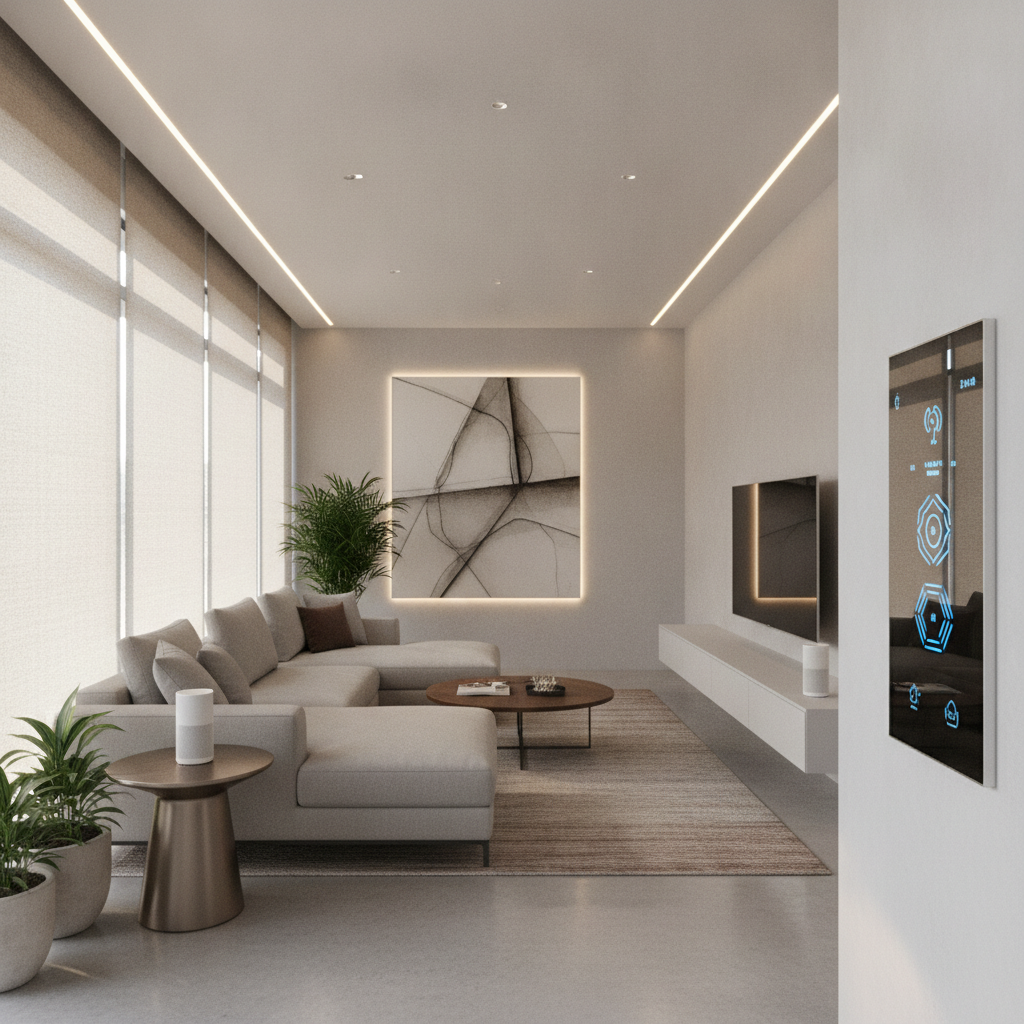
Smart home system installation is the professional planning and wiring, device mounting, secure networking, and unified control setup that connects lighting, climate, security, shades, A/V, and sensors into one platform. Done right, it improves comfort, safety, and energy efficiency. For Brampton homeowners, a well-designed system means less hassle and more reliable everyday living.
By SmartAura • Last updated: 2026-06-26
Above the Fold: Hook, Promise, and Quick TOC
This guide shows how to plan and execute a reliable smart home setup—from networking foundations to clean device wiring and unified control. You’ll learn the step-by-step process SmartAura follows, tools to use, what to avoid, and how to future‑proof your home in Brampton and across the GTA.
If you’ve tried piecing together gadgets, you know the pain: apps everywhere, Wi‑Fi dead spots, and scenes that fail when you need them. Here’s the straightforward path our engineers use to make connected living simple.
- What a complete smart home installation includes
- Why networking is the backbone of every reliable system
- Platforms, protocols, and where Matter fits
- Step-by-step workflow from consultation to handoff
- Best practices our certified technicians won’t skip
- Tools, resources, and checklists to move fast
- Local tips for Brampton homes and renovations
What Is Smart Home System Installation?
Smart home system installation integrates lighting, climate, security, shades, audio/video, sensors, and control interfaces into one secure platform. It covers design, wiring, configuration, automation scenes, and training, delivering seamless control through touch displays, apps, voice, and schedules.
In plain terms, installation is not just “putting gear in rooms.” It’s a coordinated design that defines where devices live, how they receive power, how they talk to each other, and how you’ll control them day to day.
- Design-first approach: Map spaces, priorities, schedules, and access needs before choosing hardware.
- Unified control: Bring cameras, locks, lights, HVAC, shades, and A/V into scenes like “Away,” “Goodnight,” and “Welcome.”
- Network and power: Use robust Wi‑Fi and wired backbones, and power devices safely (PoE where appropriate).
- Security by design: Segment IoT, apply strong authentication, and ensure encrypted remote access.
At SmartAura, this process begins with a free in‑home consultation and a bespoke, engineering‑led plan. Certified technicians then handle white‑glove installation, wiring, and configuration, followed by lifetime, 24/7 priority support—so your home feels effortless from day one.
Why Smart Home Installation Matters
A professionally installed system boosts comfort, security, and energy efficiency while reducing daily friction. With unified scenes and reliable networking, you save time, avoid app overload, and gain dependable control across lighting, climate, access, and entertainment.
Here’s the thing: your smart home only feels “smart” when it works the first time, every time. Reliability is engineered—through network design, correct power delivery, and platform choices—not added later.
- Comfort and convenience: One-tap scenes close shades, adjust temperature, and set lights.
- Safety and peace of mind: AI-enabled cameras, video doorbells, and smart locks coordinate with motion lighting.
- Efficiency: Schedules and occupancy rules trim energy waste without sacrificing comfort.
- Family-friendly control: Wall-mounted control displays and voice assistants simplify everyday use.
- Future readiness: A modern platform with Matter support accommodates new devices without a rebuild.
SmartAura’s unified, single-platform approach is built for this: less fiddling, more living. In our experience across the GTA, dependable networking and clean wiring reduce support calls by a wide margin and make homes feel naturally responsive.
How Smart Home Systems Work (Platforms, Protocols, and Power)
A smart home runs on a secure network backbone, local control hubs, and device protocols like Wi‑Fi, Zigbee, and Z‑Wave, coordinated by a unified platform. Power options include low‑voltage wiring and PoE, ensuring cameras, access devices, and sensors remain reliable and responsive.
Think of the system in three layers: infrastructure, devices, and control. When each layer is engineered correctly, scenes respond instantly and remain stable during busy evenings or travel.
- Infrastructure: Structured cabling, quality switches, and pro‑grade Wi‑Fi prevent bottlenecks and dropouts.
- Devices: Smart lighting, thermostats, shades, cameras, locks, garage, and sensors—each with the right protocol and power.
- Control: Touch displays, apps, voice, and automation rules unify everything into simple actions.
- Matter integration: Cross‑brand compatibility that helps new devices join scenes faster.
- Power and uptime: PoE for cameras and access points, and battery backups for critical gear.
For example, we often pair PoE cameras with smart lighting so motion at dusk raises pathway lights and sends a snapshot to a control display. With a segmented network, video traffic doesn’t interfere with your streaming setup during family movie night.
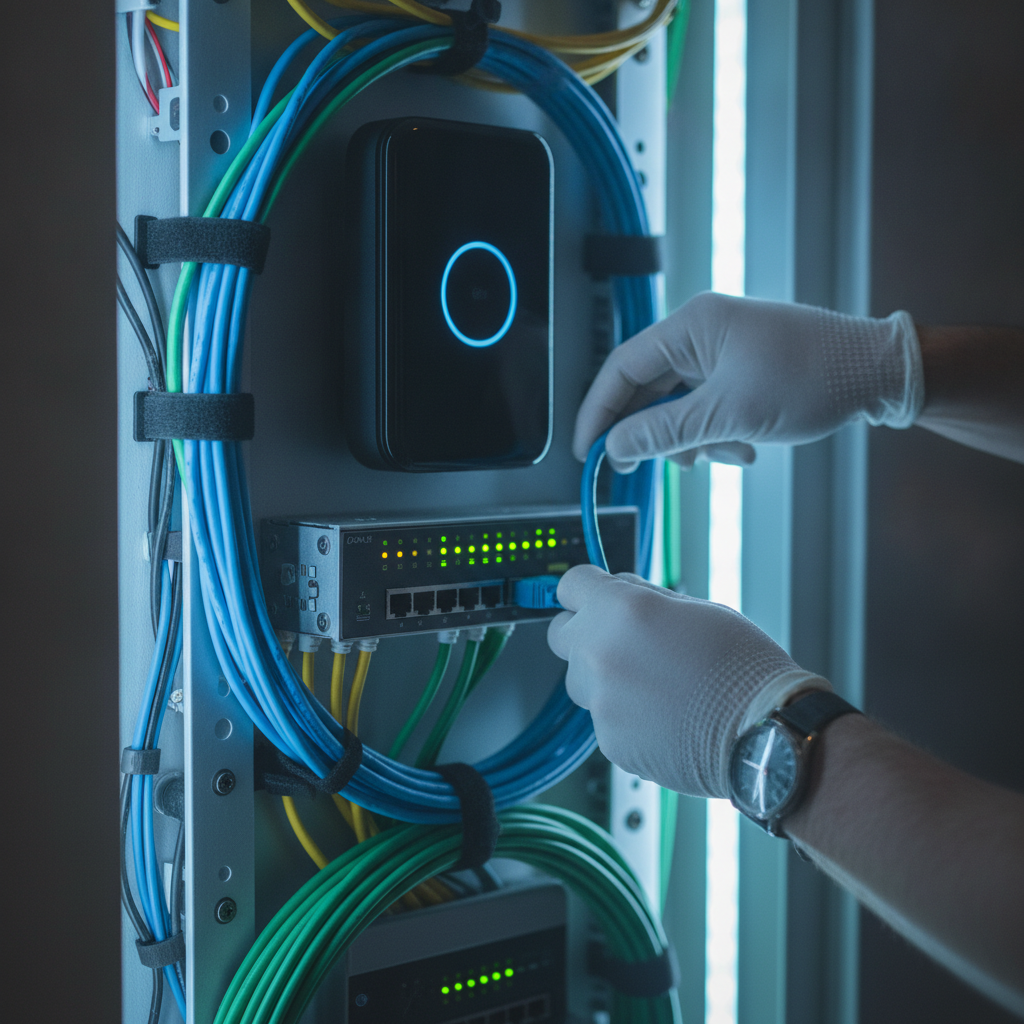
Want to see how we align devices under one roof? Explore our automation solutions overview for a high-level view of unified control across lighting, climate, and security.
Installation Types and Approaches
Smart home system installation comes in three common forms: retrofit over existing wiring, partial remodels with selective rewiring, and new builds with full low‑voltage prewire. Platform choices, device protocols, and power strategies should match each property’s construction and lifestyle needs.
Different homes call for different tactics. The goal is always the same—reliable control—but the path changes based on walls, ceilings, and timelines.
- Retrofit (no major walls opened): Favor wireless lights (smart dimmers), smart locks, and Wi‑Fi cameras; add hubs for stability.
- Partial remodels: Use the opportunity to pull low‑voltage lines to cameras, access points, and control panels.
- New builds: Full prewire for A/V zones, PoE cameras, in‑ceiling speakers, touch panels, and window shade power.
- Control platforms: Choose one unified platform and avoid app sprawl; enable Matter for flexibility.
- Security layer: Network segmentation for IoT, multi‑factor admin access, and regular firmware maintenance.
Need help aligning approach to property type? Our service catalog outlines how SmartAura tailors designs to condos, single‑family homes, and luxury estates across the GTA.
Step-by-Step: The SmartAura Installation Process
A proven workflow reduces risk and speeds results: discovery consultation, engineered design, prewire and networking, device mounting, platform configuration, scene programming, and hands‑on training—followed by lifetime 24/7 support and proactive check‑ins.
- Discovery consultation: Walkthrough, priorities, daily routines, and design intent. We document spaces, loads, and access points.
- Engineer‑led design: Device schedule, wiring maps, rack plans, and control interfaces with a unified platform.
- Prewire and networking: Pull data and low‑voltage lines, install switches and access points, label everything.
- Device installation: Mount cameras, doorbells, smart locks, dimmers, thermostats, shades, sensors, and A/V gear.
- Platform setup: Pair devices, secure admin roles, and segment networks for performance and safety.
- Scenes and testing: Build “Welcome,” “Goodnight,” “Away,” and custom routines; validate fail‑safes.
- Training and handoff: Walk every user through control displays, app shortcuts, and voice; document everything.
You can preview category‑specific workflows in our service pages: smart lighting design, smart security, smart climate control, and home networking.
Local considerations for Brampton
- Plan for seasonal temperature swings by pairing smart climate automation with occupancy and schedule rules to maintain comfort during winter cold snaps and summer heat.
- Coordinate security lighting and cameras with dusk/dawn triggers for longer winter nights and neighborhood awareness.
- Ensure strong backhaul for mesh Wi‑Fi in larger GTA lots. Our networking & connectivity approach prioritizes reliable coverage for detached homes.
Best Practices Our Technicians Follow
Build on a solid network, label every run, secure admin access, and standardize scenes. Use PoE where possible, isolate IoT traffic, and document rack layouts. These practices keep systems fast, supportable, and safe over the long term.
We’ve found that homes feel “instant” when the foundation is right. Below are practices we won’t skip because they prevent 90% of future headaches.
- Networking first: Place access points strategically; test for coverage and interference before device pairing.
- Structured labeling: Label both ends of every cable; keep a digital map tied to rack positions and rooms.
- Power strategy: Prefer PoE for cameras and access points; use UPS for core switches and hubs.
- Security hygiene: Unique credentials, MFA for admin users, and regular firmware updates on a set cadence.
- Scene standards: Use consistent naming and icons for “Welcome,” “Away,” and “Goodnight” across rooms and interfaces.
- Fail‑safes: Ensure doors can be operated manually, and critical lighting circuits have wall controls.
For lighting and shade layers that feel natural, combine tuned smart lighting with motorized blinds and ambient sensors to track sun and occupancy.
Tools, Resources, and Checklists
Use a structured toolkit: cable testers, labelers, PoE switch with monitoring, Wi‑Fi survey tools, and a shared project checklist. Keep a device ledger with firmware versions, IPs, and room assignments to speed support and future upgrades.
- Infrastructure tools: Network tester, tone generator, labeler, and cable management gear.
- Setup software: Wi‑Fi heat‑mapping, switch monitoring, secure password vault.
- Documentation: Room‑by‑room device lists, IP plan, VLAN notes, and family user roles.
- Scene templates: Welcome, Goodnight, Away, Movie Night, Vacation, and Morning.
- Maintenance rhythm: Quarterly device health check and firmware review with the homeowner.
For renovation timing ideas that coordinate with low‑voltage work, see this GTA‑focused remodeling overview for sequencing inspiration in the region’s homes: regional renovation guide.
Mini Case Studies: Real‑World GTA Scenarios
Design choices vary by property. These short scenarios show how unified control, networking, and power strategies translate to reliable living—whether you’re in a downtown condo or a detached Brampton home.
Detached family home, Brampton
A busy household needed cameras, smart locks, and reliable Wi‑Fi for school and work. We installed PoE cameras, a video doorbell, smart dimmers, and a unified control display. Scenes like “After School” disarm entry alerts, raise lights, and notify parents when the door unlocks.
Renovation in Mississauga
During a kitchen remodel, we pulled low‑voltage lines for in‑ceiling speakers, a touch panel, and shade power. The client now uses “Cooking” and “Dinner” scenes: brighter task lighting, playlist presets, and climate setbacks when the oven heats the room.
Townhome in Vaughan
This narrow footprint had Wi‑Fi dead zones. We deployed a mesh backbone with wired backhaul, moved the main switch to a central closet, and standardized dimmers. The “Goodnight” scene now locks doors, confirms the garage is closed, and fades lights in 30 seconds.
Explore category pages to plan your own path: smart security, smart lighting, and smart climate control.
DIY vs Professional Installation (Comparison)
DIY works for single rooms and small upgrades. Professional installation is best for whole‑home reliability, clean wiring, secure networks, and unified control. If you want one‑touch scenes that never miss, a certified integrator reduces risk and speeds results.
| Aspect | DIY | Professional (SmartAura) |
|---|---|---|
| Scope | Room‑by‑room add‑ons | Whole‑home, engineered plan |
| Reliability | Varies by device/app mix | Network‑first, tested scenes |
| Wiring | Minimal; harder to conceal | Clean low‑voltage, labeled |
| Security | Defaults, basic hardening | Segmentation, MFA, policies |
| Support | Self‑service forums | Lifetime, 24/7 priority |
| Future‑proofing | Ad hoc when needed | Matter‑ready, planned growth |
Planning a broader home upgrade? This exterior planning piece pairs well with entry control thinking and curb‑to‑door lighting: GTA landscaping guide.
Security + Lighting: A Nighttime Example
Link cameras, motion sensors, and pathway lights so detection after dusk raises illumination, records an event, and alerts you. This simple rule improves visibility, deters intruders, and helps family members arrive safely.
We often pair soffit‑mounted cameras with motion lighting by garages and side yards. The control platform sets brightness to 60% for comfort, then returns to ambient after a short timer—no manual steps required.
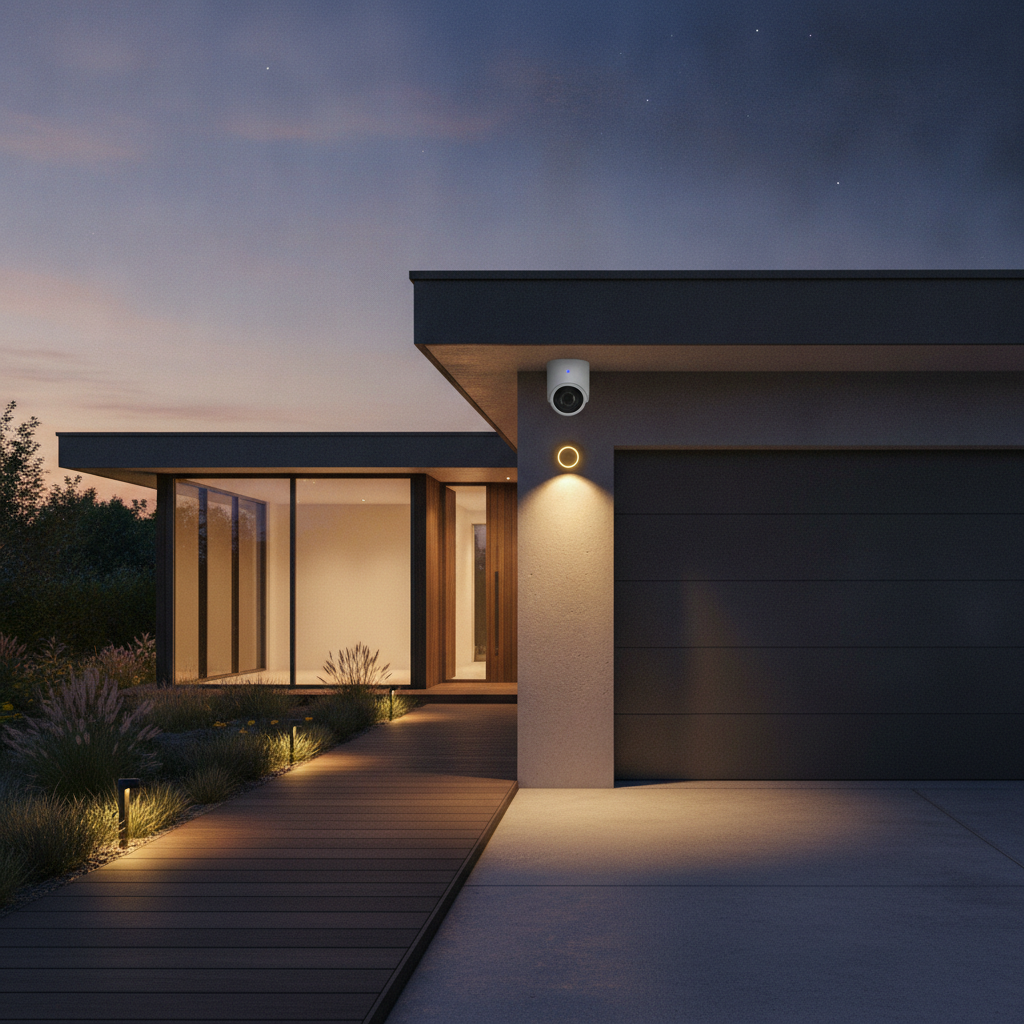
Curious how this ties into your entry? See our garage and entry control approach for coordinated locks, gates, and vehicle sensors.
Request a Design‑Led Consultation (Soft CTA)
If you want unified control without the guesswork, book a SmartAura consultation. We’ll assess your spaces, map priorities, and deliver a bespoke plan that our certified technicians install and support 24/7.
Prefer a guided, turnkey path? Start with our service catalog and then request a free, in‑home consultation. We’ll translate your wish list into a reliable, one‑touch experience you’ll use every day.
Frequently Asked Questions
These quick answers address common questions about smart home system installation, from timelines to networking and privacy. Each response focuses on practical steps you can take now.
What does a complete smart home system include?
A complete system covers networking, smart lighting, climate, security devices (cameras, doorbells, locks), shades, audio/video, sensors, and unified control. It also includes secure configuration, automation scenes, and user training so everyone can operate the home easily.
Is my Wi‑Fi strong enough for a whole‑home setup?
Most homes need a mesh Wi‑Fi design with wired backhaul for stable performance, especially in multi‑story or wide layouts. We survey coverage, place access points strategically, and separate IoT traffic to keep streaming and security devices responsive.
Can I keep some of my existing devices?
Usually yes. We evaluate current gear and bring it into a unified control platform when practical. Where devices don’t meet security or reliability standards, we recommend replacements and map a phased path so upgrades feel seamless.
How long does installation take?
Timelines vary by scope and property. Retrofits might complete in days, while prewire and full A/V plus shades take longer and align with renovation schedules. Our process sets milestones for design, prewire, device setup, and training to keep everything on track.
Key Takeaways
A reliable smart home starts with network design, clean power, and a unified platform. Add devices with intention, program consistent scenes, and document everything. When in doubt, default to simplicity—it scales better and breaks less.
- Network first, then devices and scenes
- Prefer unified platforms with Matter support
- Use PoE and UPS for uptime on critical gear
- Segment IoT and enforce MFA for admins
- Document wiring and device maps to speed support
Conclusion and Next Steps
Smart home system installation pays off when it’s engineered from the ground up—design, network, power, and control. If you’re ready for dependable one‑touch living, a design‑led consultation turns ideas into a seamless, supported reality.
Ready to unify security, lighting, climate, shades, and A/V? Explore our full service lineup and solution overview, then book a discovery session in Brampton. We’ll tailor an engineer‑designed plan, install it white‑glove, and support it 24/7 for life.
Related Guides in Our Home Cluster
For deeper dives, start with smart lighting design principles, learn how smart climate control stabilizes comfort year‑round, and see our home networking approach for the reliable backbone every system needs.
Curious about broader “smart home services” definitions in the market? See this high‑level services page for general context. Planning whole‑home changes? Pair your automation roadmap with this GTA renovation guide and landscaping overview to coordinate exterior lighting and entry control thinking.