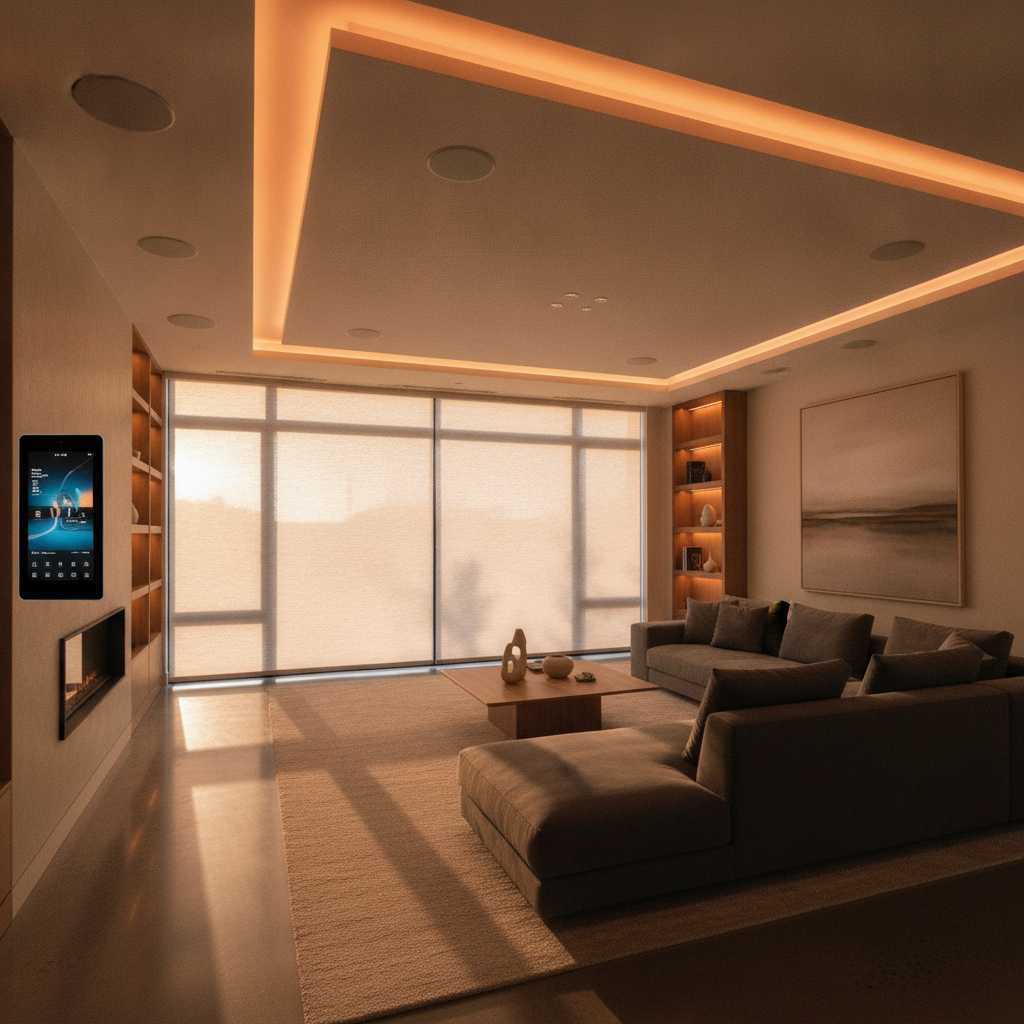
A smart home automation system is a professionally engineered platform that unifies lighting, security, climate, shades, audio/video, and networking into one reliable interface. For Brampton homes, SmartAura designs, installs, and supports this end to end so scenes, schedules, and safety features work together—without juggling apps or re‑pairing devices after updates.
By SmartAura • Last updated: 2026-07-10
| Service area | Greater Toronto Area with a focus on Brampton |
|---|---|
| Consultation | Free in‑home consultation and discovery |
| Installation | White‑glove setup by certified technicians (wiring + configuration) |
| Support | Lifetime, 24/7 priority support |
| Control platform | Unified, one‑touch control with Matter integration |
| Project types | Luxury homes and light commercial A/V and automation |
Brampton-specific planning tip
In our Brampton projects—especially Springdale, Credit Valley, and Castlemore builds—we often find mixed wiring (some switch boxes lack neutrals) and active basement renovations for secondary suites. We plan low‑voltage runs and wireless sensors to avoid drywall rework and reserve tidy rack space for future suites or office upgrades.
Overview
A smart home automation system ties devices and infrastructure together so everyday actions are predictable. We right‑size networking, specify wiring, place sensors strategically, and program scenes. The outcome is simple: one app and wall panel that family members can trust every time.
Here’s what it feels like. You pull into the driveway, the garage opens, the foyer lifts to 40% warm light, the thermostat moves from 65°F to 70°F, and your kitchen speakers resume the last playlist—before you hang your coat. That’s unified control done right.
If safety is top of mind, start with our smart security services and build from there.
What a Smart Home Automation System Actually Includes (Beyond the Gadgets)
It’s a platform: engineered Wi‑Fi, clean low‑voltage wiring, centralized control, reliable power, and scenes that cross brands. We combine CAT6 home runs, PoE for cameras, labeled racks, and Matter‑aware devices so lighting, locks, climate, and audio act as one system.
The invisible backbone (numbers that matter)
- Network capacity: A 4K stream pulls ~15–25 Mbps. Six 4K cameras plus two TVs can exceed 150 Mbps sustained. We spec Internet plans and tri‑band mesh with at least three nodes for two‑story homes to avoid dropouts.
- Wiring: CAT6 to stationary A/V gear and access points; 18/2 or 22/4 for low‑voltage sensors; PoE to cameras to skip wall‑wart power. We label every run for serviceability.
- Segmentation: Separate IoT from personal devices with VLANs and guest SSIDs. This improves reliability and limits lateral access to locks and cameras.
Scenes, schedules, and safety
- Arrive Home: Entry unlock, garage open, pathway lights to 40%, HVAC to comfort setpoint, favorite station in kitchen.
- Goodnight: Lock all doors, arm perimeter, lights off except hallways at 10%, thermostats to sleep schedule, shades closed.
- Away + alerts: Arm system, randomize a few lights, notify on doors, motion, and vehicles—without spammy false alarms.
These aren’t templates. We map your exact rooms and routines so scenes fit like a glove.
The Core Systems SmartAura Installs — and Why Each One Matters
We integrate security, lighting, shades, garage/entry, climate, audio/video, and networking. Each solves a job: protect, guide, regulate, entertain, and connect—under one plan and supported locally 24/7.
Smart security
- Video doorbells + AI cameras: People/vehicle/package detection to cut noise.
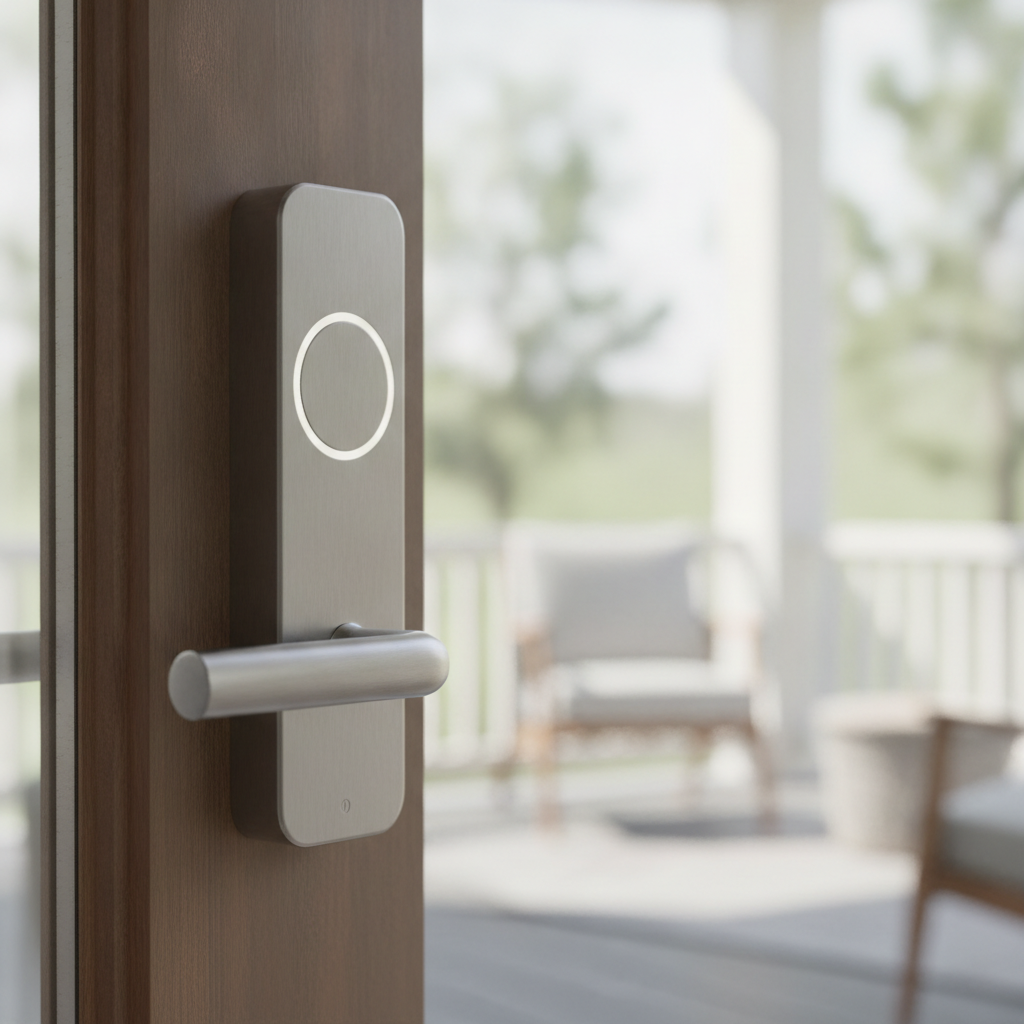
- Smart locks + window/door sensors: Audit access and receive clear, useful alerts.
- See the lineup on our smart security page.
Field note: In a 2018 Castlemore home, the soffit depth wouldn’t allow standard turret cameras. We switched to low‑profile domes with PoE and adjusted IR to avoid brick reflections—crystal‑clear plates without glare.
Smart lighting
- Dimmers + motion: Create pathways (garage to kitchen) that rise softly at night.
- LED strips + task lights: Under‑cabinet and cove accents tied to the “Evening” scene.
- Ideas live on our smart lighting services.
Installer insight: A 2010 Springdale build had no neutral wires in half the boxes. We used compatible dimmers, moved line/load in the loop where safe, and added a hidden neutral feed during a paint refresh—zero visible patchwork.
Shades & blinds
- Motorized blinds + smart curtains: Quiet motors, precise stops.
- Sun‑tracking schedules: Block afternoon glare and reduce cooling load.
What you feel: Afternoon glare fades, TV glare disappears, and the room holds temperature without blasting AC.
Garage & entry
- Smart garage hubs + gate control: Geofenced open/close with safety checks.
- Vehicle sensors + remote entry: Hands‑free arrivals that tie into “Welcome.”
- Dive deeper into our garage and entry solutions.
Smart climate control
- Thermostats + AC controllers: Zoned comfort and efficient setbacks for cold winters and hot summers.
- Air quality sensors + radiator valves: Even temperatures and healthier air.
Experience: On “Goodnight,” bedrooms drift down a couple of degrees while common areas idle—lower bills, better sleep.
Audio & video
- Whole‑home and multi‑room audio: Synchronized playback without Bluetooth juggling.
- Streaming setups + smart remotes: One remote (or voice) to launch the “Movie” scene: lights 20%, shades down, TV input set.
Networking & connectivity
- Mesh systems + smart routers: Coverage tuned for 2.4 GHz IoT and 5 GHz media.
- Network security + extenders: VLANs, WPA3, and wired backhaul where possible.
- We also deploy specialized devices—see our smart sensors overview.
How Professional Installation Differs from DIY Setup
DIY is fine for a room or two inside one ecosystem. Whole‑home reliability—mixing lighting, climate, cameras, and AV—demands engineered Wi‑Fi, safe wiring, and a single control layer. That’s where certified installers earn their keep.
Product reviews like PCMag’s smart home tests spotlight solid devices. We translate that into a plan that fits your walls, wiring, and routines.
| Aspect | DIY (where it works) | Professional install (why it’s different) |
|---|---|---|
| Scope | Single room, one brand, low device count | Whole‑home, mixed brands, serviceable long‑term |
| Networking | Consumer mesh; best‑effort placement | Heat‑mapped coverage, wired backhaul, channel planning |
| Wiring | Adapters, surface runs | CAT6 home runs, PoE cameras, labeled rack |
| Control | Multiple apps, voice scenes | Unified app + touch panels, household‑friendly presets |
| Interoperability | Matter helps, still maturing | Bridged ecosystems, vendor‑tested scenes |
| Support | Self‑service forums | Local, 24/7 priority support with remote diagnostics |
Reality check: The moment you mix pro lighting, a third‑party NVR, and multi‑room audio, DIY time balloons. We’ve been called after firmware updates broke door locks for an entire household—our fix was VLAN rules and a controller update, not replacing hardware.
Choosing the Right Automation Scope for Your Home
Build in phases: start with safety and networking, then layer comfort and convenience. This avoids rework and keeps scenes consistent as you expand.
Recommended phasing
- Phase 1 (Safety + backbone): Doorbell, cameras, locks, and an engineered Wi‑Fi plan with three mesh nodes for two‑story layouts.
- Phase 2 (Comfort): Lighting scenes and climate schedules tied to sunrise/sunset and occupancy.
- Phase 3 (Convenience): Motorized shades, multi‑room audio, voice assistants, and a living‑room touch panel.
Local considerations for Brampton
- Cold snaps: Pre‑warm entries and bathrooms on wake scenes; protect pipes with temperature alerts in basements.
- Summer glare: East‑ and west‑facing rooms benefit most from sun‑tracking shades tied to cooling scenes.
- Retrofits during renos: Many Brampton homes convert basements; we route CAT6 and low‑voltage while walls are open so future suites integrate cleanly.
See how these phases play out in recent work on our projects page or learn about our approach on the About SmartAura page.
What to Expect from the SmartAura Installation Process
Discovery, engineering design, white‑glove install, commissioning, and lifetime 24/7 support. You get labeled racks, clean runs, tested scenes, and training for the whole household.
- Discovery & planning: Free in‑home walkthrough; we document rooms, wiring, Wi‑Fi heat maps, and priorities.
- Engineering design: Device list, CAT6 map, 18/2 and 22/4 low‑voltage runs, PoE budget, and control layout.
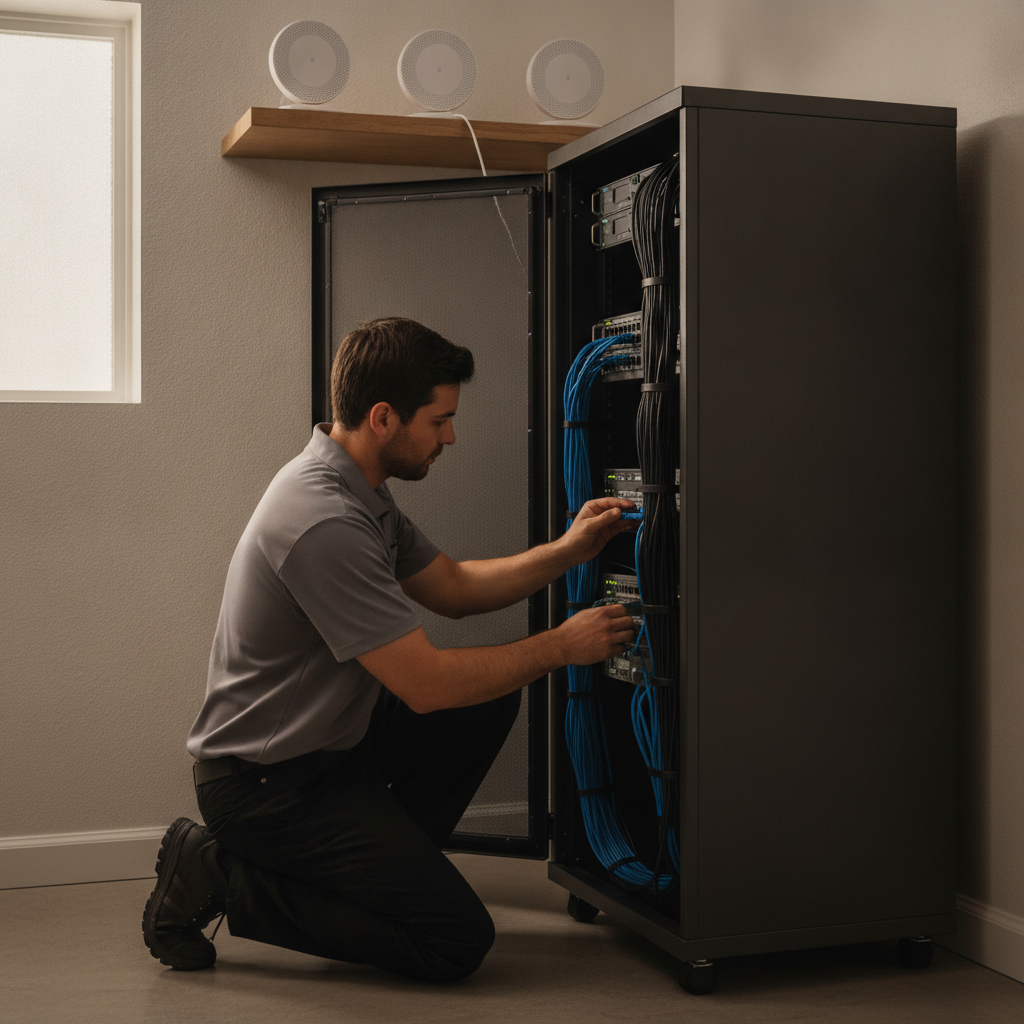
- White‑glove installation: Certified techs mount devices, terminate cables, configure VLANs, and tidy the rack.
- Commissioning & training: Program scenes (“Arrive,” “Evening,” “Goodnight”), test failsafes, and train the family.
- Lifetime support: 24/7 priority help, seasonal tune‑ups, and remote diagnostics for fast fixes.
Installer story: In a Credit Valley retrofit, we preserved a finished feature wall by fishing CAT6 through a closet chase and shifting the access point to the upper hallway—full‑bar coverage without a single patch.
Key takeaways
- Reliable automation starts with engineered Wi‑Fi, wiring, and power—not the app.
- Scenes should match daily life: arrivals, evenings, sleep, and away.
- DIY is fine for a room; whole‑home needs design, labeling, and support.
- Plan ahead during Brampton renos to add CAT6 and low‑voltage without rework.
Frequently Asked Questions
Clear answers on retrofits, interoperability, privacy, and support for Brampton homes considering a professionally installed smart home automation system.
Can you retrofit an older Brampton home without major drywall work?
Yes. We combine wireless sensors with strategic low‑voltage runs and use closet or utility chases to pull CAT6. We’ve preserved finished spaces by relocating access points and leveraging PoE cameras, avoiding visible power bricks and unnecessary patching.
Will my existing voice assistant and hubs work?
Often, yes. We integrate assistants and Matter‑capable devices where stable. For mixed brands, we bridge ecosystems and test scenes end to end so one command triggers lighting, shades, and climate without lag or misfires.
How do you protect privacy for cameras and locks?
We segment IoT from personal devices, enforce strong credentials, and restrict remote access to encrypted channels. Admin accounts are separated from guest profiles, and we document recovery steps so you’re never locked out of your own system.
What happens after installation?
You get training, labeled documentation, and lifetime 24/7 priority support. We can adjust scenes seasonally, push safe firmware updates, and troubleshoot remotely. If anything changes—new room, renovation, or device—we expand your plan without disrupting what already works.