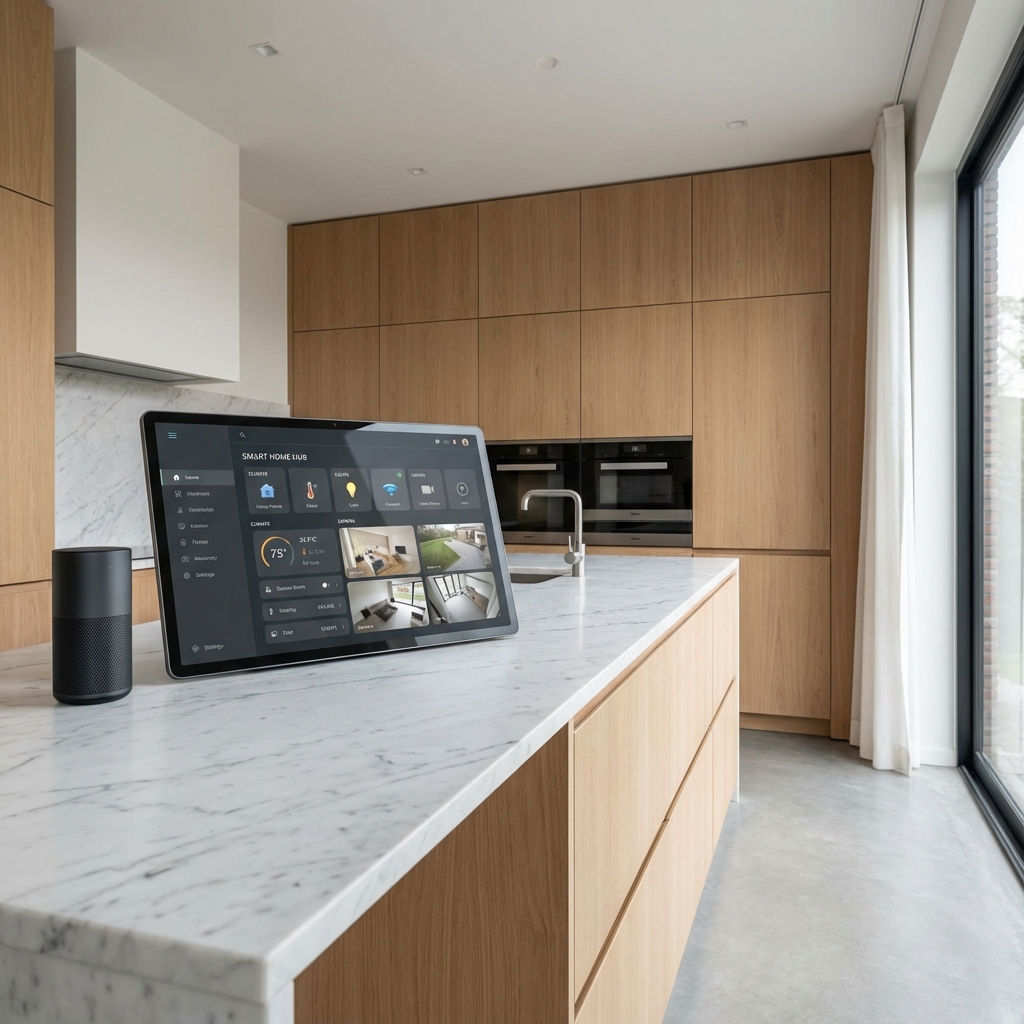
Patterson is one of Vaughan's younger family neighbourhoods — mostly detached and townhome builds bought by first- and second-time homeowners who are furnishing a new house, not renovating an old one. That makes it a genuinely different starting point for smart home automation than an established estate property: the question isn't “how do we unify twelve existing systems,” it's “what's actually worth adding first, and what can wait.” Here's how we usually answer that for Patterson families.
Start With the Two Things That Actually Get Used Daily
Smart locks and a video doorbell see daily use in a way a lot of “smart home” add-ons don't — knowing who's at the door when you're not home, or letting a dog walker or babysitter in without a physical key, solves a real problem for a young family. Smart lighting scenes, like a “Bedtime” scene that dims the house and confirms doors are locked, is the second high-use item, because it replaces a nightly checklist rather than adding a new one.
What to Hold Off On, For Now
Full climate zoning, whole-home audio, and elaborate lighting scenes across every room are genuinely useful but are easier, and cheaper, to add once you know how you actually use the house. We generally recommend starting with security and lighting basics, then adding climate and audio in a second phase once the family's routines are established, rather than trying to automate everything in one project.
Why This Matters More in a Newer Subdivision Like Patterson
Patterson's newer builds mean most homes already have decent WiFi coverage for a starter system's needs, and there's less retrofit complexity than in an older Vaughan neighbourhood — smart switches and a doorbell typically install on existing wiring in an afternoon, without opening walls. That makes it a genuinely low-friction starting point compared to a larger or older property.
What Actually Drives the Cost
- Number of entry points — locks and doorbell cameras scale with how many exterior doors need coverage.
- Lighting scope — starting with common areas like the entry, kitchen, and living room versus every room in the house.
- Existing devices — some starter systems can incorporate a smart thermostat or speaker the family already owns, reducing new-purchase cost.
- Professional setup vs. DIY — professional install ensures everything lands on one app and one network profile instead of four separate ones.
Frequently Asked Questions
What's a reasonable first project for a young family in Patterson?
Smart locks, a video doorbell, and a basic lighting scene for common areas — that combination covers daily security and convenience without a large upfront project.
Do we need a monthly subscription for any of this?
Some video doorbell and camera features require cloud storage subscriptions; local-storage options exist for most and we'll walk through both during your quote.
Can we add more later without starting over?
Yes — a properly set-up starter system is designed to expand into climate, audio, or additional lighting zones later on the same platform.
Will this work with devices we already own, like a smart speaker or thermostat?
Usually — most common brands integrate into a unified system; we confirm compatibility during the consultation.
How long does a starter install take?
A locks, doorbell, and common-area lighting package typically installs in a single day.
Getting Started
Book a free consultation and we'll help you prioritize based on your household, not a generic package. Our security and lighting pages cover the individual pieces in more detail.