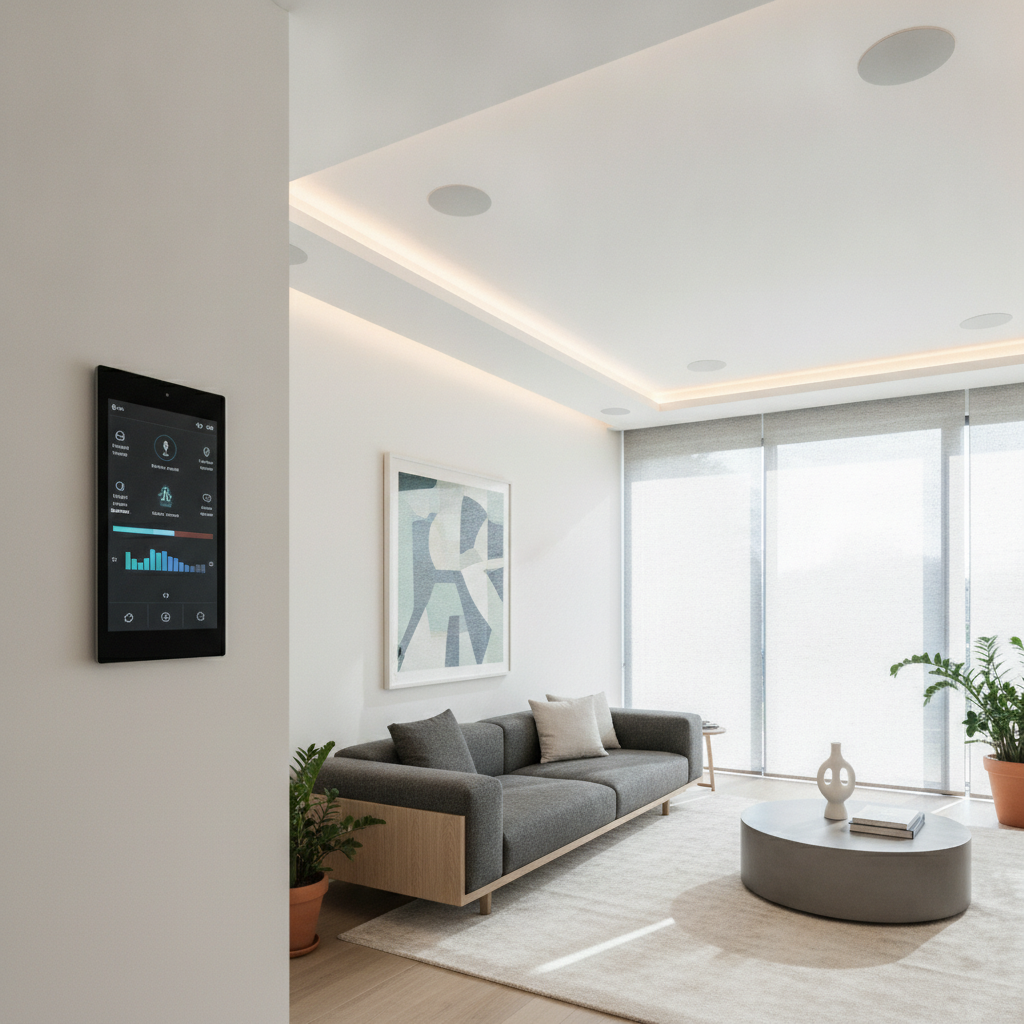
Smart home automation installation is the professional design, wiring, configuration, and support of connected devices so lighting, climate, security, entertainment, and networking work as one. It delivers unified control through apps, voice, and touch panels, and—when engineered by certified integrators—runs reliably, securely, and simply for daily living in the 8 Nelson St W area.
By SmartAura • Last updated: 2026-06-24
Quick Overview and Table of Contents
This complete guide explains what smart home automation installation includes, why it matters, how systems work, and the best practices we use on GTA projects. Use the table of contents to jump to planning steps, device categories, tools, case studies, and FAQs—so you can move from ideas to a unified, reliable system.
Whether you’re renovating or upgrading, this guide is written for homeowners who want professional results. It mirrors SmartAura’s end-to-end approach—from discovery and design to white-glove installation and lifetime 24/7 support.
- What is smart home automation installation?
- Why smart automation matters
- How it works
- Installation process overview
- System types and approaches
- Best practices for installation
- Tools and resources
- Case studies and real examples
- Planning for your GTA home
- FAQ
- Conclusion and next steps
What Is Smart Home Automation Installation?
Smart home automation installation is the disciplined process of engineering, integrating, and supporting devices so your lighting, climate, security, entertainment, and network operate as one system. The outcome is simple, reliable control from apps, voice, and touch panels—backed by professional wiring, configuration, and lifetime support.
In practice, this means unifying everyday controls into scenes and schedules you don’t have to think about. Lights, shades, thermostats, and locks coordinate automatically, and your network quietly supports it all.
- Unified control: One-touch scenes combine multiple actions—"Goodnight" can lock doors, arm security, turn off lights, and set back the thermostat.
- Engineered reliability: Solid networks (Wi‑Fi 6/6E, wired backbones) and PoE power budgeting (802.3af/at/bt) keep devices online.
- Security-first setup: WPA3 Wi‑Fi, segmented IoT VLANs, and least‑privilege access reduce risk.
- Professional support: SmartAura backs projects with lifetime, 24/7 priority support and proactive monitoring.
For homeowners around 8 Nelson St W, this approach replaces fragmented DIY gadgets with a cohesive, luxury-grade experience that simply works.
Why Smart Home Automation Matters
Automation matters because it turns daily routines into effortless, secure experiences. Reliable networks, synchronized lighting and climate, and proactive security reduce friction. Professionally installed systems save time, strengthen safety, and elevate comfort without adding complexity.
You’ll feel the difference in the first week. Mornings are brighter, evenings calmer, and travel routines safer with trusted automations.
- Comfort and wellness: Tunable lighting follows circadian patterns; climate schedules hold steady across zones within 1–2°F swings for comfort.
- Security confidence: Smart locks, video doorbells, and cameras deter intrusions and provide instant awareness across entry points.
- Energy awareness: Occupancy sensors and schedules curb wasted lighting time; setbacks trim HVAC runtime while maintaining comfort.
- Entertainment ease: Whole‑home audio groups rooms seamlessly; a single remote replaces a tangle of controllers.
- Dependable networking: Mesh access points deliver consistent coverage; wired spines prevent streaming stalls.
We routinely hear from GTA clients that "life just feels smoother" after unifying controls—because the home anticipates needs instead of asking for constant taps and tweaks.
How Smart Home Automation Works
Automation works by connecting devices to a central brain—via Ethernet, Wi‑Fi, Zigbee, Z‑Wave, Thread, or Matter—then orchestrating them with scenes, schedules, and sensors. A robust network, clean power, and secure configuration are the foundation; apps, voice assistants, and wall touch panels present simple control.
Think of your system in three layers: infrastructure, devices, and control. Each layer must be designed intentionally to avoid bottlenecks.
- Infrastructure: Structured cabling (Cat6/Cat6A), PoE switches (802.3af 15.4W; 802.3at 30W; 802.3bt up to 60–90W), UPS battery backup, and Wi‑Fi 6/6E for modern throughput and low latency.
- Devices: Lighting dimmers, keypads, shades, thermostats, cameras, locks, sensors, TVs, amplifiers, and more—selected for interoperability and durability.
- Control: Voice assistants, mobile apps, and in‑wall touch displays. Matter/Thread add secure, IP‑based communication for cross‑brand compatibility.
In our experience, the network dictates 80% of user happiness. When coverage, channel planning, and VLANs are right, automations feel instant and stable across rooms and floors.
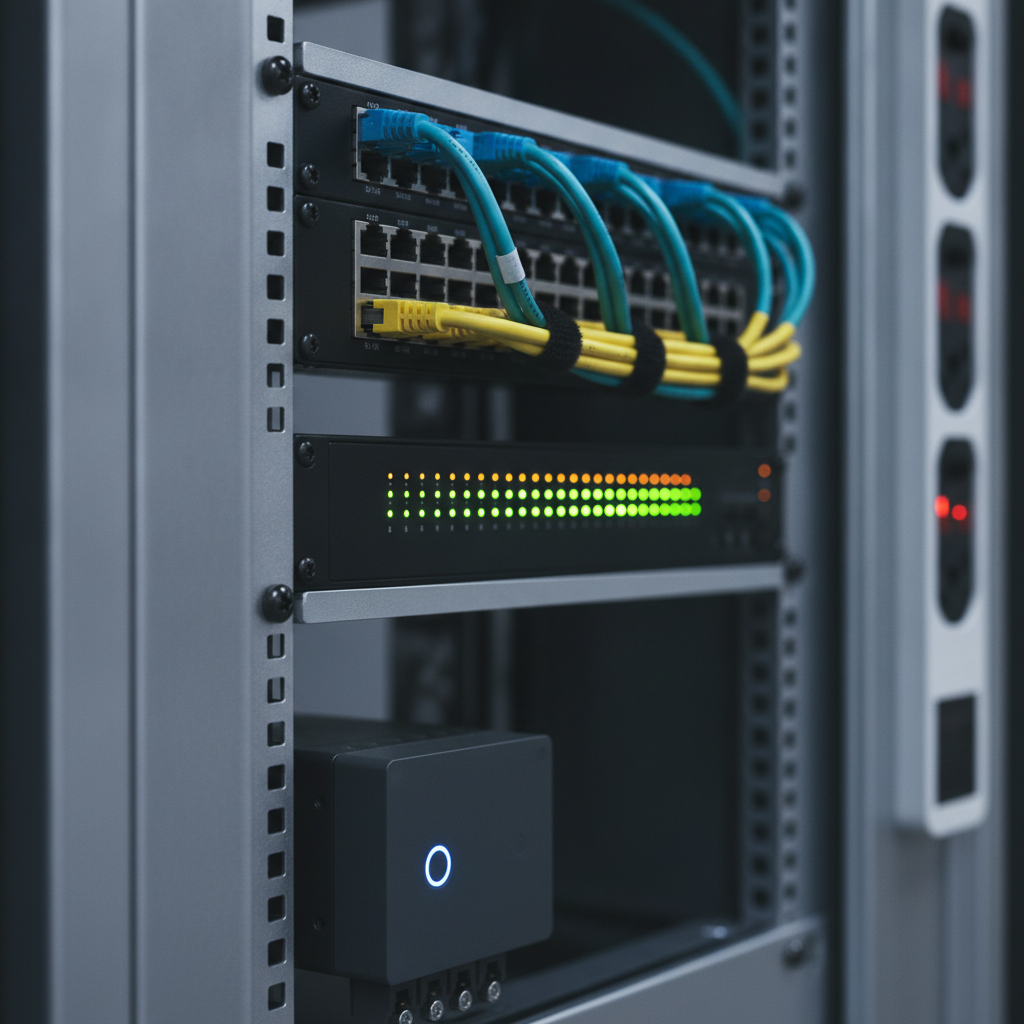
Smart Home Automation Installation Process
A proven installation process moves from discovery and engineering to white‑glove install, commissioning, and lifetime support. We document wiring, label everything, secure the network, and train you—so the handoff is smooth and ongoing care is simple.
SmartAura’s end-to-end delivery is built to de‑risk your project and make outcomes predictable.
- Discovery and consultation: We map routines and rooms, then define scenes like "Away", "Welcome", and "Goodnight". This is where needs, wishlist, and constraints take shape. Book your in‑home consultation to start.
- Engineering‑led design: We produce wiring schematics, network plans, switch PoE budgets, and equipment schedules. Device selection ensures protocol fit (e.g., Thread for low power sensors, Ethernet for stationary A/V).
- Pre‑wire and infrastructure: Pull Cat6/Cat6A, speaker wire, low‑voltage control, and power. Plan AP placement for -65 dBm or better in living areas. Add rack, UPS, and labeled patch panels.
- Device installation: Mount dimmers, keypads, shades, thermostats, cameras, doorbells, locks, access controls, TVs, amps, and sensors; terminate to standards (TIA/EIA‑568).
- Network and security hardening: Create IoT VLANs, enable WPA3, disable unused services, use unique keys per device group, and adopt MFA for admin access.
- Commissioning: Program scenes, schedules, and automations; tune audio; calibrate displays; validate failover (UPS runtime) and recovery procedures.
- Training and documentation: Provide a quick‑start guide, rack map, SSIDs, admin credentials storage process, and a contact path for 24/7 support.
- Lifetime support: Proactive monitoring, firmware stewardship, and priority service keep the system healthy through upgrades and renovations.
| Approach | Best For | Strengths | Considerations |
|---|---|---|---|
| Wired | New builds, major renos | Low latency, high reliability, PoE power | Requires planning and wall access |
| Wireless | Retrofits, condos | Faster install, flexible | Dependent on Wi‑Fi and RF planning |
| Hybrid | Most homes | Best of both: wired backbone + wireless endpoints | Needs cohesive design to avoid overlaps |
Types of Systems and Approaches
Successful smart homes blend categories—security, lighting, shades, climate, audio/video, networking, sensors, and control platforms—into cohesive scenes. Select devices for interoperability, durability, and supportability, then connect them on a secure, high‑performance network.
Here’s how we frame the big pieces during design.
Security and Entry
- Cameras and doorbells: AI detection reduces false alerts; PoE keeps streams stable. Pair with smart security integrations for unified alerts.
- Smart locks and access: Per‑user codes and schedules simplify family and guest access; pair with gate/garage control.
- Sensors: Door/window, motion, glass-break, and leak sensors escalate scenes like "Alarm" or "Away" instantly.
Lighting and Shades
- Smart dimmers and keypads: Scene buttons replace banked switches; dimmer curves and minimum levels avoid flicker with LEDs. Explore smart lighting options.
- Motorized shades: Quiet motors, sun‑tracking, and schedules regulate heat and privacy; align with circadian lighting.
Climate
- Smart thermostats and sensors: Zoned control evens temperatures across floors; geofencing can trigger setbacks as you leave.
- Air quality: CO₂ and PM sensors inform fresh‑air and filtration actions. Learn about smart climate control.
Audio/Video
- Whole‑home audio: Discrete in‑ceiling speakers and multi‑room amplifiers group zones seamlessly for music and announcements. See audio & video solutions.
- Video distribution: Centralize sources to reduce clutter; use HDBaseT or IP distribution for long runs.
Networking and Control
- Networking & Wi‑Fi: Mesh access points on non‑overlapping channels, controller‑managed roaming, and QoS for A/V traffic. Review networking & connectivity.
- Assistants & hubs: Voice assistants and wall displays put control where you need it; Matter/Thread enhance local, secure, multi‑brand control. Explore assistants & hubs.
We design each category to play a role in whole‑home scenes—so individual parts disappear into predictable, comfortable routines.
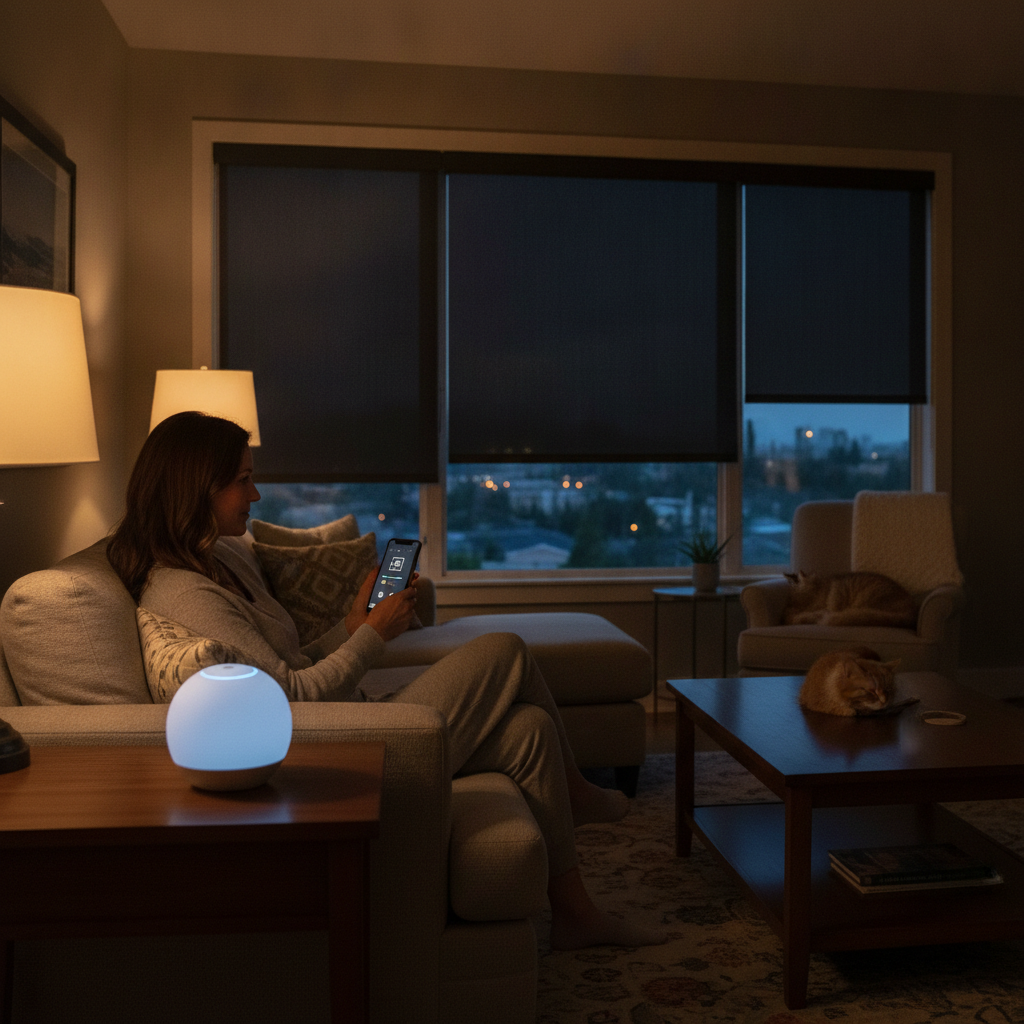
Best Practices for a Flawless Install
Start with the network, plan power, and secure every layer. Use a hybrid wired/wireless design, label every run, and commission scenes with real family routines. These practices keep automations fast, stable, and safe for years.
Here are the field‑tested rules our certified technicians follow on every project.
Network‑First Design
- Coverage targets: Aim for roughly -65 dBm or better in living spaces; -60 dBm near work areas.
- Backbone: Use Cat6/Cat6A home runs to a central rack; prefer Ethernet for fixed A/V endpoints.
- Channel plan: Avoid 2.4 GHz overlap; leverage 5 GHz and 6 GHz for higher bandwidth and lower interference.
Power and Wiring Discipline
- PoE budgets: Confirm 802.3af/at/bt totals with 20% headroom; stagger boot to prevent inrush trips.
- UPS and surge: Protect the rack and key loads; test runtime for safe automation shutdowns.
- Labeling: Terminate to TIA/EIA‑568; label both ends and keep as‑built documentation current.
Security Hardening
- Segmentation: Place IoT on VLANs; restrict east‑west traffic by default.
- Authentication: WPA3 for Wi‑Fi; unique device keys; admin MFA; rotate credentials during maintenance cycles.
- Principle of least privilege: Grant control access only where needed; log admin actions.
Commissioning and UX
- Scenes you’ll use daily: Welcome, Goodnight, Away, Movie, Entertain, Clean, and Vacation usually cover 90% of needs.
- Keypad logic: Consistent button positions across rooms reduce learning time.
- Fail‑safes: Test recovery after power blips; verify cloud‑independent local control where possible.
Thinking about a retrofit or renovation? SmartAura offers a free in‑home consultation and a bespoke, engineering‑led design. Start with our guided discovery to map routines into scenes and a right‑sized plan.
Tools and Resources You’ll See on Site
Professional installations use structured cabling tools, PoE switches, rack systems, Wi‑Fi controllers, test meters, and commissioning software. You’ll also see shade programmers, audio calibrators, and labeling gear—so everything is tidy, documented, and supportable.
Here’s a quick look at the core kit we rely on during smart home automation installation projects.
- Network stack: Managed PoE switches, controller‑based Wi‑Fi 6/6E access points, SFP uplinks for backhaul.
- Racks and power: Ventilated racks, PDUs, UPS units sized for critical runtime, cable management for serviceability.
- Test and tune: Cable certifiers, spectrum analyzers, multimeters, tone tracers, and audio calibration mics.
- Commissioning apps: Centralized programming of scenes/schedules; firmware stewardship and change logs.
- Documentation: As‑built rack maps, wire labels, SSID plans, and maintenance schedules for 24/7 support.
Want a deeper dive on lighting concepts? Here’s a readable backgrounder on smart lighting installation and a practical look at alarm system installation fundamentals. For broad service examples, see this smart home services overview. While approaches vary, the common thread is planning first, then building on a solid network.
Case Studies and Real Examples
Real projects prove the value: when lighting, shades, climate, security, and A/V are unified on a resilient network, daily routines become effortless. Below are composite examples drawn from our GTA work that mirror common goals and constraints.
These scenarios reflect SmartAura’s process: free consultation, bespoke engineering, white‑glove installation, and lifetime, 24/7 support.
Family Home with Uneven Temperatures
- Challenge: Two‑story home with hot/cold spots and chaotic bedtime routines.
- Solution: Smart thermostats with remote sensors, motorized shades in south‑facing rooms, and a Goodnight scene that locks doors, arms security, dims lights to 10%, and sets HVAC back.
- Result: More consistent comfort across floors and a 30‑second nightly routine reduced to one tap or voice command.
Condo Retrofit with Limited Wiring
- Challenge: Restricted access for new runs; Wi‑Fi interference from neighboring units.
- Solution: Hybrid design using wireless dimmers/keypads, Thread‑based sensors, and controller‑managed Wi‑Fi with careful channel planning.
- Result: Stable automations without opening walls, seamless scenes for Entertain and Away.
Entertainer’s Home Theater and Whole‑Home Audio
- Challenge: Multiple remotes and confusing inputs; sound bleeding into adjacent rooms.
- Solution: Centralized sources with IP video distribution, discrete in‑ceiling speakers, and a single smart remote. Movie scene dims perimeter lights, drops shades, and optimizes audio.
- Result: One‑button movie nights and consistent sound across zones with quiet neighbors.
These patterns repeat across Toronto, Mississauga, Brampton, and beyond: give each device a clear role, design the network for it, and tie everything together with scenes you’ll actually use.
Planning for Your GTA Home
Plan scenes around routines, align devices to roles, and invest in a network that won’t bottleneck growth. In the GTA, retrofits often call for hybrid designs; new builds benefit from structured cabling and PoE. A guided consultation keeps scope focused and outcomes predictable.
We tailor automation plans for luxury homes and practical retrofits alike—always starting with your daily patterns.
Local considerations for 8 Nelson St W
- Seasonal swings mean shade schedules and thermostat setbacks should adapt across hot summers and cold winters to maintain comfort.
- Renovation timelines can be tight; book discovery early so wiring, AP placement, and shade pockets are reserved in the plan.
- Network density matters in busy neighborhoods—controller‑managed Wi‑Fi and a wired backbone reduce interference headaches long‑term.
To explore options hands‑on, walk through categories like security and entry, smart lighting, climate, and networking on our site—or start with a guided in‑home consultation.
Frequently Asked Questions
Homeowners ask about timelines, reliability, and how scenes work. The short answer: plan first, build on a strong network, and choose devices that interoperate well. A professional, white‑glove install streamlines setup, training, and lifetime support.
What does a typical smart home automation installation include?
It usually includes network design, structured cabling, Wi‑Fi access points, smart lighting controls, motorized shades, climate controls, security devices, audio/video gear, control panels, and app/voice integration. Commissioning programs scenes and schedules, and you receive documentation plus training.
How long does installation take?
Timelines depend on scope and whether wiring is required. Retrofits can move quickly when leveraging existing infrastructure; larger projects with structured cabling and A/V distribution take longer. A discovery meeting clarifies an accurate timeline for your home.
Can I start small and expand later?
Yes. Many GTA homeowners start with scenes for lighting, climate, and entry, then expand to whole‑home audio or advanced security. The key is designing a scalable network and control plan up front so additions slot in cleanly.
What makes professional installation different from DIY?
Professionals deliver engineered wiring, secure networks, and documented programming. You get consistent scenes across rooms, reliable performance, and lifetime support. DIY setups can work, but often struggle with Wi‑Fi congestion, unreliable automations, and no long‑term maintenance path.
Conclusion and Next Steps
Smart home automation installation turns a collection of devices into a dependable, elegant experience. When you design from the network up and commission real‑life scenes, you gain comfort, safety, and simplicity—supported for the long run.
Here are the key takeaways and easy next steps.
- Key takeaways: Unify devices on a strong, secure network; use hybrid wiring; commission scenes around daily life; document everything.
- Action steps: 1) Book a free in‑home consultation. 2) Review categories like smart lighting and smart security. 3) Plan infrastructure for growth.
- Ready when you are: SmartAura delivers bespoke engineering, white‑glove installation, and lifetime, 24/7 support for homes across the GTA—including the 8 Nelson St W area.