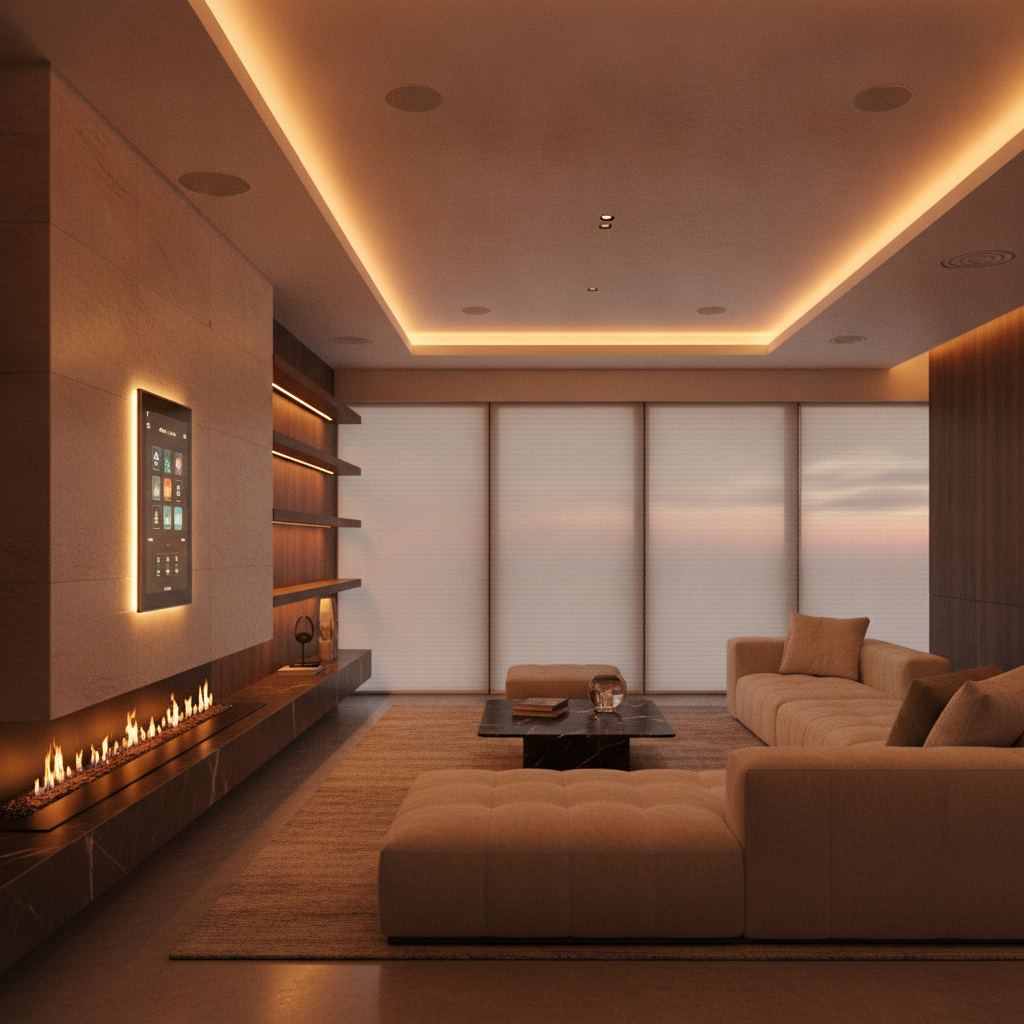
A smart home automation hub is the central brain that connects and controls devices like lighting, security, climate, audio, and shades from one app or voice command. It coordinates different wireless protocols (Matter, Thread, Zigbee, Z‑Wave, Wi‑Fi) to keep your home responsive and secure. For Brampton homeowners, a reliable hub simplifies daily routines and reduces app fatigue.
By SmartAura • Last updated: July 7, 2026
Smart hub overview and table of contents
A smart hub unifies control of lights, locks, cameras, climate, and entertainment into one interface. This guide explains what hubs do, why they matter, how they work, types of hubs, best practices, tools, real examples, and a simple path to get started in Brampton with professional help.
Modern homes collect smart devices fast. Without a plan, you end up juggling apps and unreliable automations. This complete guide shows you how a smart home automation hub brings order, speed, and security—so your home just works.
- What a hub is and what problems it solves
- Why a hub matters for comfort, safety, and energy
- How hubs communicate (Matter, Thread, Zigbee, Z‑Wave, Wi‑Fi)
- Local vs cloud control and why it affects reliability
- Types of hubs and which approach fits your home
- Best practices SmartAura uses on real GTA projects
- Tools and resources to build a resilient system
- Case studies from Brampton and nearby cities
- What is a smart home automation hub?
- Why hubs matter
- How hubs work
- Types and approaches
- Best practices
- Tools and resources
- Case studies
- FAQ
- Conclusion
- Related articles
What is a smart home automation hub?
A smart home automation hub is the centralized controller that connects diverse devices and protocols into one interface. It handles automation logic, scenes, voice control, and cross-brand compatibility so you can manage your whole home from a single app, touchscreen, or voice assistant—without juggling multiple apps.
Think of the hub as mission control for your house. It listens to sensors, schedules, and your commands, then triggers the right actions across devices. This is how lights, locks, cameras, shades, audio, and climate all sync in one tap.
- Single point of control: Manage security, lighting, climate, and entertainment together.
- Automation brain: If-this-then-that rules, schedules, modes (Home, Away, Sleep), and scenes.
- Protocol translator: Bridges Matter, Thread, Zigbee, Z‑Wave, and Wi‑Fi so brands work together.
- Voice + panels: Use voice assistants, mobile apps, or dedicated control displays.
- Local resilience: Keep core automations running even if the internet blips.
In our Brampton projects, we pair hubs with solid networking and clean wiring. That keeps automations fast, lights flicker‑free, and video streams smooth—especially when whole‑home audio and cameras run simultaneously.
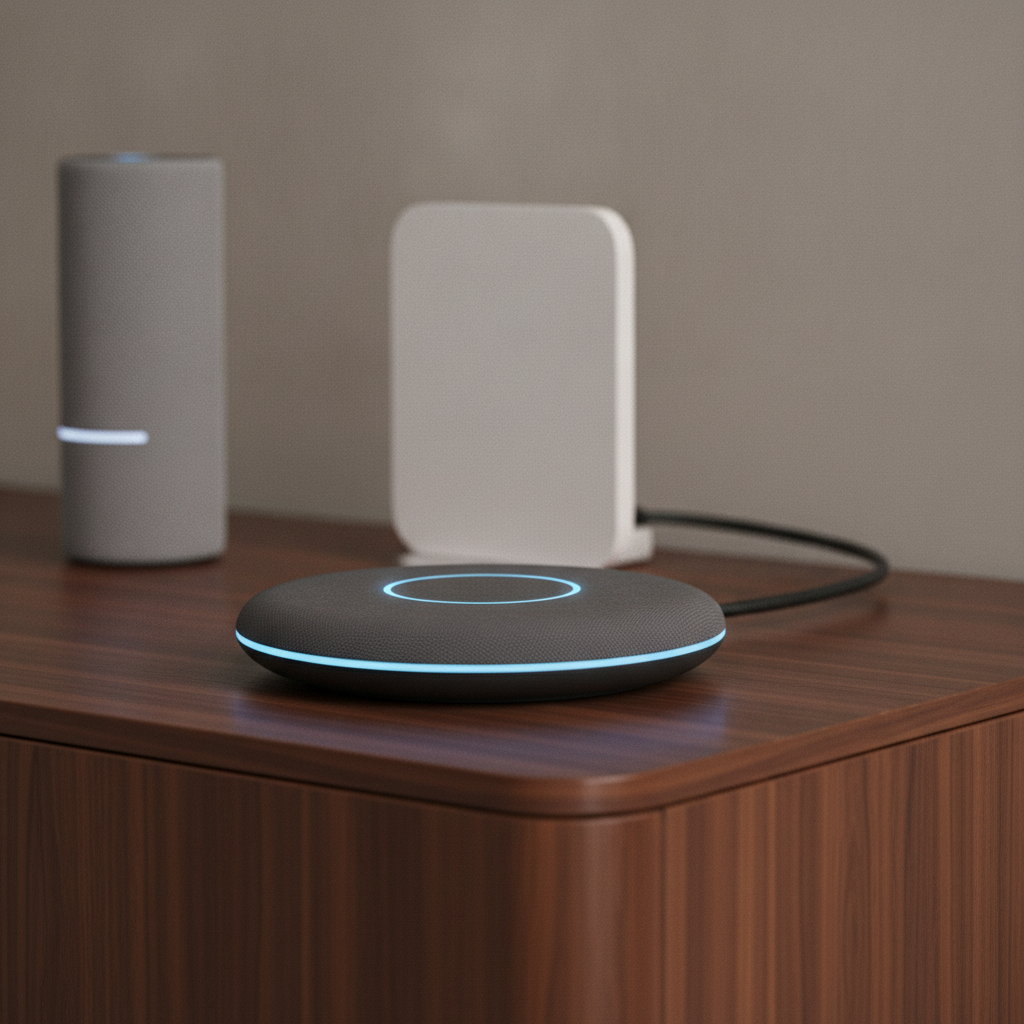
Why hubs matter for comfort, safety, and energy
Hubs reduce friction and improve safety by coordinating devices into reliable routines. You gain faster response times, fewer apps, safer access control, and smarter energy use through scenes, schedules, and presence awareness—all tuned to how you live each day.
Here’s why a centralized approach pays off for families and busy professionals.
- Comfort on autopilot: Lights dim at sunset, shades track the sun, and climate follows your schedule.
- Safety by design: Doors auto‑lock, cameras notify on motion, and entry lights turn on via smart sensors.
- Less app fatigue: One app or panel instead of five brand apps—and conflicting settings.
- Energy awareness: Daylight harvesting with smart lighting plus shade schedules cuts wasted runtime.
- Family‑friendly: Simple scenes like “Goodnight” set alarm, lock doors, and turn off AV in one tap.
We’ve found that when scenes match real routines, adoption soars. “Arrive Home” opening the garage, lighting a safe path, and raising shades in shared spaces is a small change that feels huge—even more during winter evenings.
How smart hubs work: protocols, local vs cloud, and speed
Smart hubs speak multiple protocols and run automations locally for speed. They integrate Matter and Thread with Zigbee, Z‑Wave, and Wi‑Fi so devices interoperate. With solid networking and local processing, scenes fire within a fraction of a second and keep working during internet hiccups.
A hub’s job is twofold: translate protocols and execute logic. Protocols carry signals; logic decides what to do. Good design keeps critical automations local and uses the cloud for remote control and updates.
- Matter + Thread: Matter standardizes device communication; Thread forms a low‑power, self‑healing mesh for sensors and controls.
- Zigbee + Z‑Wave: Mature meshes with wide device support, great for lighting and security accessories.
- Wi‑Fi + Ethernet: High bandwidth for cameras and streaming; wired backbones reduce jitter for AV and hubs.
- Local processing: Core scenes (alarms, lights, locks) run even if the internet drops.
- Voice + app orchestration: Hubs coordinate with voice assistants and control panels for hand‑off between touch and voice.
Actionable targets we use daily:
- Wi‑Fi channels: Use 1, 6, or 11 on 2.4 GHz to avoid overlap; reserve 5 GHz for high‑throughput devices.
- Roaming: Enable 802.11k/v/r on mesh Wi‑Fi; aim for better than −65 dBm near panels and hubs.
- Security: WPA3 for Wi‑Fi, unique hub credentials, and isolated IoT VLANs when possible.
When we pair a reliable hub with enterprise‑grade home networking, automation delays disappear and voice commands feel instant, even with multi‑room audio and 4K streaming in the background.
Types of hubs and approaches
There are three practical approaches: a dedicated hub appliance, a pro‑grade controller with touch panels, or a distributed approach using voice assistants plus Matter bridges. The right choice depends on device mix, desired interfaces, and reliability requirements.
Every home is different. We design around lifestyle first, then match the control stack. Here are common paths that work well in Brampton homes.
Approach A: Dedicated smart hub
- Best for: Balanced homes with mixed devices (lighting, locks, shades, sensors).
- Strength: Solid automation engine with local scenes and multi‑protocol support.
- Consider: Add wired backhaul to stabilize busy networks.
Approach B: Pro‑grade controller with panels
- Best for: Luxury or large homes wanting wall panels, remotes, and unified AV.
- Strength: Rock‑solid reliability, elegant scenes, and native AV integration.
- Consider: Professional design and lighting control planning maximize results.
Approach C: Distributed assistants + Matter bridges
- Best for: Lighter installs using voice assistants and Matter‑native devices.
- Strength: Simplicity with growing cross‑brand compatibility.
- Consider: Add a local controller for complex scenes or security workflows.
| Option | Best for | Pros | Cons | Interfaces |
|---|---|---|---|---|
| Dedicated hub | Mixed devices, small‑to‑mid homes | Local scenes, broad device support | Needs solid Wi‑Fi/Thread backbone | App, voice, basic panels |
| Pro controller | Luxury, large footprints | Highest reliability, deep AV integration | Requires professional design/installation | Wall panels, remotes, app, voice |
| Assistants + Matter | Starter systems, rentals | Simple setup, good compatibility | Limited complex logic without add‑ons | Voice, app |
Best practices SmartAura uses for reliable hubs
Design the network first, then layer the hub and devices. Use wired backbones, isolate IoT traffic, choose Matter/Thread where possible, and keep critical scenes local. Test with real routines, then fine‑tune automations for speed and safety.
Great hubs fail on weak networks. We solve reliability at the foundation, then polish the experience with lighting, shades, climate, and AV scenes.
- Engineer the network: Ethernet to panels and AV racks; mesh Wi‑Fi tuned per floor; reserved SSIDs for IoT.
- Favor local control: Locks, alarms, and lighting should respond without cloud round‑trips.
- Choose durable automations: Use sunrise/sunset, occupancy, and modes rather than fragile time‑only triggers.
- Unify interfaces: Combine voice, app, and control displays so every family member can use the system.
- Harden security: Unique device passwords, WPA3, and an IoT network segment where feasible.
- Document scenes: Name scenes clearly (e.g., “Goodnight – Whole House”) and version changes.
Example: In a Brampton new build, we ran Ethernet to a central AV rack, deployed a pro hub, and added Thread border routers near bedrooms. Result: “Sleep” scenes dimmed lights, closed shades, lowered temperature, and armed entry points instantly—no lag, even with multi‑room audio streaming.
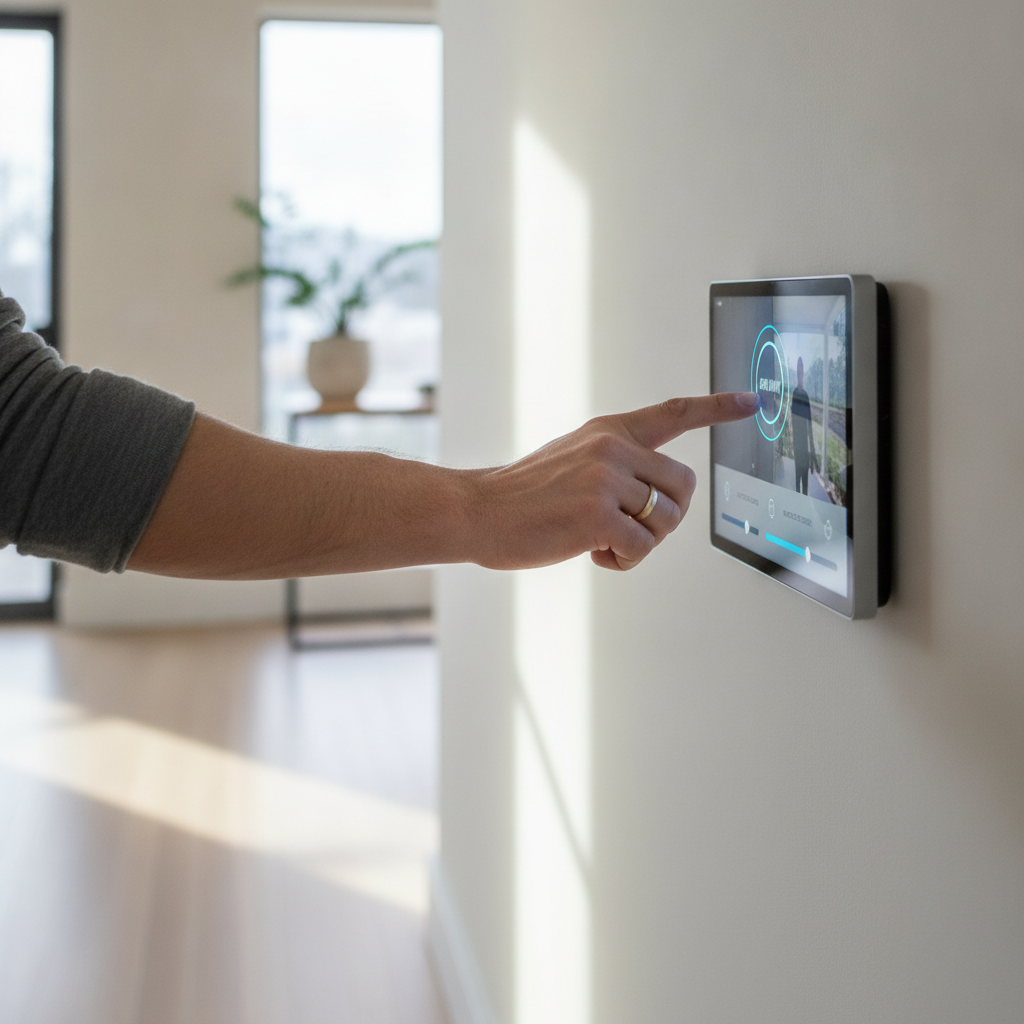
Tools and resources to plan your hub
Start with a discovery checklist, a floor‑by‑floor device map, and a network heat map. Then shortlist hub options that support Matter/Thread and your must‑have devices. Finally, test core scenes for a week and adjust.
Use these resources and tools to accelerate planning and avoid dead ends.
Planning worksheets and maps
- Room‑by‑room inventory: List lights, switches, blinds, locks, cameras, thermostats, speakers, and sensors.
- Scenes and modes: Good Morning, Arrive Home, Movie Time, Dinner, Goodnight, Vacation.
- Network heat map: Measure coverage at problem spots (garage, backyard, basement).
Helpful reading and context
Explore broader perspectives that touch lighting and indoor air quality—useful when shaping energy‑aware scenes and climate automations.
- Lighting tips to inspire automation timing in this smart lighting overview.
- Seasonal air quality guidance that pairs well with smart climate schedules in this IAQ article.
- Design inspiration for home improvement projects that benefit from centralized control on this project showcase.
Where SmartAura helps
- Discovery + design: Free in‑home consultation and bespoke plans for Brampton homes.
- Installation: Certified, white‑glove wiring, configuration, and on‑site testing.
- Lifetime support: 24/7 priority support with one‑touch system control.
See how our smart security, smart lighting, smart climate, and networking services come together under one hub to create seamless days—and quieter nights.
Get a tailored hub plan. Book a free in‑home consultation and we’ll map your devices, test your Wi‑Fi, and recommend a smart hub path that matches your routines.
Explore our latest guides or contact SmartAura to get started.
Case studies and real‑world examples
Real homes prove the point: when hubs, networking, and devices are engineered together, automations feel instant and reliable. These mini case studies show the choices we made—and the outcomes—in Brampton and nearby cities.
Brampton family home: Safety first, then comfort
- Goal: Simplify bedtime and school‑morning rush.
- Solution: Pro‑grade controller, wired panels, Thread sensors, and unified scenes.
- Result: “Goodnight” arms entry points, closes motorized blinds, dims hallway lights, and sets climate back—hands‑free.
Mississauga townhouse: Small footprint, big reliability
- Goal: Reduce app juggling and lag on voice commands.
- Solution: Dedicated hub with Matter devices and tuned mesh Wi‑Fi.
- Result: “Arrive Home” opens the smart garage, turns on pathway lighting, and starts a playlist in seconds.
Vaughan renovation: Entertainment at the center
- Goal: Movie‑night lighting and effortless AV for guests.
- Solution: Pro controller integrated with multi‑room audio and smart remotes.
- Result: One button lowers shades, sets lights to 20%, and switches inputs—no remotes pile‑up.
Oakville new build: Sun‑savvy lighting and climate
- Goal: Daylight comfort without manual adjustments.
- Solution: Shade schedules, sun‑tracking, and climate scenes tied to occupancy.
- Result: Fewer hot/cold spots and consistent, pleasant lighting all day.
Local considerations for Brampton
- Plan winter “Arrive Home” scenes with early sunsets: pathway lights, warmed entry, and door auto‑unlock on presence.
- Design summer automations to handle humidity spikes: tie air quality sensors and thermostats to de‑humidify cycles.
- Account for busy households: put control displays near entries so guests and kids can run scenes without phones.
Frequently asked questions
Smart hub questions tend to focus on reliability, compatibility, and security. The answers below are concise and practical so you can make confident decisions without digging through forums or spec sheets.
Do I need a smart home automation hub if I already use a voice assistant?
Voice assistants are great for simple commands, but a hub adds local automation, multi‑protocol support, and unified scenes that work without the internet. If you want locks, lighting, shades, climate, and AV to coordinate reliably, a hub is the better foundation.
What protocols should my hub support?
Look for Matter and Thread alongside Zigbee, Z‑Wave, and Wi‑Fi. Matter improves cross‑brand compatibility, Thread gives low‑power mesh for sensors and switches, while Zigbee/Z‑Wave cover many lighting and security accessories. Wi‑Fi and Ethernet handle cameras and high‑bandwidth AV.
Can a hub keep working during an internet outage?
Yes—if core automations run locally. We prioritize local scenes for locks, alarms, and lighting so they respond even when the internet drops. Remote control will pause, but your essential routines continue.
How do I make my smart home more secure?
Use unique device passwords, enable WPA3 on Wi‑Fi, segment IoT devices on their own network, and keep firmware updated. Limit who can arm/disarm security and add entry logs to your hub. We also recommend wired backbones where possible.
Conclusion: build a hub that fits your life
The best hub is the one you never think about. Design the network, pick a controller that supports your devices, and keep critical scenes local. With expert planning and testing, your home becomes easier, safer, and more enjoyable—every single day.
- Key takeaways
- Design networking first; hubs need stable backbones.
- Favor Matter/Thread for future‑proofing, with Zigbee/Z‑Wave where useful.
- Keep locks, alarms, and lighting scenes local for resilience.
- Unify interfaces so anyone in the home can run scenes.
- Test with real routines, then refine.
Ready to simplify control in your Brampton home? Explore our smart security and smart lighting solutions, then schedule a discovery visit so we can design a hub that matches your space and routines.
Related articles and next steps
Learn more about the building blocks of a reliable hub: networking, lighting, climate, and assistants. These topics help you choose devices that play nicely together and make scenes feel instant.
For deeper dives, see our pages on home networking, smart climate, and assistants & control displays. Or browse the latest posts on the SmartAura blog for fresh tips and project ideas.