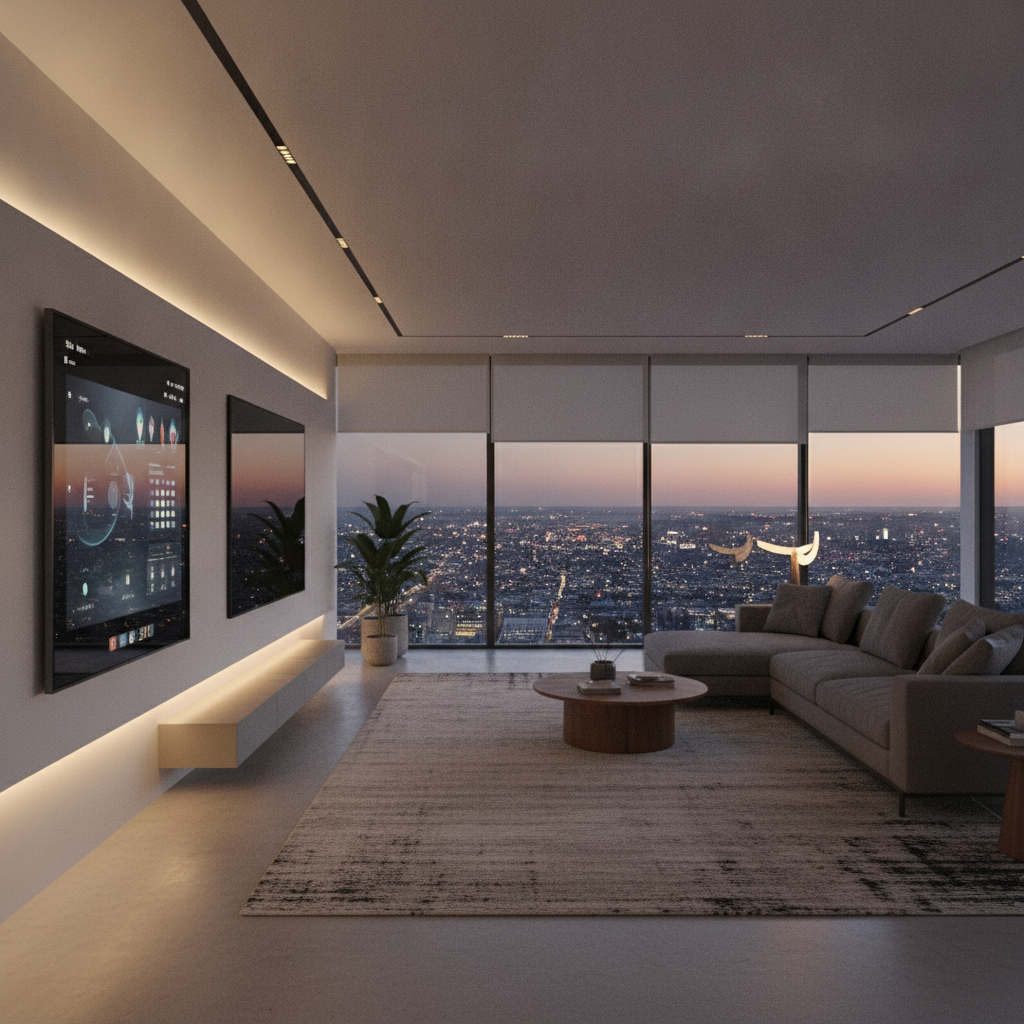
Smart home automation is the unified control of lighting, climate, security, entertainment, and networking through a single platform. It streamlines routines, increases safety, and reduces energy waste. For homeowners in 8 Nelson St W and across the GTA, it turns daily tasks into one-tap or voice-driven actions that simply work.
By SmartAura • Last updated: 2026-06-30
Quick Summary
Smart home automation centralizes control of lighting, climate, security, entertainment, and networking. You gain energy savings, tighter security, and daily convenience through schedules, scenes, sensors, and voice. This guide covers how it works, must-have devices, best practices, and a step-by-step path to getting started with professional support.
Here’s what you’ll learn in this complete guide and how SmartAura supports each step.
- What automation is: Clear definitions, platforms, and device categories.
- Why it matters: Real-world safety, comfort, and reliability gains.
- How it works: Hubs, sensors, scenes, and integrations (including Matter).
- Approaches: Room-by-room, security-first, or whole-home designs.
- Best practices: Networking, wiring, placement, and future-ready planning.
- Tools: Assistants, control displays, AI cameras, and robust Wi‑Fi.
- Examples: GTA-focused scenarios for families, pets, and frequent travelers.
What Is Smart Home Automation?
Smart home automation is the professional design and integration of connected lighting, climate, security, entertainment, and networking so they work as one. The goal is simple, reliable control—via app, voice, or touch—using schedules, scenes, and sensors to handle routine tasks automatically.
Automation connects devices into a single, dependable system—so your home does more with less effort. Instead of juggling separate apps, you use one interface and defined “scenes.”
Core building blocks
- Control layers: Voice assistants, smart hubs, and in-wall control displays unify the experience.
- Device categories: Smart lighting, climate controls, security devices, audio/video gear, and sensors.
- Automations: Schedules, sunrise/sunset triggers, occupancy rules, and if-this-then-that routines.
- Integration fabric: Standards like Matter help compatible devices communicate smoothly.
In our experience helping GTA homeowners, success starts with a solid plan. SmartAura’s end-to-end process—consultation, bespoke design, certified installation, and lifetime, 24/7 support—keeps everything reliable long after day one.
Explore specific categories on our site, including smart security solutions, smart lighting design, and home networking upgrades to anchor your project.
Why Smart Home Automation Matters
Automation matters because it delivers measurable safety, comfort, and efficiency. Unified control cuts energy waste, speeds everyday routines, and hardens your home’s security posture. The best systems feel invisible—handling the busywork so you focus on living, not managing technology.
Here’s the thing: scattered devices create friction. Unified systems remove it. A well-designed setup improves life every hour you’re at home—and while you’re away.
Everyday wins you feel
- Security confidence: Smart locks, video doorbells, and AI cameras alert, record, and deter in real-time.
- Comfort on autopilot: Thermostats and sensors adjust rooms based on schedules and occupancy.
- Lighting that supports life: Motion lighting, dimmers, and scenes match activities—no more hunting for switches.
- Entertainment without friction: Whole-home audio and simplified remotes end the “which input?” guessing game.
- Dependable Wi‑Fi: Mesh systems and pro-grade networking stop buffering and dead zones.
What most homeowners don’t realize
- Networking is mission critical: Most “smart” issues are actually Wi‑Fi or wiring issues.
- Placement shapes performance: Camera angles, shade runs, and sensor heights matter for reliability.
- Scenes beat apps: One button that sets lighting, music, and temperature reduces daily taps dramatically.
For deeper context on home electrical safety considerations around smart lighting and controls, see this concise home electrical safety guide. It reinforces why professional planning pays off.
How Smart Home Automation Works
Smart home automation works by connecting devices to a secure network, coordinating them through hubs and assistants, and triggering actions via schedules, sensors, and scenes. Reliable wiring and Wi‑Fi form the backbone; thoughtful programming turns components into a smooth, single experience.
Think of your home as an orchestra. Networking is the stage, devices are instruments, and your hub is the conductor. When designed well, every part plays in sync.
System layers and roles
- Network layer: Mesh Wi‑Fi, smart routers, and switches keep devices online and responsive.
- Control layer: Voice assistants, hubs, and touch displays centralize scenes and settings.
- Device layer: Lights, shades, thermostats, locks, cameras, and AV gear execute commands.
- Automation logic: Time-based rules, presence detection, and sensor triggers run daily routines.
Typical sequence (from tap to action)
| Step | What happens | What you notice |
|---|---|---|
| 1. Command | You tap a scene or use voice on a control display. | Instant acknowledgment on-screen or from the assistant. |
| 2. Orchestration | The hub translates the scene into device instructions. | No visible delay when networking is solid. |
| 3. Execution | Lights dim, thermostat adjusts, music starts, doors lock. | The space changes in seconds, consistently. |
| 4. Feedback | Devices confirm state; dashboards update. | You can glance and verify everything at once. |
SmartAura engineers build around this flow, prioritizing fast response, clear feedback, and fail-safes. That includes battery backups for critical gear and thoughtful fallbacks for manual control.
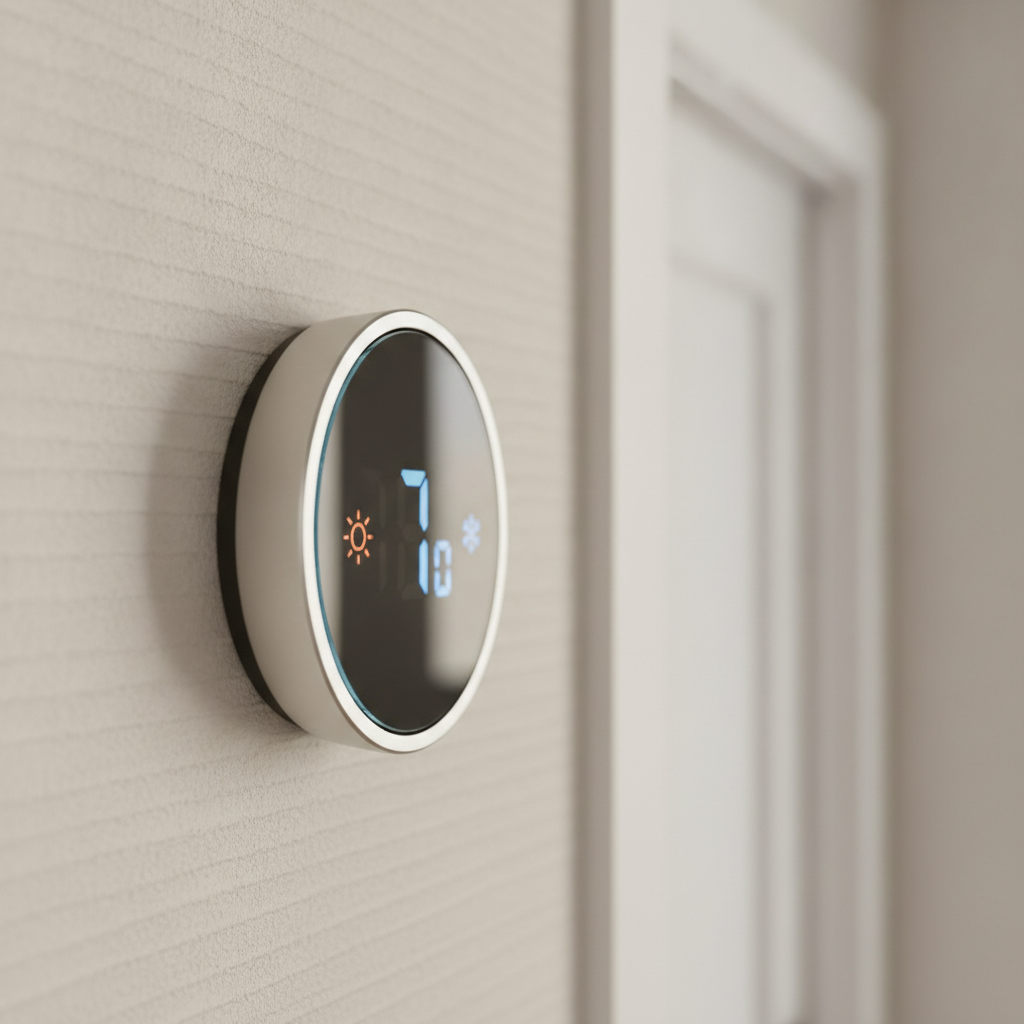
For GTA climate, automations like “Away,” “Sleep,” and “Welcome Home” can quietly tune HVAC, lighting, and shades. Seasonal transitions are handled by scenes that consider sunrise, sunset, and weather patterns.
Types, Methods, and Approaches
You can tackle automation by room, by priority (security-first, lighting-first), or as a unified, whole-home design. The right approach depends on lifestyle, property layout, and networking readiness. Professional planning avoids rework and keeps upgrades compatible as needs evolve.
Common starting points
- Security-first: Video doorbells, smart locks, AI cameras, and sensors form an immediate safety net.
- Lighting-first: Smart dimmers, motion lighting, and scenes create instant comfort and visual polish.
- Climate-first: Smart thermostats, air quality sensors, and shade schedules reduce energy waste.
- Entertainment-first: Whole-home audio, streaming setups, and simplified remotes improve daily fun.
Room-by-room vs. whole-home
- Room-by-room: Great for pilots; make sure each step supports the end vision.
- Whole-home design: Best long-term reliability; wiring and networking are right the first time.
Platform considerations
- Matter integration: Improves cross-brand compatibility across many devices.
- Voice assistants and hubs: Choose options that match your routines and privacy preferences.
- Control displays: Wall-mounted touch panels provide family-friendly access to scenes.
Explore categories to plan your path: assistants and hubs, smart climate control, and audio & video integration. A security-first kickoff often includes a video doorbell and lock; a design-first kickoff often pairs lighting and motorized shades.
Best Practices for Planning and Installation
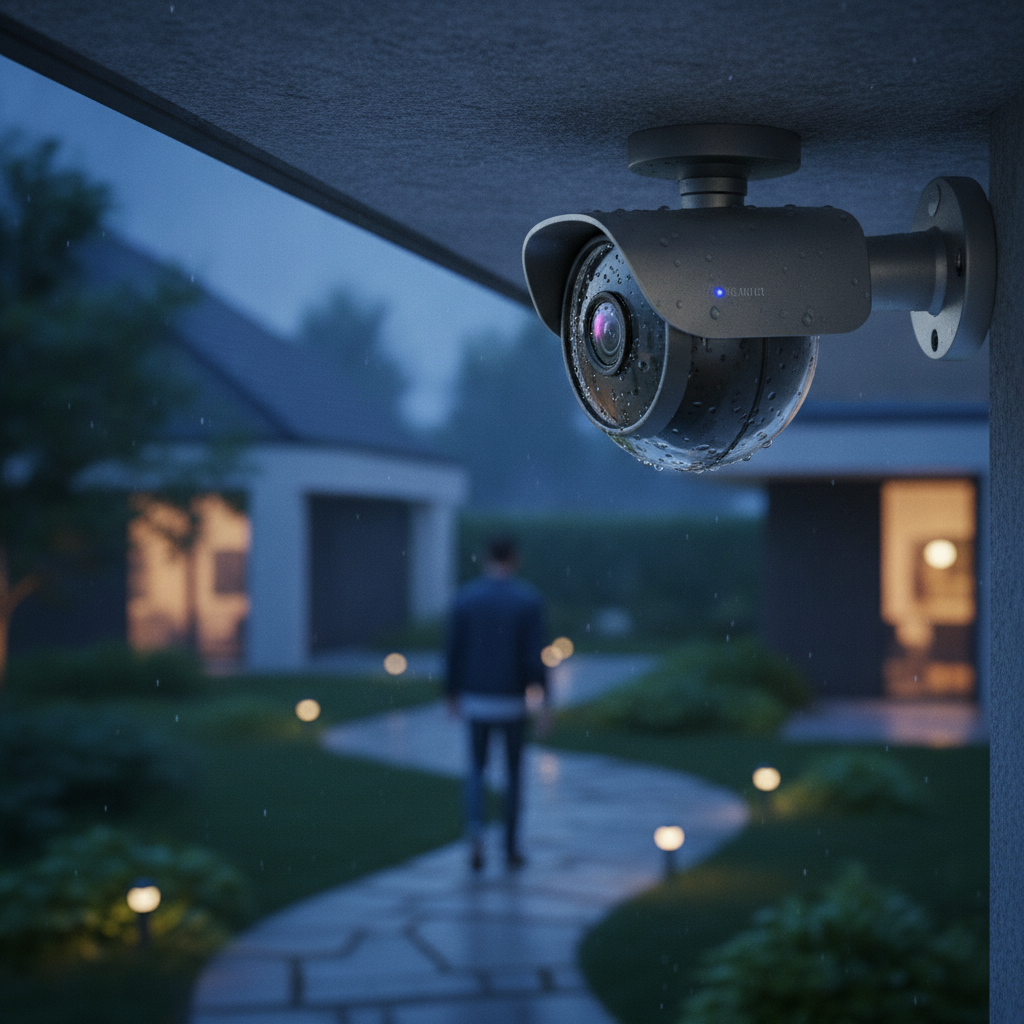
The best smart homes start with rock-solid networking, thoughtful wiring, and clear scenes. Place devices for coverage, document your design, and lean on certified installers. This foundation prevents glitches, protects security, and ensures upgrades stay simple.
Plan like a pro
- Start with the network: Map Wi‑Fi coverage and consider a mesh backbone for reliable signal.
- Document scenes: Name scenes (“Dinner,” “Movie,” “Away”) and define what each device does.
- Wire where possible: Hardwire stationary gear (APs, cameras, control panels) for stability.
- Design for maintenance: Label panels and keep a short “how it works” sheet for the household.
Security and privacy hygiene
- Segment devices: Use VLANs or guest networks to isolate IoT from laptops and work devices.
- Strong credentials: Unique passwords and multifactor authentication on key apps.
- Regular updates: Keep firmware current; schedule routine checkups.
Local considerations for 8 Nelson St W
- Seasonal temperature swings favor shade schedules and smart climate scenes to keep comfort consistent.
- Winter daylight is shorter; sunrise/sunset lighting scenes keep routines steady without manual tweaks.
- Busy family schedules benefit from geofenced “Away/Welcome” automations for locks, lights, and HVAC.
For quick background on smart lighting design and energy awareness, skim this short read on smart lighting installation tips. It aligns with planning principles we apply on GTA projects.
Free consultation: SmartAura’s certified team can map coverage, design scenes, and create a bespoke plan that fits how you live. From discovery to white-glove install and lifetime, 24/7 priority support, we stand behind your system for the long haul.
See networking recommendations to start your foundation.
Tools, Platforms, and Resources
Your toolkit includes assistants, hubs, control displays, AI-enabled cameras, smart thermostats, motorized shades, and robust Wi‑Fi. The best results pair reliable hardware with a unified app, clear scenes, and professional configuration for long-term stability.
Essential categories
- Assistants & hubs: Voice control and automation brains for scenes and routines.
- Control displays: Family-friendly, wall-mounted interfaces for quick access.
- Smart lighting: Dimmers, motion sensors, and LED accents for comfort and aesthetics.
- Motorized shades: Privacy, glare control, and thermal efficiency on schedules.
- Smart climate: Thermostats, air quality sensors, and AC controllers for balanced comfort.
- Audio & video: Whole-home audio and streaming setups tied to simple remotes.
- Networking & security: Mesh systems, smart routers, and segmentation best practices.
Why a unified platform pays off
- One app, fewer taps: Scenes replace manual tweaks across multiple devices.
- Better reliability: Fewer integration handoffs mean fewer points of failure.
- Future-ready: Matter support widens compatible device choices over time.
If you’re optimizing for seasonal comfort, this HVAC energy efficiency primer offers context on airflow and scheduling—useful alongside smart thermostats and shade automations.
Case Studies and Real-World Examples
Well-designed automation reduces steps, tightens security, and feels natural. These GTA-inspired scenarios show how pairing networking, scenes, and the right devices creates daily value—without adding complexity.
Security-first in a busy household
- Challenge: Packages, school runs, and visitors while parents commute.
- Solution: Video doorbell, AI cameras, smart locks, and a “Secure & Leave” scene.
- Result: One tap locks doors, arms alerts, and turns off lights; arrivals trigger “Welcome Home.”
Explore the building blocks behind this setup in our smart security overview and smart sensors category.
Comfort-first with lighting and shades
- Challenge: Harsh glare by day, too-dark rooms by evening.
- Solution: Smart dimmers, motion lighting, LED accents, and motorized shades with sun-tracking.
- Result: “Daylight Balance” and “Evening Wind Down” scenes set ideal light without manual tweaks.
See options within our lighting design services.
Entertainment-first in a design-forward space
- Challenge: Complicated remotes and inconsistent streaming.
- Solution: Whole-home audio, streaming setup, and a unified smart remote.
- Result: “Movie Night” sets lights, input, and sound profile with a single button.
Browse possibilities under audio & video integration.
Travel-ready automation
- Challenge: Family travels often; home should look lived-in.
- Solution: Randomized lighting scenes, lock codes for neighbors, camera alerts, and mail-drop lighting.
- Result: Peace of mind with activity patterns that mimic occupancy.
Pet-friendly routines
- Challenge: Late workdays; pets need comfort and monitoring.
- Solution: Temperature holds, motion cameras in pet zones, and soft lighting after dusk.
- Result: Stable comfort and quick check-ins from your phone—no overthinking.
Getting Started: A Practical Path
Start with a walkthrough, list routines, and identify “day one” scenes. Stabilize networking, then add devices in logical bundles—security, lighting, climate, and entertainment—programmed into a few high-impact scenes. Document everything, then expand confidently.
- Discovery: Walk your home, list pain points, and capture daily rhythms.
- Networking check: Map Wi‑Fi; plan wiring for hubs, cameras, and displays where feasible.
- Scene design: Define 4–6 core scenes (Welcome, Away, Sleep, Dinner, Movie).
- Bundle install: Add devices in aligned sets (e.g., security-first or lighting-first).
- Test & refine: Adjust automations; ensure everyone can use the system.
- Document & support: Keep a quick-start; schedule periodic health checks.
SmartAura’s model—free consultation, bespoke engineering, white-glove installation, and lifetime, 24/7 priority support—keeps this path simple from first idea to daily reliability.
Frequently Asked Questions
These concise answers address common smart home questions about reliability, privacy, device compatibility, and getting started. Each response is designed to help you make confident, low-stress decisions as you plan your system.
What’s the fastest way to start automating my home?
Begin with a walkthrough and list your top routines and frustrations. Stabilize networking, then pick a focused bundle—security, lighting, or climate—to deliver immediate value. Program 4–6 core scenes, test for a week, and refine. This method gives quick wins and a strong foundation for future expansion.
Do I need a hub if I already use a voice assistant?
Voice assistants handle commands well, but a dedicated hub excels at reliable, multi-device scenes and local automations. Many homes use both. The hub coordinates devices and improves response times; the assistant adds natural voice control and quick access for the whole family.
How do you keep smart home systems secure and private?
Use strong, unique passwords, enable multifactor authentication, and segment IoT devices on a separate network. Keep firmware updated and limit admin access to trusted users. Placement matters too—aim cameras thoughtfully and document who can view or share recordings.
Can I mix different brands and still have a unified system?
Yes. Matter improves cross-brand compatibility, and a unified platform ties experiences together. The key is planning around supported devices and letting a central hub and app manage scenes. Professional configuration prevents conflicts and keeps upgrades smooth over time.
Conclusion and Next Steps
A reliable smart home pairs strong networking, thoughtful scenes, and professionally configured devices. Start with a focused bundle, document your plan, and expand steadily. With expert design and lifetime support, automation becomes simple, secure, and genuinely helpful.
Key takeaways
- Unify lighting, climate, security, entertainment, and networking for fewer taps and more reliability.
- Design scenes first; devices should serve routines, not the other way around.
- Networking quality determines responsiveness—treat it as infrastructure.
- Matter and a central hub widen device choices and reduce friction.
- Professional installation and support protect your time and privacy.
Ready to map your own plan? Book a discovery session for your home in 8 Nelson St W. Our team will survey coverage, design scenes, and deliver a white-glove installation backed by lifetime, 24/7 priority support.