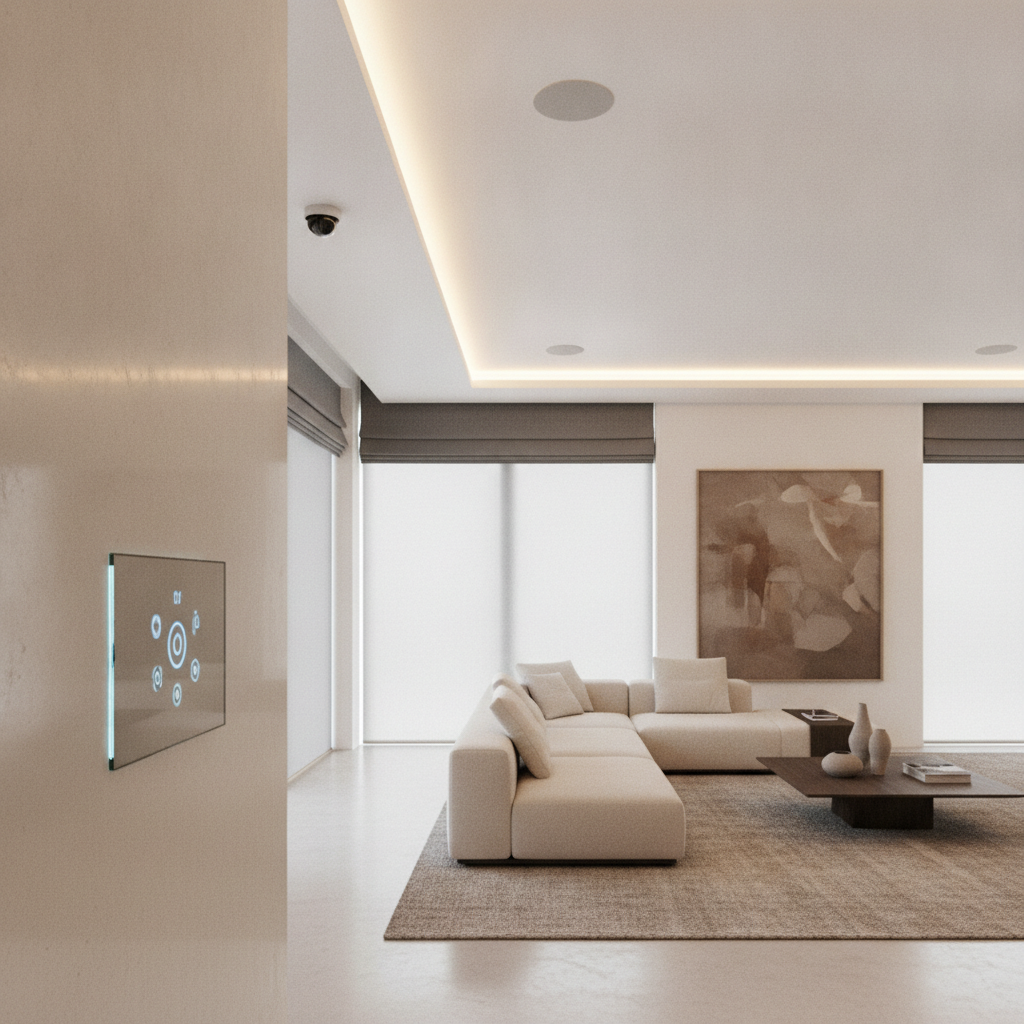
Smart home automation devices are network-connected products that monitor, control, and automate home functions like lighting, climate, security, entertainment, and access. They communicate over Wi‑Fi, Zigbee, Z‑Wave, Thread, and the Matter standard to work together. For GTA homeowners, they improve comfort, safety, and efficiency with reliable, app and voice control.
By SmartAura • Last updated: 2026-06-23
Above-Fold Guide & TOC
This guide shows how to select, install, and live with smart home automation devices that actually work together. You’ll learn the fundamentals, proven device stacks, and expert checklists we use in GTA homes—plus when professional design and white-glove installation make the difference.
Many homeowners start with a video doorbell or a few smart bulbs, then hit integration limits. Our end-to-end perspective keeps things simple.
- What smart devices are and how they talk to each other
- Why they matter for safety, comfort, and energy
- How systems work: networks, hubs, scenes, and automations
- Device categories that cover an entire property
- Best practices from certified, on-site integrations
- Tools and resources for planning and upgrades
- Real-world GTA mini case studies
- Actionable FAQs to speed decisions
Overview
A modern smart home runs on a dependable network, unified control, and devices that follow open standards. Start with rock-solid Wi‑Fi, add a hub that speaks Matter, and layer security, lighting, climate, and A/V in phases so everything stays reliable and simple to use.
Here’s the big picture for context before we dive deeper.
- Foundation first: A stable network (Wi‑Fi 6/6E) with proper placement often fixes 80% of “smart” issues.
- Interoperability: Matter, Zigbee, Z‑Wave, Thread, and Wi‑Fi each serve different roles; the right mix prevents dead ends.
- Unified control: Central apps, voice assistants, and wall-mounted control displays minimize app-hopping.
- Scenes and automation: Use triggers (time, occupancy, sensors) to run routines that save steps every day.
- Serviceability: Labeling, documentation, and professional wiring reduce downtime and frustration later.
What Are Smart Home Automation Devices?
Smart home automation devices are sensors, controllers, and actuators that connect to your network to monitor and control functions like lighting, security, climate, and entertainment. They exchange data over standards such as Matter, Zigbee, Z‑Wave, Thread, and Wi‑Fi for unified, app and voice-driven experiences.
Think of your home as a system with three simple layers: inputs, logic, and outputs.
- Inputs (sensors): Contact sensors, motion detectors, occupancy and humidity sensors, and AI-enabled cameras capture what’s happening.
- Logic (control): Hubs, voice assistants, and control displays run rules like “If door opens after 10 p.m., turn on foyer lights.”
- Outputs (actuators): Smart dimmers, switches, plugs, thermostats, shades, locks, and speakers act on the command.
In practice, the devices that feel “smartest” are the ones you rarely think about—lights that adjust before you reach for a switch, climate that anticipates your schedule, entry that unlocks hands-free, and music that follows you room to room.
For GTA homes, we’ve found that prioritizing reliable networking and a single, unified control platform reduces troubleshooting by a wide margin. That’s why our projects emphasize engineering-led design and certified installation.
Why Smart Home Automation Devices Matter
They save time, enhance safety, and improve energy efficiency. Automations replace manual routines, AI security increases awareness, and coordinated lighting and climate cut wasted power—while unified controls make the whole system easy for everyone at home to use.
Here’s why homeowners tell us these systems change daily life.
- Fewer steps, more consistency: One “Goodnight” scene can lock doors, lower shades, arm security, and set climate—every time.
- Safety and awareness: Pro-grade cameras, video doorbells, and sensors create instant visibility at entries and around the property.
- Comfort without micromanagement: Schedules and occupancy rules keep rooms lit and conditioned only when needed.
- Family-friendly control: Wall-mounted control displays and voice assistants help guests and kids use the home intuitively.
- Resilience: With proper network design and hardwired backbones, systems keep working even when one device fails.
In our experience delivering whole-space automation across the GTA, time saved compounds. For example, a foyer motion scene that turns on lights for 2 minutes prevents dozens of nightly switch taps. Multiply that by exterior lights, garage entries, and living spaces, and routines eliminate hundreds of micro-tasks per week.
How Smart Home Automation Devices Work
Smart systems link sensors and devices through a reliable network and a central brain. A hub translates protocols, scenes bundle actions into one command, and automations trigger those scenes on schedules, occupancy, or sensor data—so the home responds before you reach for your phone.
At a high level, five components make everything click.
- Network: Wi‑Fi 6/6E for bandwidth; wired backbones where possible ensure stable links for cameras and control.
- Hub/brain: A controller that speaks Matter and bridges Zigbee, Z‑Wave, Thread, and Wi‑Fi.
- Devices: Dimmers, locks, shades, thermostats, cameras, speakers, and sensors across your rooms and zones.
- Scenes: Grouped actions like “Arrive Home” that set lighting levels, disarm security, and adjust climate.
- Automations: IF/THEN rules triggered by time, sunrise/sunset, presence, door/window status, or air quality.
| Protocol | Power/Range | Typical Use | Notes |
|---|---|---|---|
| Matter | IP-based; rides on Wi‑Fi/Thread | Interoperability layer | Unifies brands; simplifies setup |
| Thread | Low-power mesh; room-to-room | Sensors, switches | Self-healing mesh; great for battery devices |
| Zigbee | Low-power mesh; home-wide | Lighting, sensors | Mature ecosystem; many devices |
| Z‑Wave | Low-power mesh; solid wall penetration | Locks, switches | Strong reliability for access control |
| Wi‑Fi | High bandwidth; router-dependent | Cameras, A/V | Best with pro Wi‑Fi design and wiring |
Design tip: map your home by zones (exterior, entry, living, kitchen, bedrooms, basement). Decide which devices belong where, then choose the best protocol for each zone. That simple exercise prevents mismatched parts later.
Types of Smart Home Automation Devices
Cover your whole property by grouping devices into security, lighting and shades, garage and entry, climate, audio/video, networking, and whole-space control. Planning by category keeps projects organized and prevents gaps between rooms and routines.
Below are the core categories we deploy across GTA homes, aligned to SmartAura’s services.
Smart Security
- AI cameras and video doorbells: Person/package detection, activity zones, and clear night vision for entries and perimeters.
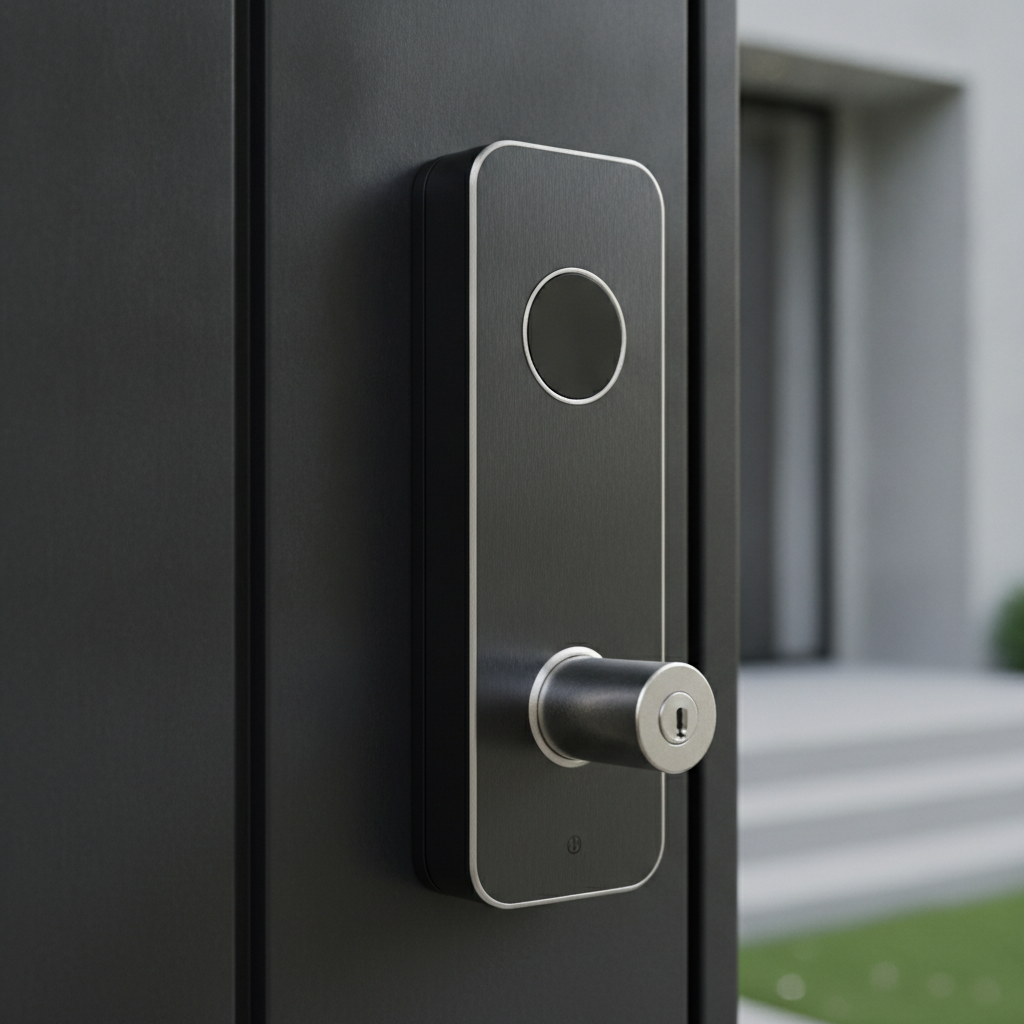
- Smart locks and access: App, keypad, and voice unlock; temporary codes for guests and trades.
- Perimeter sensors: Door/window contacts and motion sensors that also drive “welcome” or “alert” lighting scenes.
Explore our end-to-end approach on the Smart Security services page.
Smart Lighting
- Smart dimmers and switches: Favor switches for whole-room control; bulbs for accent or lamps.
- Motion and occupancy lighting: Hands-free lighting in foyers, garages, halls, and baths.
- LED strips and architectural accents: Under-cabinet, cove, and stair lighting create both visibility and mood.
See the options we recommend under Smart Lighting.
Shades & Blinds
- Motorized blinds and smart curtains: Quiet motors, precise alignment, and reliable schedules.
- Sun-tracking and seasonal routines: Automations that shift with daylight to reduce glare and heat gain.
- Privacy scenes: One tap or voice command to lower street-facing shades after dusk.
Garage & Entry
- Smart garage hubs: Remote open/close and activity alerts so you never wonder again.
- Gate and vehicle sensors: Automations that turn on driveway lights or unlock side entry on arrival.
- Remote entry flows: Delivery windows, visitor access, and lock/unlock confirmations extend peace of mind.
Smart Climate
- Smart thermostats and room sensors: Balance comfort across floors and reduce over-conditioning.
- AC controllers and radiator valves: Granular control for mini-splits or hydronic zones.
- Air quality sensors: Trigger fans or alerts based on CO₂, humidity, or particulates.
Audio & Video
- Whole-home and multi-room audio: In-ceiling speakers with hidden amps for clean aesthetics.
- Streaming setups and smart remotes: Simplify TV time with one remote that handles A/V and lighting.
- Control displays: Wall-mounted interfaces that give the whole family a shared, simple control point.
Browse our Audio & Video services to see how we unify A/V with lighting and shades.
Networking & Connectivity
- Mesh Wi‑Fi systems and smart routers: Wi‑Fi 6/6E coverage for dense device counts and smooth streaming.
- Wired backbones and PoE: Hardwire cameras and fixed devices for reliability.
- Network security and signal extenders: Segment IoT from personal devices and remove dead zones.
Network health is the #1 predictor of a calm smart home. Our Networking & Connectivity team designs Wi‑Fi the way pros build offices.
Whole-Space Automation
- Voice assistants and smart hubs: Hands-free scenes like “Arrive Home,” “Movie,” and “Goodnight.”
- Matter integration: Cross-brand device compatibility and simpler onboarding.
- Smart sensors: Quiet automations that feel natural: lights, temperature, and shades adjust before you ask.
Unify control with Smart Assistants & Hubs and advanced Smart Sensors.
Best Practices for Choosing and Installing
Design from the network out, choose devices by category, and document everything. Favor switches over bulbs for whole rooms, hardwire fixed loads, and use sensors to drive scenes. Keep a single control platform and label all gear for painless support.
Plan in Phases
- Phase 1 – Foundation: Pro Wi‑Fi, router, and wiring for cameras and A/V. This solves most reliability issues upfront.
- Phase 2 – Core rooms: Security, entry, kitchen/living lighting and shades, thermostat, and one media room.
- Phase 3 – Whole home: Bedrooms, baths, basement, exterior zones, and advanced scenes.
Favor Reliability Over Novelty
- Choose mature device families: Established ecosystems reduce app sprawl and odd edge cases.
- Use wired where it counts: Cameras, access points, and stationary A/V are best hardwired for stability.
- One platform rule: A single pane of glass—app, voice, wall display—prevents “remote fatigue.”
Document and Label
- Label circuits, panels, and patch points: Future you (or any technician) will thank you.
- Record scenes and schedules: Keep a shareable note so everyone understands “Goodnight” or “Away.”
- Snapshot network settings: IP plans, VLANs, and SSIDs make upgrades smooth and predictable.
When we deliver white-glove installation, this documentation ships with every project and is updated during service visits. It’s a small practice that pays off for years.
Tools and Resources for GTA Homeowners
Start with a discovery checklist, map devices by zone, and test coverage before adding more devices. Lean on professional design when you want unified control, elegant wiring, and long-term support that keeps everything running smoothly.
- Discovery checklist: List your daily routines: arrive, depart, wake, sleep, movie night, dinner prep, school mornings.
- Zone map: Exterior, entry, living, kitchen, bedrooms, office, basement; assign devices and protocols to each.
- Coverage test: Walk your home with a phone Wi‑Fi analyzer to spot weak zones before adding devices.
- Unified control trial: If a platform demo clicks for everyone at home, you’re on the right path.
Ready for expert help? Our solutions team can turn your notes into a bespoke, engineer-designed plan, then deliver certified installation and lifetime, 24/7 priority support.
For broad background on what’s possible, skim a general HVAC automation overview, a simple home automation explainer, and a smart home services example. These aren’t GTA-specific, but they can help you think category-first.
Local considerations for 8 Nelson St W
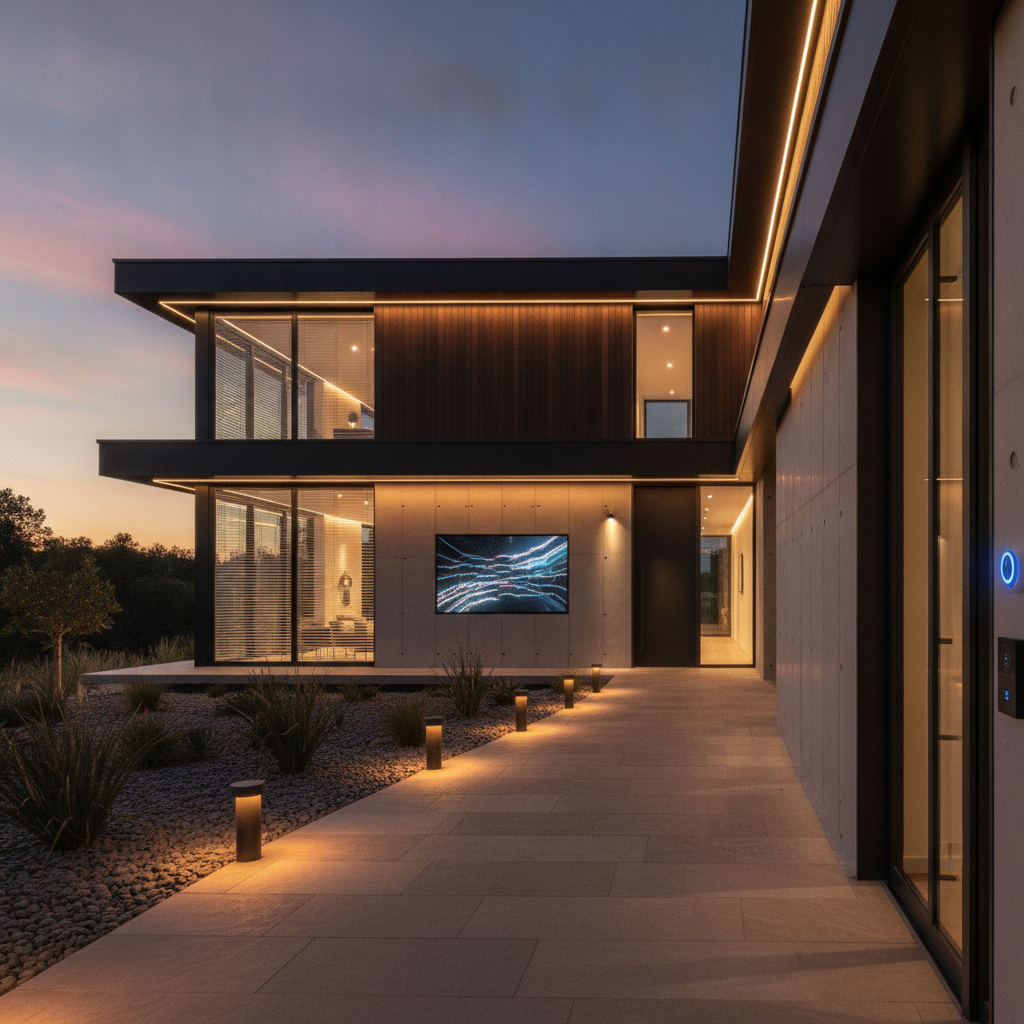
- Plan exterior lighting and cameras for winter dusk and early-morning routines; automate sunrise/sunset shifts.
- Use occupancy and temperature sensors to balance comfort across floors during shoulder seasons.
- Prioritize pro-grade networking to handle dense device counts common in renovated GTA homes.
Mini Case Studies and Real-World Examples
Small, well-planned upgrades create outsized results. In our GTA projects, phased rollouts—network first, core rooms next, whole-home after—consistently deliver reliable control, shorter support visits, and scenes that every family member actually uses.
Family Arrival Flow (GTA Detached)
A busy household wanted smooth arrivals. We installed a video doorbell, smart lock, garage hub, foyer motion sensor, and dimmers. The “Arrive Home” scene opens the garage, unlocks the mudroom, turns on pathway and foyer lights, and sets climate back to comfort. Everyone uses one voice command or geofence trigger.
Entertain + Wind Down (Condo)
A condo owner needed simple A/V and lighting. We unified the TV, speakers, and accent lights behind one smart remote and a wall control display. “Movie” lowers shades, dims cove LEDs to 20%, and switches inputs—no app juggling. “Goodnight” then turns everything off and arms entry sensors.
Seasonal Balance (8 Nelson St W)
In 8 Nelson St W, a homeowner struggled with upstairs heat in spring. We added room sensors, shade schedules aligned to afternoon sun, and occupancy lighting for hallways. The system now tempers heat gain, keeps halls lit only when needed, and reduces manual thermostat swings.
Frequently Asked Questions
Most buyers ask about reliability, network needs, and whether devices from different brands will work together. The short answer: design the network first, pick a unified control platform, and favor Matter-capable devices to reduce friction across brands.
What smart home automation devices should I start with?
Begin with entry and lighting: a video doorbell, a smart lock, foyer and exterior lighting on motion, and a thermostat you’ll use daily. These devices deliver immediate convenience and safety, and they become anchors for future scenes like “Arrive Home” and “Goodnight.”
Do I need a hub if I already have Wi‑Fi?
In many homes, yes. A hub speaking Matter (and bridging Zigbee/Z‑Wave/Thread) unifies brands and enables reliable automations that aren’t cloud-dependent. You’ll still use Wi‑Fi for cameras and A/V, but the hub coordinates low-power devices and keeps routines snappy.
How do I keep smart devices reliable over time?
Treat your network like home infrastructure: strong Wi‑Fi design, wired backbones for fixed loads, and a single control platform. Label gear, document scenes, and update firmware during scheduled maintenance. These simple steps prevent most headaches and keep family adoption high.
Can I mix different brands and still have one app?
Yes—if you pick a unified platform and prioritize Matter‑ready devices. The platform becomes your “one app,” while the hub bridges Zigbee, Z‑Wave, Thread, and Wi‑Fi. This approach avoids app sprawl and ensures scenes and voice control work as expected.
Key Takeaways
Build from the network up, standardize on a unified control platform, and add devices by category in phases. Favor wired where possible, use sensors to drive scenes, and document everything. This approach keeps smart homes simple, reliable, and ready for what’s next.
- Network quality predicts smart home happiness—design Wi‑Fi like infrastructure.
- Matter and a capable hub reduce brand friction and future-proof the stack.
- Switches for rooms, bulbs for accents; wire fixed loads for stability.
- Scenes and automations eliminate hundreds of micro-tasks every week.
- Professional design and white-glove installation turn ideas into everyday ease.
Conclusion
Smart home automation devices deliver everyday ease when they’re designed as one system—solid network, unified control, and scene-driven routines. If you’re ready to upgrade, start with entry, lighting, and climate, then expand across rooms with a consistent playbook.
Want a plan tailored to your property? Schedule a discovery with our GTA team. We’ll map phases, engineer the design, provide certified installation, and back it all with lifetime, 24/7 priority support. Book a discovery session in 8 Nelson St W to explore what’s possible.
Next step: explore all services or jump to Networking & Connectivity to firm up the foundation.