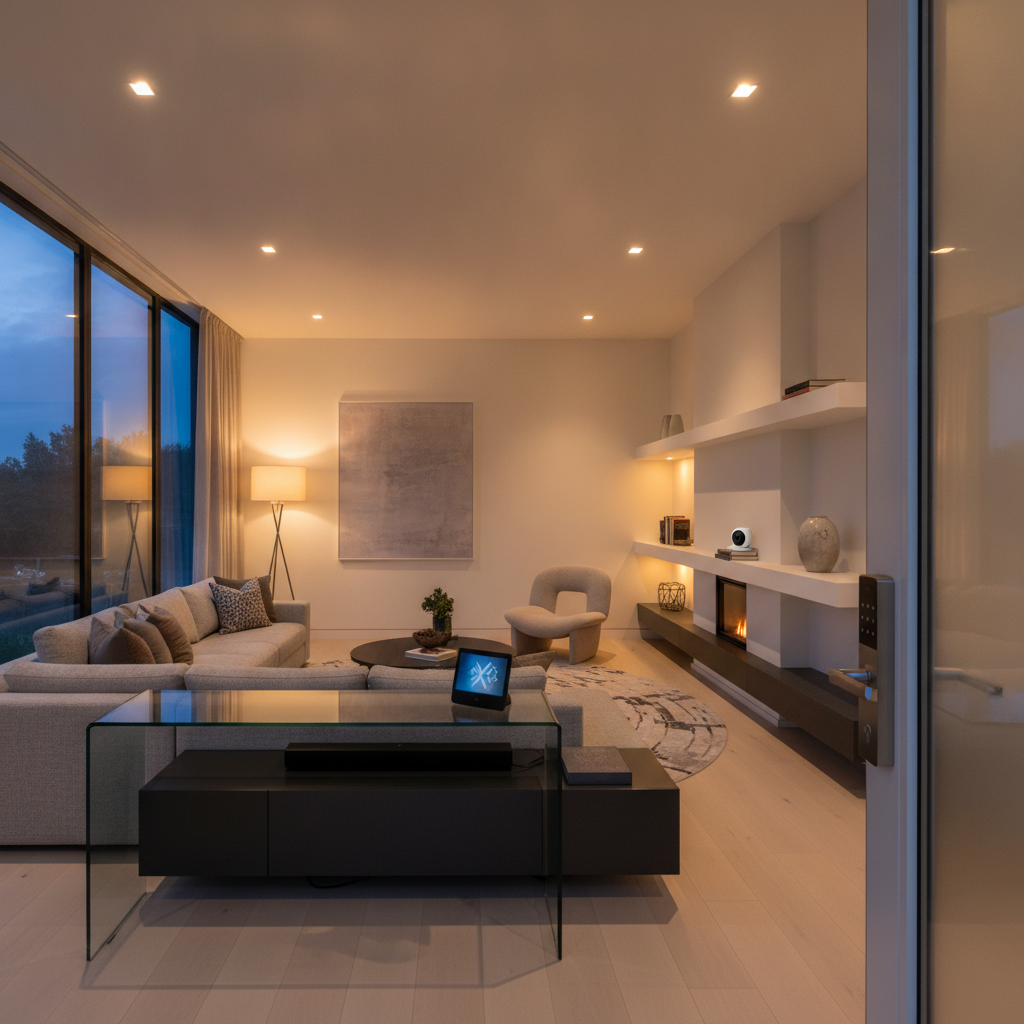
Home smart security is the integrated use of connected devices—like AI cameras, smart locks, sensors, and a secure network—to deter threats and protect people. It links detection, alerts, and responses into one system you can control from your phone or voice assistant. For Brampton and GTA homeowners, it adds safety, convenience, and peace of mind.
By SmartAura · Last updated: June 28, 2026
Overview
This complete guide shows how to plan, choose, and set up home smart security in 2026. You’ll learn core components, how systems work, what to buy, and how to integrate security with lighting, climate, and networking—plus real GTA examples, a comparison table, a step-by-step setup plan, and expert best practices.
Looking for a single, trusted roadmap? You’re in the right place. This guide blends SmartAura’s engineering-led process with practical tips you can apply immediately—even if you’re starting from scratch.
- What “home smart security” includes and how the pieces connect
- When to pick DIY, professional, or hybrid installation
- How to size cameras, locks, and sensors for your space
- Network fundamentals that keep video and apps reliable
- Integration ideas with lighting, shades, garage, and climate
- Buying guide checklist and a side-by-side comparison table
- Local tips for Brampton and the broader GTA
What Is Home Smart Security?
Home smart security is a connected system of cameras, locks, sensors, and controls that work together to detect events and automate responses. It sends instant alerts, records video intelligently, and lets you manage access from anywhere. The best setups unify everything under one app or control panel for simplicity.
At its core, a smart security system blends three layers: sensing, decisioning, and action. Sensors (motion, contact, glass-break, and cameras) detect events. Software and rules decide what matters. Actions follow: record video, send push alerts, lock doors, or trigger lights.
- Cameras: Indoor/outdoor, doorbells, pan-tilt, with person/vehicle detection.
- Access: Smart locks, garage controllers, gate motors, keypad readers.
- Sensors: Door/window contacts, motion, vibration, water leak, and smoke/CO integration.
- Control: Apps, voice assistants, in-wall touch displays, and scenes.
- Network: Reliable Wi‑Fi or wired backbones that keep everything stable.
SmartAura implements this using a consultative approach—free in-home discovery, a bespoke, engineer-designed plan, certified white-glove installation, and lifetime, 24/7 priority support. Unifying security with lighting, climate, shades, and A/V creates an experience you actually enjoy using daily.
Why Home Smart Security Matters in 2026
Smart security matters because threats evolve while daily life stays busy. Modern systems reduce false alerts, automate deterrence, and give you instant visibility. With reliable networking and unified control, you can verify events, grant access remotely, and keep family routines uninterrupted.
Life is dynamic. Kids arrive home at different times. Packages show up when you’re out. Guests, cleaners, or contractors need access for an hour—not a day. Home smart security streamlines all of that without adding complexity.
- Real-time awareness: View live video, get motion snapshots, and speak through a doorbell.
- Remote access: Lock/unlock doors, open the garage, and create one-time PINs with audit trails.
- Automated deterrence: Lights turn on, shades move, or a chime sounds when motion is detected.
- Family safety: Notifications when someone arrives, and activity zones that reduce noise.
- Insurance and documentation: Video clips and device logs help when you need records.
In our experience serving Brampton and the GTA, reliability wins. A stable network, well-placed devices, and a unified app matter more than any one spec. That’s why SmartAura emphasizes engineered design and robust connectivity alongside intelligent devices.
How Home Smart Security Works
A smart security system links sensors and cameras to a secure network and central app. Events flow from devices to rules that trigger recordings, alerts, and actions like locking doors or turning on lights. The best setups blend wired power, strong Wi‑Fi, and simple, unified control.
Think in “signals and responses.” Devices generate signals (door opened, motion detected, person identified). Rules process those signals, then trigger responses (record video, notify you, run a scene). The experience feels instant, but it depends on good design.
Core components that must work together
- Camera layer: Front door, driveway, backyard, and one main interior view. Favor person/vehicle detection and privacy zones.
- Access layer: Smart locks on exterior doors, garage controller, and gate integration when applicable.
- Perimeter sensors: Contacts on key doors/windows; motion sensors in transitional spaces (foyer, hallway).
- Control layer: App, wall-mounted display, voice assistant, and automations/scenes.
- Network & power: Mesh Wi‑Fi or wired Ethernet, PoE for fixed cameras, and UPS for critical gear.
Event flow in practice
- Doorbell detects a person and starts recording.
- You receive a snapshot alert and open two-way audio.
- The porch light scene turns on automatically after dusk.
- If it’s a delivery, you unlock the door or crack the garage, then relock automatically.
Design choices shape outcomes. For example, placing a driveway camera to see faces (not just license plates) and aiming at chest height reduces false alerts. Pairing a lock with a door sensor gives definitive “door closed and locked” logic—not just “lock engaged.”
Types, Devices, and Approaches
Plan home smart security by zone: entry, perimeter, interior, and network. Pair doorbells and locks at entries, use cameras to cover choke points, add contact and motion sensors, and back it all with reliable Wi‑Fi or Ethernet. Build in scenes that automate lights and access.
Entry and porch
- Video doorbell: Person alerts, two-way talk, and activity zones for packages.
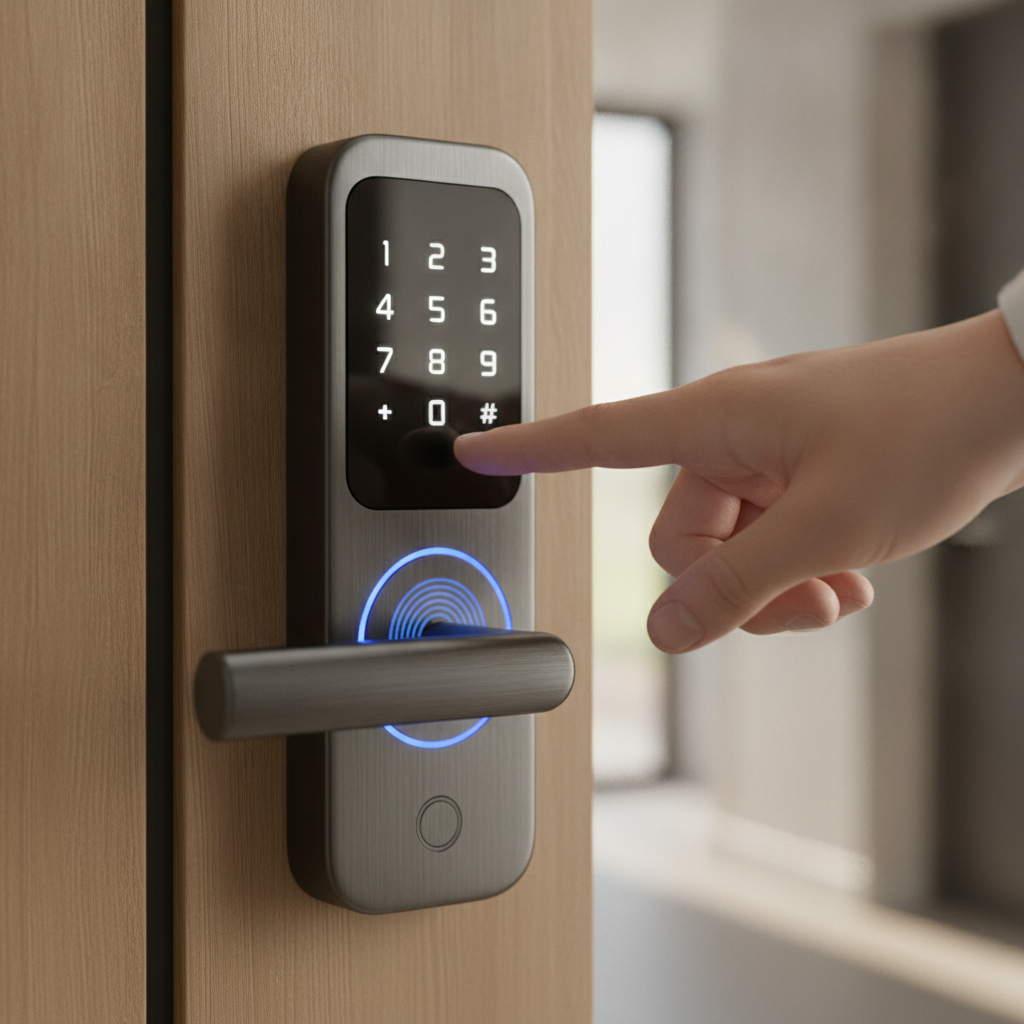
- Smart lock: App control, temporary PINs, and auto-lock on a schedule.
- Scene tie-ins: After dark, turn on porch and foyer lights when someone approaches.
Perimeter coverage
- Driveway camera: Person/vehicle classification and night performance matter.
- Backyard camera: Mount away from fence lines to avoid neighbor privacy issues.
- Side yard/garage: Narrow field-of-view to cut down motion clutter.
Interior checkpoints
- Foyer/hallway motion: Captures movement across rooms without putting cameras in private areas.
- Contact sensors: On the main entry, garage access door, and any basement walkups.
- Environmental sensors: Water leak sensors near sinks and sump; smoke/CO tie-ins where supported.
Network and power foundation
- Mesh Wi‑Fi: Even, room-to-room coverage for phones and mobile cameras.
- Wired backhaul: PoE to fixed cameras where feasible for uptime and clarity.
- UPS: Battery backup on router/switch keeps alerts flowing during brief outages.
For a cohesive experience, unify everything in one app or touch display. SmartAura can connect security with lighting and shades so your home responds as a single, intelligent system. Explore our smart lighting options for practical scene ideas.
Buying Guide: How to Choose the Right Setup
Choose a smart security setup by mapping entrances, prioritizing coverage, and deciding on DIY, professional, or hybrid installation. Validate network strength, confirm storage preferences, and favor unified control. Make sure locks, garage, and sensors integrate cleanly with cameras and automations.
Step-by-step selection checklist
- Map your home: Note each exterior door, key windows, driveway, yard, and interior choke points.
- Pick coverage priorities: Front door and driveway first; then backyard and side yard.
- Decide install mode: DIY, professional, or hybrid based on wiring needs and time.
- Validate the network: Test Wi‑Fi at camera sites; plan wired backhaul where possible.
- Choose storage: Local NVR, encrypted cloud, or both for redundancy.
- Unify control: Aim for one app or a wall display managing locks, cameras, and scenes.
DIY vs. Professional vs. Hybrid
| Approach | Setup time | Reliability | Support | Integration | Best for |
|---|---|---|---|---|---|
| DIY | Fast if wireless | Good with strong Wi‑Fi | Self-service | Basic app tie-ins | Rentals, condos, quick starts |
| Professional | Planned install window | Excellent with wiring/PoE | Hands-on and ongoing | Deep, whole-home scenes | Detached homes, larger lots |
| Hybrid | Moderate | Very good | Mix of support | Flexible integrations | Upgrades over time |
GTA homeowners who want a stress-free, unified experience often choose professional installation. SmartAura’s smart security service combines engineered design with certified technicians and lifetime, 24/7 priority support.
Local considerations for 8 Nelson St W
- Seasonal extremes can affect batteries and video clarity. Favor PoE and weather-rated housings for exterior cameras in the Brampton area.
- Winter evenings arrive earlier. Tie motion detection to after-sunset lighting scenes for safer entries and clear video.
- Busy family schedules? Use temporary PINs and activity alerts so arrivals and deliveries don’t interrupt routines.
Best Practices: Placement, Privacy, and Peace of Mind
Place cameras at face height, avoid neighbor views, and back devices with strong networking. Pair locks with door sensors for closed-and-locked certainty. Use scenes for deterrence, and keep one unified control point to reduce confusion and missed alerts.
Camera placement and tuning
- Face height: Mount where faces fill 40–60% of the frame at typical approach distance.
- Avoid sky glare: Point away from bright backlight and reflective windows.
- Zones and sensitivities: Create activity zones; reduce sensitivity near trees/roads.
- Night performance: Use adequate porch/drive lighting for color capture after dusk.
Access control hardening
- Lock + contact sensor: Confirm both “locked” and “door closed.”
- Auto-lock windows: Auto-lock after 5–10 minutes; require PIN for manual overrides.
- PIN hygiene: Separate family, guest, and contractor PIN groups; revoke on schedule.
Network reliability rules
- Mesh where needed: Aim for 2–3 bars of signal at each device location.
- Prefer Ethernet/PoE: Especially for fixed outdoor cameras and hubs.
- UPS on core: Router/switch on battery backup to ride out brief outages.
We detail these foundations in our home networking overview. A stable network is the quiet hero behind every reliable alert, video clip, and automation.
Tools, Integrations, and Resources
Use unified control with voice assistants, hubs, and wall displays to simplify daily life. Tie lighting, shades, garage, and climate to your security events. Favor platforms that support broad device compatibility and provide responsive, local support.
- Voice assistants and hubs: Hands-free commands for locks, scenes, and status checks.
- Wall-mounted displays: Quick arming, camera views, and household-friendly controls.
- Lighting and shades: Pair entries with bright paths and privacy at night.
- Garage and gates: One-time access for deliveries and contractors.
- Climate and sensors: Auto-set back temperatures when armed-away; leak alerts trigger lights.
SmartAura’s whole-home approach means camera events can nudge lights, shades, and A/V. Explore sensors that complete the picture in our smart sensors guide, or review garage and entry controls for smarter access management.
For general background reading on smart security concepts and consumer checklists, here are third-party overviews: a basic home security systems primer, a home security camera overview, and a short note on alarm installation considerations.
Case Studies and Real-World Examples
Real GTA homes benefit from unified security that blends cameras, locks, sensors, and a strong network. These quick scenarios show how engineered design, professional installation, and lifetime support translate into fewer false alerts and smoother daily routines.
Brampton detached home: Safer after-dark arrivals
- Challenge: Busy evening arrivals and frequent package drops.
- Design: Doorbell camera + porch light scene after dusk; driveway camera aimed at face level.
- Outcome: Clear video at night, fewer nuisance alerts, and quick one-tap access for family.
Mississauga townhouse: Reliable access for cleaners
- Challenge: Weekly cleaners needed timed access without extra keys.
- Design: Smart lock with scheduled PINs and door contact sensor confirmation.
- Outcome: Automatic PIN activation during a two-hour window; audit trail for peace of mind.
Vaughan home office: Network stability for cameras
- Challenge: Camera dropouts due to weak Wi‑Fi at the side yard.
- Design: Mesh Wi‑Fi upgrade and PoE to fixed outdoor cameras.
- Outcome: Steady streams and instant push alerts without missed clips.
Oakville family home: Interior privacy with smart sensors
- Challenge: Parents wanted awareness without indoor cameras in private areas.
- Design: Motion sensors in hallways + contact sensors on entries.
- Outcome: Useful activity alerts and arrival confirmations, no cameras in bedrooms.
If you prefer a turnkey path, SmartAura’s engineer-led designs and white-glove installation reduce complexity while keeping you in control. Learn more about our unified smart home approach and local, lifetime support.
Setup Process: From Consultation to Ongoing Support
A robust security setup follows a clear process: discovery, engineered design, professional installation, app training, and ongoing support. Following these steps ensures reliable coverage, fewer false alerts, and a system your family will actually use every day.
- Discovery: Free, in-home consultation to understand routines, concerns, and layout.
- Engineered design: Bespoke plan with camera angles, sensor lists, and networking upgrades.
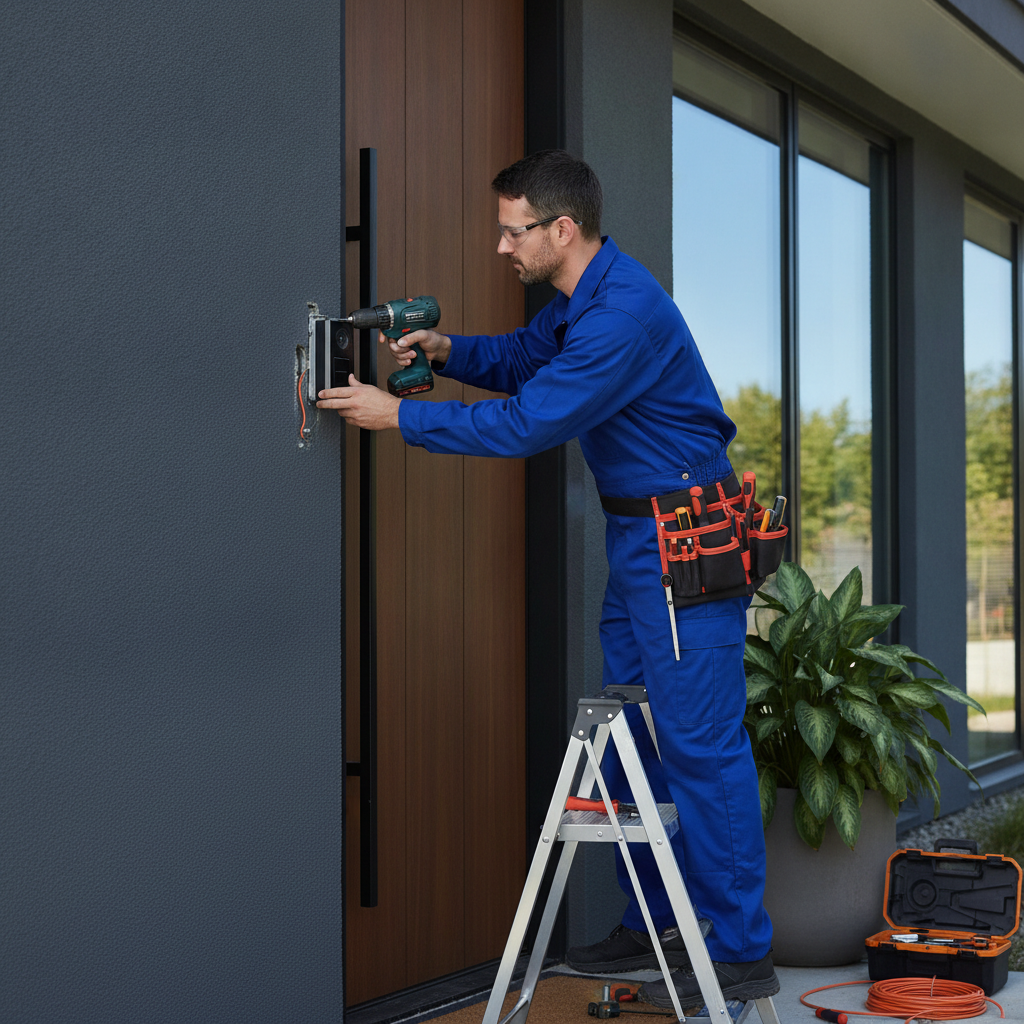
- White-glove installation: Certified technicians handle wiring, configuration, and cleanup.
- Training and handoff: App setup, scenes, and PIN hygiene for every household member.
- Lifetime, 24/7 priority support: Ongoing monitoring of system health and quick assistance.
When everything lives in one unified platform, you spend less time managing apps and more time enjoying your home. That’s the principle behind SmartAura’s end-to-end delivery model across Brampton and the GTA.
Frequently Asked Questions
These quick answers address common questions about home smart security—how many devices you need, whether you can mix brands, and what to prioritize first. Use them to validate your plan before installation or upgrades.
How many cameras do I need?
Most homes start with three to five views: doorbell/front porch, driveway, backyard, and one key interior angle such as a foyer or hallway. Expand as needed for side yards or detached garages. Focus on mounting for clear faces at typical approach distances.
Should I choose local or cloud video storage?
Both work. Local NVRs offer fast access and independence from the internet. Cloud provides off-site redundancy and quick sharing. Many homeowners use a hybrid approach for resilience. Prioritize encryption and clear retention policies.
Can I mix brands and still have one app?
Yes, but it depends on platform compatibility. Choose a unifying control layer that supports your key devices and features. SmartAura designs systems with cross-brand compatibility and a single control experience so daily use stays simple.
What’s the best first upgrade?
Start at the front door. A quality video doorbell paired with a smart lock delivers the biggest, most visible improvement. Add a driveway camera next, then shore up the network so alerts and video are always reliable.
Key Takeaways and Next Steps
Smart security works best when it’s unified, reliable, and easy to use. Start with the front door and your network, add key cameras and sensors, then connect lighting and access for deterrence. A professional, engineered design minimizes headaches and maximizes peace of mind.
- Unify control so cameras, locks, and sensors act together.
- Stabilize networking before expanding coverage.
- Prioritize entries with a doorbell camera and smart lock.
- Use scenes to automate lights and access for safety.
- Lean on experts for wiring, configuration, and lifetime support.
Ready for a plan that fits your home and routine? Book a free in-home consultation with SmartAura for an engineered design, certified installation, and lifetime, 24/7 priority support across Brampton and the GTA.