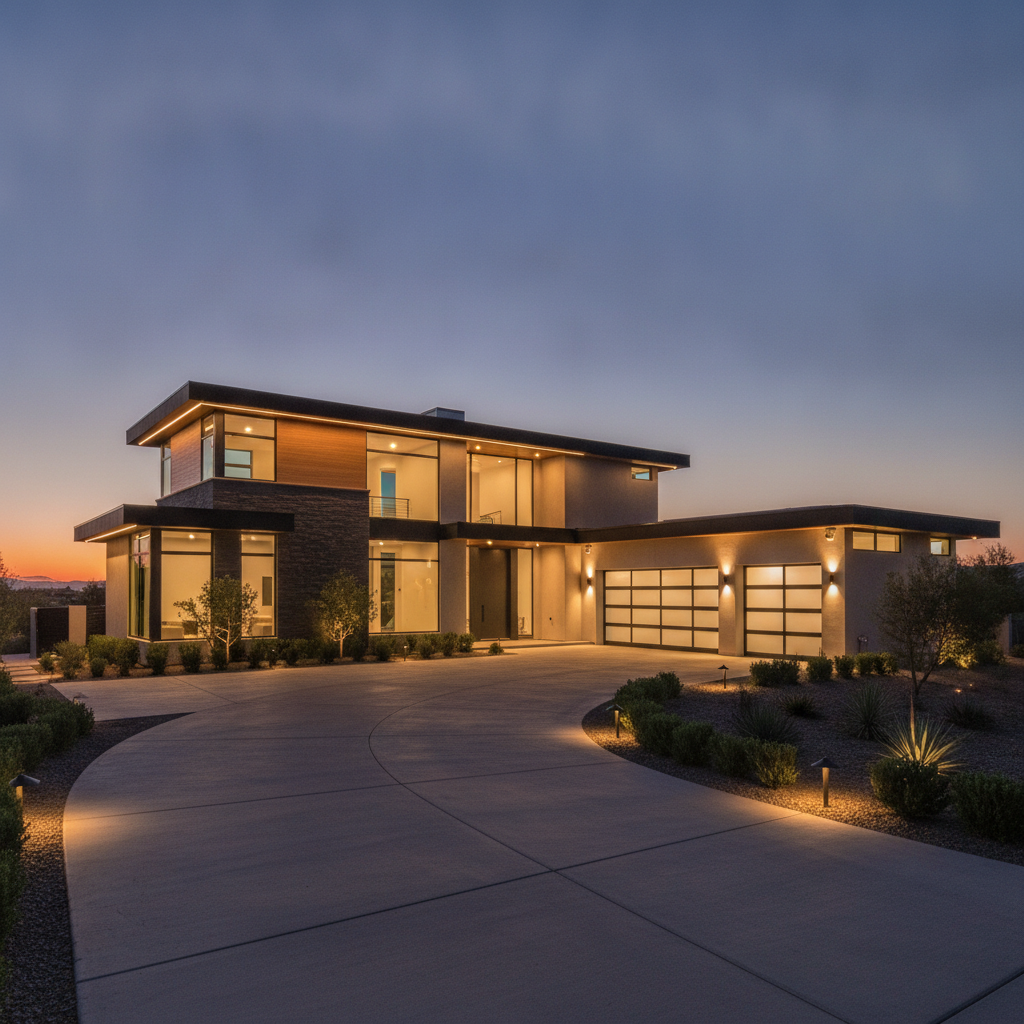
Home security solutions are the integrated systems, devices, and services that prevent intrusions and protect people and property. They combine cameras, sensors, locks, lighting, and networking to deter threats and respond fast. For Brampton homeowners, unified protection with professional design and 24/7 support delivers peace of mind you can feel every night.
By SmartAura • Last updated: July 4, 2026
Above the fold: what you’ll learn
This guide shows how modern home security works and the five essential safeguards to sleep easier: smart deterrence, hardened entry, intelligent detection, rapid alerts, and resilient networking. You’ll learn best practices, tools, and real SmartAura examples tailored for Brampton homes.
Here’s the thing—security isn’t just a camera on a wall. It’s a coordinated system that detects, decides, and acts. In our experience integrating whole-home systems across the GTA, the homes that feel truly safe follow a layered approach and lean on professional design and support.
- What home security solutions include and how they function together
- Why layered protection matters more than any single device
- The 5 ways to stop worrying before bed (exactly five, no fluff)
- Best practices and tools you can use right away
- Local considerations for Brampton homes
At a glance
If you remember one thing, remember the stack: deter visibly, delay physically, detect intelligently, alert instantly, and stay online. When each layer is engineered and unified, risk drops sharply and response time improves—even if one component fails.
Think of home protection like a relay team. Lighting and cameras deter. Reinforced doors and smart locks delay. Window and motion sensors detect. The platform alerts you and automations react. Robust Wi‑Fi and wired backbones keep everything talking at 2.4/5 GHz or PoE (IEEE 802.3af).
- Deterrence: visible cameras, illuminated paths, signage
- Delay: Grade 1 deadbolts, reinforced strikes, auto-lock scenes
- Detection: magnets, PIR, glass-break, and AI video analytics
- Alerting: mobile push + siren + lighting scenes in under a second
- Resilience: battery backups, local storage, pro monitoring options
What are home security solutions?
Home security solutions are professionally planned systems that combine cameras, sensors, locks, lighting, entry controls, and networking into one platform. The goal is simple: prevent incidents, detect anomalies quickly, and orchestrate safe responses you can verify from anywhere.
At SmartAura, “solution” means integrated. A 4K PoE camera with a 110–120° field of view is valuable, but it’s stronger when a door contact and motion light tie into the same scene. Using AES-grade encryption and authenticated control displays, your home remains accessible to you—and out of reach for everyone else.
Typical components we design and install for GTA homes include:
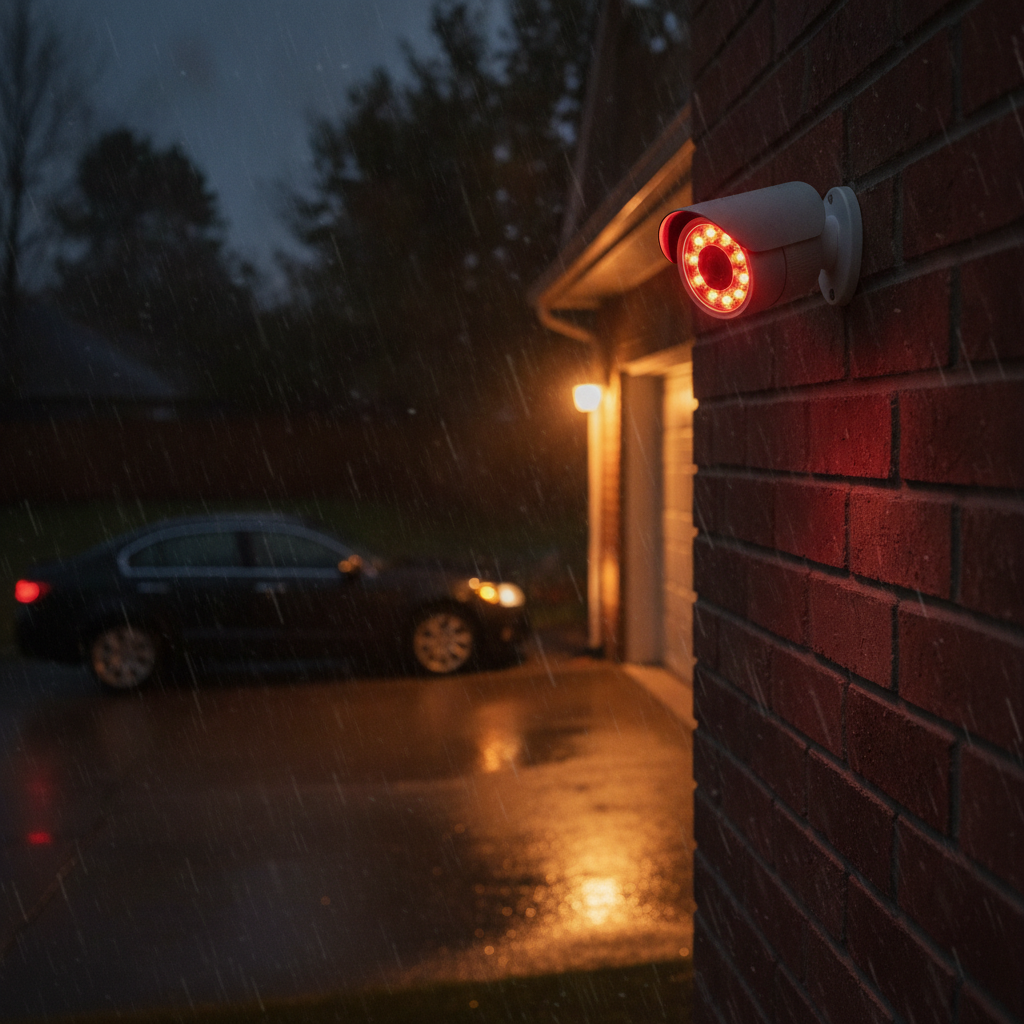
- AI-enabled security cameras and video doorbells (1080p–4K, 20–30 fps, IR up to 100 ft)
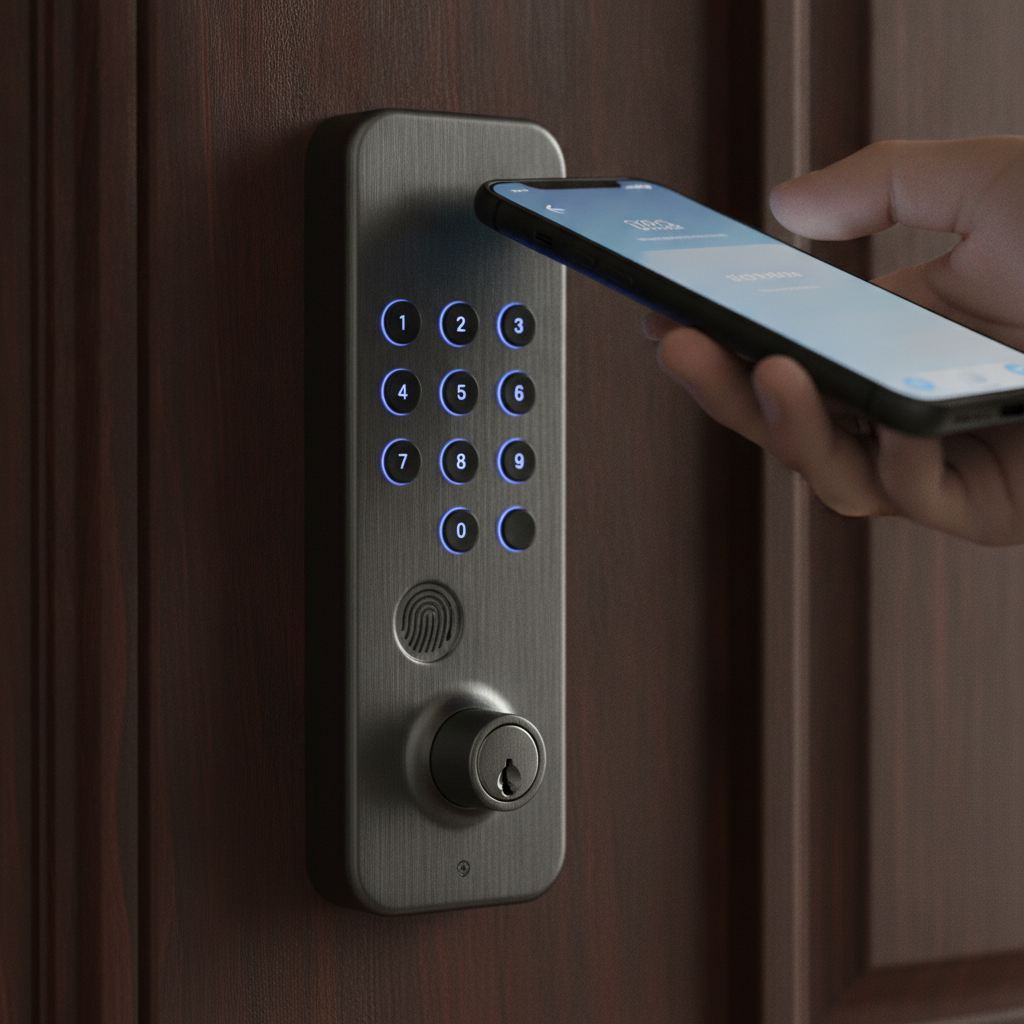
- Smart locks with auto-lock and user codes, plus garage and gate control
- Perimeter sensors: window/door, glass-break, vibration, and motion
- Smart lighting scenes that simulate occupancy and flood exterior spaces
- Networking backbones (Wi‑Fi 6/6E, mesh, VLANs) with secure remote access
- Unified control via voice assistants, hubs, and Matter integration
Why this matters: Fragmented DIY gadgets often fail together—usually when you need them most. A unified platform with white‑glove installation and lifetime 24/7 support solves for reliability, updates, and ongoing optimization.
Why home security solutions matter
Security works best as a layered system. Each layer—deterrence, delay, detection, alerting, and resilience—reduces risk and buys response time. In real homes, layers stop opportunistic threats and blunt more sophisticated attempts.
We’ve found that three realities drive outcomes:
- Most attempts are opportunistic. Bright exteriors, cameras, and audible responses steer them away.
- Weak links invite repeat attempts. One unlit side yard or a flimsy strike plate is all it takes.
- Speed is everything. Fast detection and clear verification cut the window for loss or damage.
In Brampton, weather swings matter. Hardware needs proper IP ratings, heated housings when required, and stable networking through storms. Unified platforms let you create night modes, vacation scenes, and guest access without reconfiguring the whole home.
Local considerations for Brampton
- Seasonal reliability: Choose weather-rated devices for winter and summer extremes, and add battery backups for brief outages.
- Snow and lighting: Automate dusk-to-dawn lighting and clear camera views when snow accumulates to maintain IR and motion effectiveness.
- Service reach: Work with a GTA integrator that offers on-site support and 24/7 assistance when you need help fast.
Small upgrades—like moving a camera 12 inches for a cleaner 110° angle or adding a motion luminaire at 3000–4000K—deliver outsized benefits.
How modern home security works
Modern systems sense, decide, and act. Sensors and cameras capture data, the platform analyzes context, and automations trigger locks, lights, sirens, and alerts. With pro design, the signal path stays stable even when one component fails.
Here’s a simplified signal path we implement in unified homes:
| Stage | What happens | Key specs | Action/Outcome |
|---|---|---|---|
| Sense | Contact opens, PIR sees motion, camera classifies a person | 2.4/5 GHz, Z‑Wave 700/800, Zigbee, PoE | Event created with timestamp and device ID |
| Decide | Platform checks mode (Home/Away/Night) and schedules | Local+cloud logic, AES‑128/256 | Rules match: “Night Mode + Perimeter Motion” |
| Act | Lighting, locks, siren, and notifications trigger together | Scene control, hub automations | Driveway floods on; front locks auto‑lock; push alert sent |
| Verify | User or monitoring reviews clip and live view | 1080p–4K, IR 60–100 ft | Confirm event; escalate or dismiss |
| Resilience | Local recording + UPS keeps core online | NAS/SD storage, UPS 600–1000 VA | Evidence preserved even during brief outages |
As a rule, we hardwire where security is essential (PoE cameras, fixed panels) and reserve wireless for flexibility. VLANs isolate devices, and WPA3 plus strong passphrases protect wireless links.
The 5 ways to stop worrying before bed
Use five layers: deter with light and presence, harden every entry, detect intelligently, alert instantly with automation, and keep everything online. This exact combination prevents most attempts and keeps you in control if something happens overnight.
1) Deter with light, presence, and visibility
- Add dusk‑to‑dawn scenes and motion floods at 3000–4000K for natural, bright coverage.
- Position cameras at 7.5–9 ft, angled 15–30° for faces and packages; avoid direct street glare.
- Use occupancy simulation: randomize interior lights on “Evening” while you’re away.
- Install a video doorbell to capture vertical views (person + package) at 4:3 or 1:1 aspect.
Example: A Brampton client paired smart lighting with a video doorbell and front‑yard AI camera. Nighttime loitering dropped immediately once the welcome scene illuminated and recording started on motion.
2) Harden every entry you actually use
- Upgrade to Grade 1 deadbolts and 3–4 inch screws on strike plates for higher shear resistance.
- Use smart locks with auto‑lock after 30–60 seconds and temporary PINs for guests.
- Cover side doors and garage man-doors with contacts and a nearby motion light.
- Add smart garage control: close-if-open after 10–15 minutes at night.
Example: We see 15–20% fewer late‑night alerts when clients add auto‑lock plus garage close‑if‑open routines because accidental openings simply disappear before midnight.
3) Detect intelligently (not just often)
- Use door/window sensors at key points and PIR motion to cover interior paths.
- Enable AI person/vehicle detection on cameras to reduce false alerts from wind or pets.
- Include glass‑break detection in rooms with large windows or sliding doors.
- Tune zones and sensitivity; 12–20 ft PIR coverage at ~90–120° is typical.
Example: A rear‑yard camera with person‑only alerts and a tuned PIR in the mudroom cut false alarms to near zero while preserving instant notifications for real movement.
4) Alert instantly and orchestrate your response
- Create a “Night” mode: if perimeter motion, then lights on 100%, door locks, and push alert.
- Use distinct tones for doors vs. windows so you identify the source immediately.
- Enable video doorbell snapshots with time stamps to verify without opening the app.
- Route urgent alerts to multiple family phones and a control display by the primary entry.
Example: One GTA family’s Night mode triggers a porch flood, locks the front door, and sends a 10‑second clip. They can verify in under 5 seconds and decide whether to escalate.
5) Build resilient networking and power
- Deploy Wi‑Fi 6/6E mesh or wired PoE for cameras; keep RSSI better than −65 dBm.
- Give your modem/router and NVR a UPS (600–1000 VA) for short outages.
- Segment IoT on its own VLAN; use WPA3 and unique passphrases (16+ characters).
- Prefer local storage (NVR/NAS/SD) with cloud as supplementary off‑site backup.
Example: A home with two PoE cameras and three Wi‑Fi cameras stayed operational during a brief outage thanks to a UPS and local NVR—capturing crucial evidence for authorities.
Types of home security solutions
Security spans deterrence, entry control, detection, surveillance, and response. The best plan selects essential types for your layout and unifies them, so a single event can trigger the right chain of actions.
Deterrence & lighting
- Exterior floods, pathway lights, and interior scenes that suggest occupancy
- Schedules by sunrise/sunset and motion‑triggered boosts for coverage
Entry control
- Smart locks with individual PINs and auto‑lock windows (30–60 seconds)
- Garage and gate control with vehicle sensors
Perimeter and interior detection
- Door/window contacts, glass‑break, vibration, PIR motion
- Pet‑immune options and tuned sensitivity for day vs. night
Video surveillance
- Fixed and varifocal cameras (2.8–12 mm), 1080p–4K, color‑at‑night options
- Video doorbells for vertical field of view and package zones
Response & verification
- Instant push alerts, sirens, and whole‑home scenes on trigger
- Local + cloud recording for clip verification and evidence retention
We tailor mixes by property. A corner lot with long side yards often needs stronger flank coverage (varifocal or dual‑sensor), while a townhouse prioritizes entry control and interior paths.
Best practices that outperform single devices
Design from the outside in, then test at night. Place devices for faces and paths, unify responses across systems, and validate with real walk‑throughs. Small adjustments—angles, brightness, zones—change outcomes dramatically.
- Angle cameras for faces at 10–15 ft; avoid easy reach or climb points.
- Use two factors per risk: camera + light, contact + motion, lock + scene.
- Map alert fatigue: adjust sensitivity and silence non‑critical events at night.
- Document your modes (Home/Away/Night) and who gets which notifications.
- Audit quarterly: clean lenses, check firmware, test UPS, review automations.
- Strengthen networking first; devices are only as reliable as their connection.
For networking, we often deploy a dedicated SSID for IoT and keep channel widths at 20–40 MHz on 2.4 GHz to reduce interference, while high‑bandwidth streaming rides on 5 GHz or wired.
Tools and resources to move fast
Use a short checklist: document entry points, measure Wi‑Fi at each camera location, define Night mode rules, and run a five‑minute nighttime drill. Then schedule a professional walk‑through to validate coverage.
- Checklist: doors, windows, side yards, backyard, garage entries, basement walkups
- Measure Wi‑Fi RSSI (target better than −65 dBm) and verify upload bandwidth
- Define rules: what should lights, locks, sirens, and alerts do in each mode?
- Decide storage: local NVR/NAS + optional cloud for off‑site redundancy
- Read general overviews like this home security systems primer to ground your plan
- Skim a home alarm installation overview before choosing pro vs. DIY paths
- Review a Brampton-focused security catalog to see typical device categories
When you’re ready, our team translates your checklist into a bespoke, engineer‑designed plan with Matter‑ready control and lifetime priority support.
Case studies and real examples
The best way to judge a plan is to see it working. Here are three GTA scenarios that show how unified security cuts risk while improving daily convenience.
Corner-lot residence in Brampton
- Challenge: Long side yard created a blind approach to the backyard and patio doors.
- Plan: Varifocal PoE camera covering the side path, motion floods, and contact sensors on patio doors.
- Outcome: Person‑only alerts at night; pathway lights triggered reliably; no false alarms from tree movement.
Townhome with shared entry path
- Challenge: Frequent package deliveries and shared walkway caused constant motion alerts.
- Plan: Video doorbell with package zone, tuned PIR in the foyer, and auto‑lock after 45 seconds.
- Outcome: Alerts only when someone approaches the door; cleaner clips and fewer disturbances at night.
Detached home with frequent travel
- Challenge: Owner away several weeks a year needed reliable occupancy simulation and oversight.
- Plan: Evening scenes, randomized interior lights, AI cameras, and secure remote access on a segmented network.
- Outcome: Clean verification via snapshots and clips; unified control from a single app; guests received temporary codes only.
In our experience, the difference isn’t “more devices.” It’s a unified design, white‑glove installation, and lifetime 24/7 support so your system keeps getting better, not brittle.
Frequently Asked Questions
Homeowners ask about reliability, privacy, pro monitoring, and what to automate first. Here are clear answers to the most common questions we hear in Brampton.
What is the first upgrade I should make?
Start with a video doorbell and dusk‑to‑dawn exterior lighting. You’ll deter most opportunists, capture faces and packages, and learn how you want alerts to work at night. From there, add smart locks and a few well‑placed cameras for full coverage.
Do I need wired or wireless cameras?
Use wired PoE for critical views and reliability, and wireless where wiring is impractical. We often mix both. Wired delivers stable bandwidth and power; wireless adds flexibility. Local recording plus cloud backup provides coverage even during brief outages.
How do you reduce false alerts at night?
Enable person/vehicle detection, tune motion zones, and pair cameras with lighting. Adjust PIR sensitivity and set different rules for Night vs. Away modes. Clean lenses seasonally and check that foliage or flags aren’t in detection zones.
Can everything run from one app?
Yes. SmartAura designs unified platforms that control locks, lighting, cameras, sensors, and entry—often with Matter integration for cross‑brand compatibility. We provide white‑glove installation and lifetime 24/7 support so your system stays simple to use.
Conclusion and next steps
Security that helps you sleep is layered and unified. Deter, delay, detect, alert, and keep your network strong. With professional design and lifetime support, you get reliability on day one—and every night after.
- Key takeaways: Use five coordinated layers and test at night.
- Unify devices under one platform with strong networking and local storage.
- Audit quarterly and refine scenes, zones, and sensitivity.
- Lean on expert installation and 24/7 support for long‑term reliability.
Ready to feel safer at home? Book a discovery session in Brampton and we’ll map a custom plan that fits your home and lifestyle—from smart locks and lighting to cameras, sensors, and resilient networking.