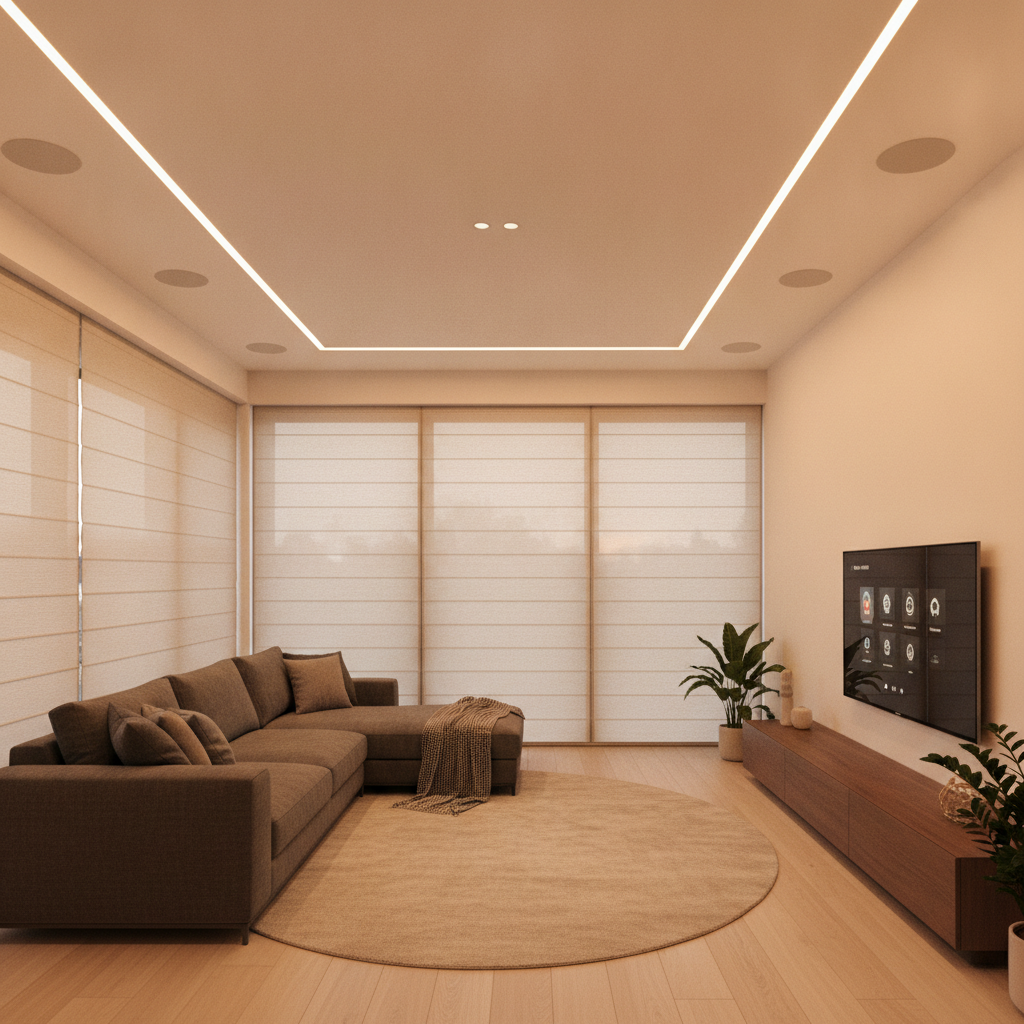
Home automation services are professional design, installation, and support solutions that connect security, lighting, climate, entertainment, and networking into one system you control from apps, voice, and touch panels. In 8 Nelson St W and across the GTA, SmartAura delivers unified control that saves time, boosts comfort, and enhances safety.
By SmartAura • Last updated: 2026-06-25
Above-the-Fold Hook & Table of Contents
If you want lights, locks, climate, audio, and cameras to work as one, home automation services align devices under a single control platform. With SmartAura’s guided design and white-glove installation, you get seamless scenes, reliable networking, and lifetime support—so daily routines are faster, safer, and easier.
Here’s the thing: most homes now juggle dozens of devices. Without a plan, they clash. A service-led approach organizes the chaos into a simple, reliable experience that anyone at home can use.
- What you’ll learn in this guide:
- • What professional home automation covers (and what it doesn’t)
- • Why unified control beats piecemeal DIY setups
- • How design-first projects minimize rewiring and disruption
- • Best-practice checklists for security, lighting, climate, and AV
- • Real examples from GTA-style homes and light commercial spaces
Overview
- SmartAura serves the Greater Toronto Area with end-to-end delivery: discovery, custom engineering, certified installation, and lifetime, 24/7 priority support.
- Offerings include smart security, smart lighting, motorized shades and blinds, garage and entry, smart climate control, audio/video, networking, and whole-space automation (with Matter integration).
- Unified control reduces tap fatigue, prevents device conflicts, and enables one-touch scenes for arrivals, bedtime, entertaining, and away mode.
What Is Home Automation Services?
Home automation services are professional solutions that design, install, and maintain integrated systems for security, lighting, climate, entertainment, and networking. The goal is one-touch control and dependable automation across brands and rooms—delivered through expert planning, clean wiring, certified setup, and ongoing support.
In practice, a service partner like SmartAura engineers a single experience: tap “Goodnight,” and lights dim, doors lock, shades close, temperature sets back, and cameras stand guard. That’s not five apps—it’s one platform working together.
- Scope: Security cameras, smart locks, video doorbells, sensors, lighting scenes, motorized blinds, HVAC automations, multi-room audio, networking, and voice control.
- Deliverables: Bespoke designs, professionally run cables, clean device placement, rock-solid Wi‑Fi, and a unified app/touchscreen.
- Support: Lifetime, 24/7 priority assistance so systems stay reliable as needs evolve.
- Compatibility: Matter integration and proven hubs connect diverse brands under one roof.
Self-contained view: Home automation services convert device islands into one system that’s predictable and secure. You gain scenes that match routines—arrivals, bedtime, school mornings—without juggling multiple apps or settings.
Why Home Automation Services Matter
Professional home automation turns complexity into everyday simplicity. You save time with scenes, strengthen security with unified alerts, improve comfort through climate scheduling and shade control, and get dependable streaming thanks to engineered networking—backed by experts who support you 24/7.
Why it matters to busy households and design-conscious owners:
- Time savings daily: One scene replaces dozens of taps. Morning and “Away” routines run automatically.
- Safety without stress: Locks, cameras, and sensors coordinate; alerts route to the right people.
- Energy and comfort: Smart thermostats, air quality sensors, and sun-tracking shades keep rooms comfortable throughout the day.
- Entertainment without hiccups: Buffered streams are rare when networking is planned for load and coverage.
- Longevity: Lifetime support protects your investment as technology changes.
In our experience across the GTA, the biggest win is consistency. When scenes just work—every time—families trust the system and actually use it.
How Home Automation Works
A successful smart home starts with discovery, then a tailored design that maps devices to rooms, wiring, power, and networks. Certified technicians install, configure, and test everything, unifying control through apps, touch panels, voice assistants, and hubs with Matter-ready compatibility.
Here’s how SmartAura’s end-to-end process flows:
- Discovery & consultation: We visit, learn routines, note construction details, and confirm priorities.
- Engineering-led design: We specify devices, wiring paths, network topology, and control surfaces.
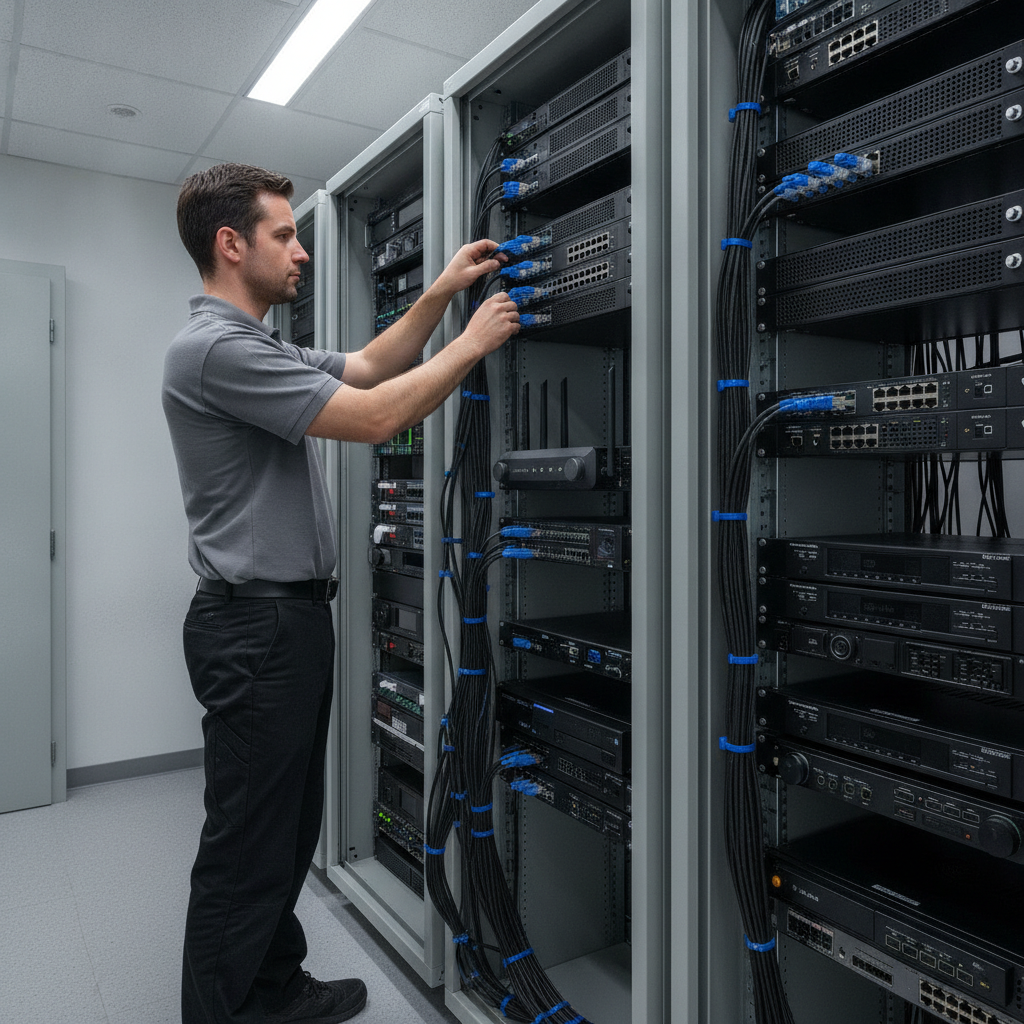
- White-glove installation: Certified technicians handle cabling, mounting, firmware, and configuration.
- Unification: Security, lighting, climate, AV, and shades live on one platform with scenes.
- Validation: We test handoffs (e.g., door unlock triggers foyer lights and disarms alarm).
- Training & handoff: Clear walkthroughs for every household member.
- Lifetime support: 24/7 priority assistance and proactive check-ins keep performance high.
Local considerations for 8 Nelson St W
- Seasonal temperature swings demand climate profiles for winter mornings and summer afternoons; coordinate thermostats with sun-tracking shades.
- Network plans should account for dense device environments common in GTA neighborhoods; mesh access points improve roaming and coverage.
- Snow and rain patterns call for outdoor-rated cameras and protected cable runs; schedule preventive checks each fall and spring.
Self-contained view: Treat the home as a system—power, data, and control paths must be designed once so everything stays stable, even as devices are added later.
Types of Home Automation Services
Core service categories include smart security, lighting, motorized shades, garage and entry, climate control, multi-room audio/video, networking, and whole-space automation. A unified design blends these into scenes so each category enhances the next—arrivals, bedtime, entertaining, and away mode.
Smart security (peace of mind)
- Indoor/outdoor cameras, video doorbells, smart locks, and sensors work together for fast awareness.
- Example: Doorbell detects a visitor, porch lights brighten, and a foyer camera records while your phone shows two-way talk.
- Explore our smart security services for AI cameras and access control.
Smart lighting (comfort and mood)
- Smart bulbs, dimmers, motion lighting, and LED strips create scenes for work, dining, and theater nights.
- Example: “Goodnight” fades bedrooms to warm tones while halls stay softly lit for safety.
- See smart lighting design for scene layering and circadian options.
Shades & blinds (natural light control)
- Motorized blinds and smart curtains coordinate with the sun; schedules improve comfort and privacy.
- Example: Afternoon glare triggers shades to 50% while keeping views open.
Garage & entry (smart access)
- Smart garage hubs, gate control, vehicle sensors, and remote entry simplify comings and goings.
- Example: Your car approaches; the gate opens, pathway lights guide the way, and the door unlocks as you arrive.
Smart climate control (efficient comfort)
- Smart thermostats, AC controllers, air quality sensors, and radiator valves fine-tune comfort and help reduce energy waste.
- Example: “Away” lowers heating/cooling automatically and re-warms before you return.
- Learn how our climate automation links to shades and occupancy.
Audio & video (whole-home entertainment)
- Multi-room audio, smart TVs, streaming setups, and smart remotes create an easy media experience.
- Example: “Movie Night” dims lights, closes shades, sets the AVR input, and starts your favorite app.
- Explore audio/video solutions for living rooms and theaters.
Networking & connectivity (the foundation)
- Mesh systems, smart routers, network security, and signal extenders keep everything reliable and fast.
- Example: Wi‑Fi handoff stays smooth room-to-room while cameras and streams stay crisp.
- See our home networking approach for stable coverage.
Whole-space automation (the glue)
- Voice assistants, hubs, control displays, and Matter integration unify brands and rooms under one app and panel.
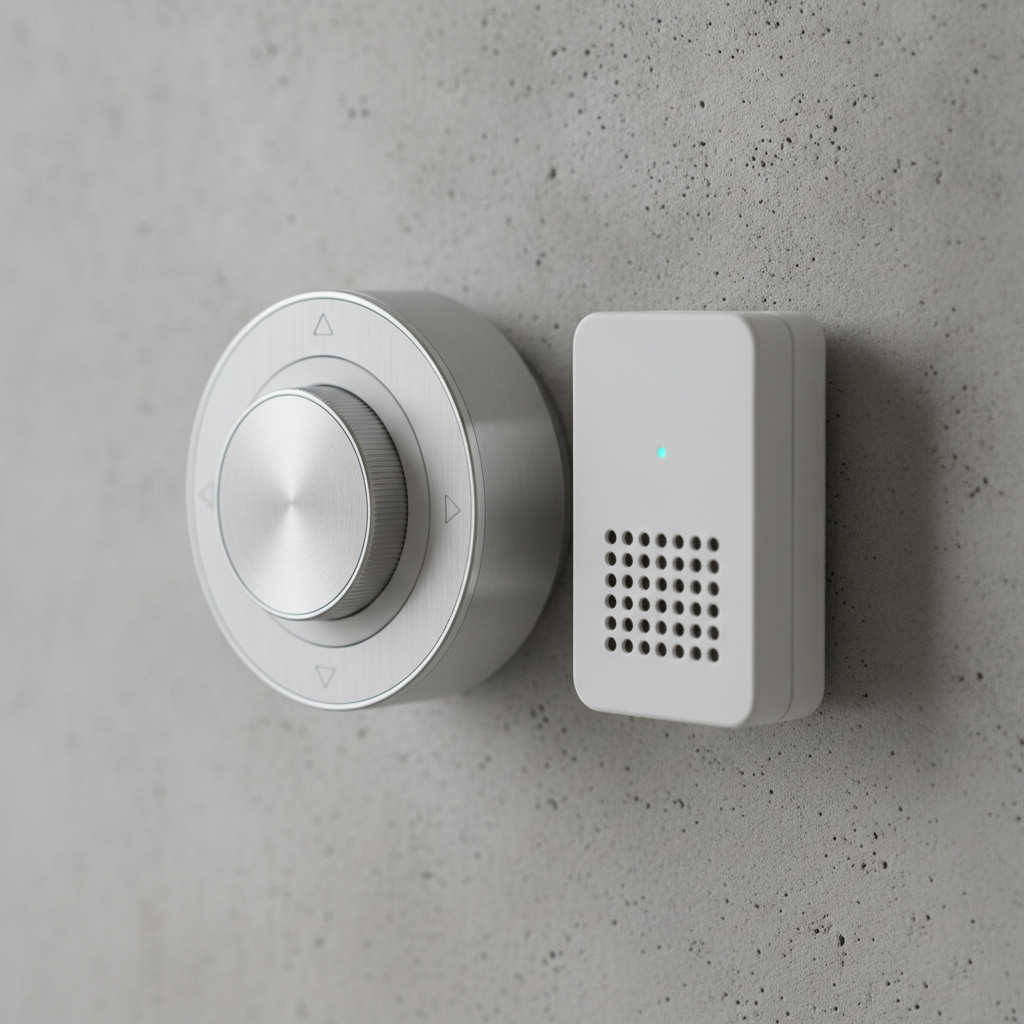
- Example: A wall-mounted display arms the system, sets back the thermostat, and locks all doors with a single touch.
- Learn how assistants and hubs fit in on our assistants & hubs page.
Self-contained view: Choosing categories isn’t about gadgets; it’s about everyday flows—arrive, relax, host, sleep, travel. The right scenes span categories so the home feels choreographed.
Best Practices for Planning and Installation
Treat automation like a renovation: design first, then install. Map scenes to rooms, plan wiring and network capacity, choose interoperable devices, and document everything. Train the household and schedule seasonal tune-ups. This approach prevents app overload, reduces glitches, and keeps performance predictable.
Plan scenes before products
- Write down morning, arrival, bedtime, entertaining, and away routines. Let scenes drive the device list.
- Prioritize safety and comfort sequences (locks + lights + cameras + HVAC set-back).
Engineer for reliability
- Hardwire where possible (cameras, access points, critical displays). Use enterprise-style cable management.
- Separate IoT and personal networks; reserve IPs for key gear.
Design lighting layers
- Combine ambient, task, and accent lighting with consistent color temperatures by room type.
- Use occupancy sensors to reduce wasted lighting in low-traffic zones.
Protect privacy and access
- Enable multi-factor authentication on admin accounts and rotate credentials regularly.
- Use guest modes and temporary codes for visitors and service providers.
DIY vs. pro integration
| Factor | DIY Approach | Professional Integration |
|---|---|---|
| Reliability | App conflicts and mixed brands can cause drift | Unified platform and tested handoffs keep scenes stable |
| Security | Defaults often left unchanged | Hardened networks, access policies, documented controls |
| Networking | Coverage gaps and drop-offs | Site survey, mesh APs, and channel planning |
| Support | Forums and trial-and-error | Lifetime, 24/7 priority support |
| Aesthetics | Visible cables and mismatched gear | Concealed wiring, consistent fixtures, wall displays |
| Time to value | Stretched across weekends | Planned install and fast handoff |
Mid-project tip: snapshot configuration before big updates and create a rollback point. That single habit prevents most “we had it perfect yesterday” moments.
Tools & Resources
Lean on a unified control app, reliable voice assistants, and proven hubs that support Matter. Pair them with a documented network design, labeled cabling, and a maintenance roadmap. Reference reputable guides as you plan lighting, HVAC, and electrical coordination.
- Systems thinking: begin with our solution overview to see how categories connect.
- HVAC coordination basics: see this general overview of HVAC automation concepts for context.
- Smart home primers: skim an introduction to home automation fundamentals when comparing ecosystems.
- Electrical planning: review a practical residential electrician guide for coordination topics.
Self-contained view: The right tools are less about brand names and more about a plan you can maintain—labeling, diagrams, and a single source of truth for the home’s tech.
Case Studies & Real-World Examples
Real homes benefit most when scenes reflect daily life. In detached, condo, and light commercial spaces across the GTA, SmartAura standardizes reliable networking, unifies control, and tunes lighting, shade, climate, and security scenes to the property’s layout and rhythms.
Brampton detached home: family-first routines
- “School Morning” fades bedrooms up, warms the kitchen, and unlocks the back door at 7:30 AM.
- “Away” locks, arms cameras, and sets back temperature; porch and hallway lights hold low for pets.
- Networking plan prevents streaming slowdowns when multiple TVs and tablets are active.
Toronto condo: compact luxury
- Discrete speakers and LED strips frame a living-room theater scene without visible wiring.
- Shades track afternoon sun to reduce glare; climate automation keeps evenings comfortable.
- A single wall display controls entry, lighting, and audio—no clutter.
Mississauga office/studio: light commercial AV
- Digital signage and distributed audio welcome clients; meeting scenes set displays and lights.
- Access control issues temporary codes; cameras log entries during deliveries.
- Network segmentation separates staff devices from guest Wi‑Fi.
Vaughan townhome: retrofit done right
- Wireless shades and smart dimmers reduce rewiring; sensors manage stair and hallway lighting.
- Mesh access points solve dead spots from thick walls.
- Voice assistants handle hands-free kitchen and laundry scenes.
Thinking about a project? Book a free in-home consultation. We’ll map your scenes, document wiring, and propose a unified plan—then handle white-glove installation and lifetime, 24/7 priority support.
Home Automation Services: Frequently Asked Questions
Most questions center on compatibility, reliability, and ongoing support. The short answer: with a design-first plan, interoperable devices, strong networking, and lifetime service, your smart home stays simple to use and adapts as your needs change—without starting over.
What do home automation services include?
They include design, installation, configuration, and support for security, lighting, climate, shades, audio/video, networking, and whole-space control. You get one platform with scenes, plus training and lifetime support so everything remains reliable and easy to use.
Can I keep devices I already own?
Often yes. We assess current gear during consultation, then integrate compatible devices through hubs, voice assistants, and Matter-ready platforms. When items don’t fit, we propose replacements that meet your goals without forcing a full reset.
How do you make smart homes secure?
We hardwire where it matters, segment networks, apply strong authentication, and document access controls. Cameras, locks, and sensors coordinate on a unified platform, and credentials are managed with best practices to protect privacy and control.
What if something breaks later?
You’re covered with lifetime, 24/7 priority support. We troubleshoot remotely when possible and dispatch on-site service across the GTA when needed. Proactive check-ins help prevent issues before they interrupt your routines.
Conclusion & Next Steps
The best home automation services start with your routines, not devices. Map scenes, unify control, invest in solid networking, and partner with experts who install, document, and support the system for life. That’s how your smart home stays simple—and actually gets used.
Key takeaways
- Design scenes first; let them choose devices.
- Unify control to eliminate app overload.
- Engineer the network before adding endpoints.
- Document, train, and schedule seasonal tune-ups.
- Choose lifetime support to keep everything humming.
Action steps
- List the five daily scenes that would save you the most time.
- Walk each floor and mark outlets, switches, windows, and weak Wi‑Fi spots.
- Schedule SmartAura’s free in-home consultation to turn notes into a unified plan.
Ready to move from app chaos to one-touch living? Book a discovery session in 8 Nelson St W and we’ll tailor a system that fits your routines today and scales for tomorrow.
Deeper Dives with SmartAura
Explore category guides to see how each piece fits the larger system. Start with networking, then layer security, lighting, climate, and entertainment—always aiming for one-touch scenes across the whole space.
For a category-by-category deep dive, review these pages and imagine how they’d support your morning, evening, and away routines:
• Security: See camera options, smart locks, and sensors in our security overview.
• Lighting: Learn scene design and dimming strategies in smart lighting.
• Climate: Coordinate thermostats and shades via climate automation.
• Networking: Build a reliable foundation with networking & connectivity.
• Entertainment: Plan multi-room audio and theaters in audio/video.
• Assistants & hubs: Unify control at assistants & hubs.