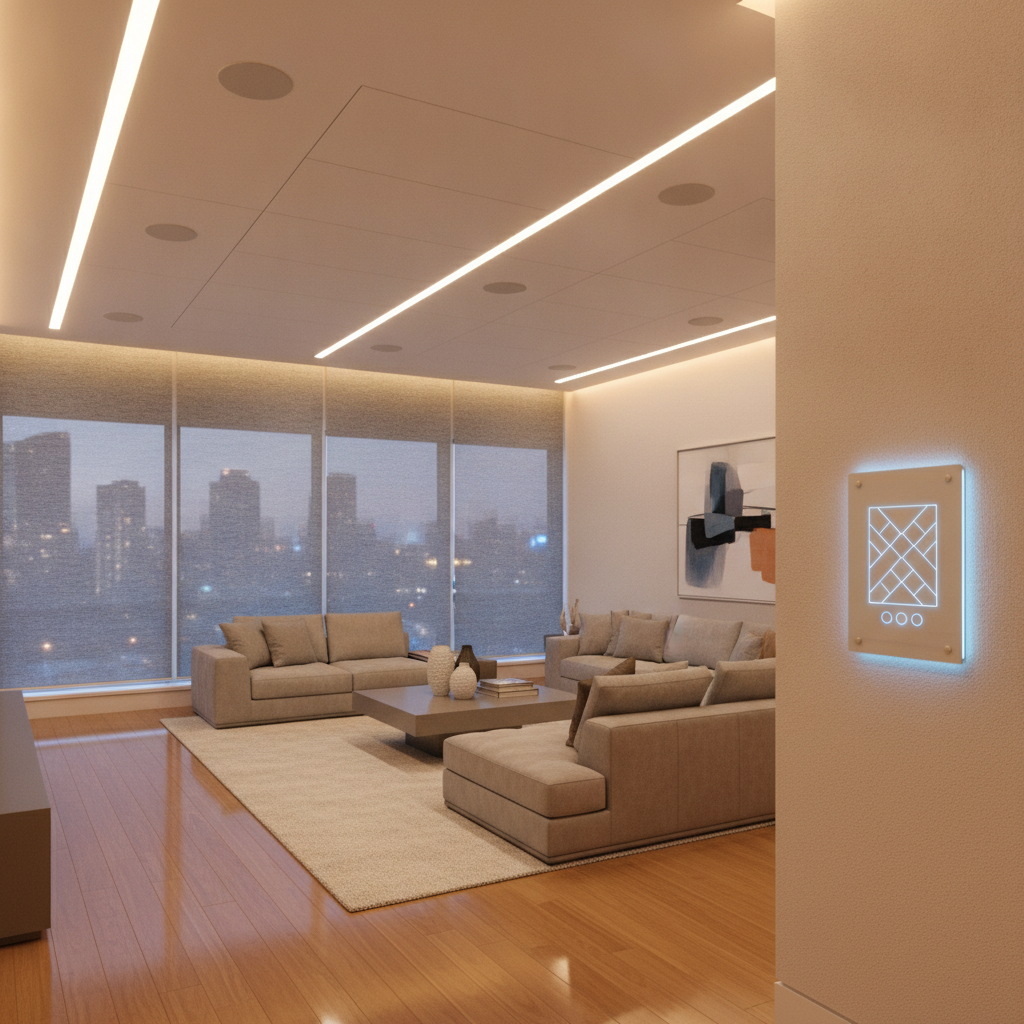
Best home automation devices are reliable, integrated products that automate security, lighting, climate, entry, audio/video, and networking so daily routines happen on their own. In Brampton, the winning setup combines pro‑grade hardware with expert design and installation. The result is smoother control, fewer app hassles, and real comfort improvements all year.
By Jai inder • Last updated: July 11, 2026
| Service area | Toronto, Mississauga, Brampton, Vaughan, Oakville, Kitchener, Waterloo, Cambridge |
|---|---|
| Consultation | Free in‑home discovery tailored to your lifestyle |
| Design + install | Bespoke, engineering‑led design and certified white‑glove installation |
| Support | Lifetime, 24/7 priority support with one‑touch control |
| Unified control | Security, lighting, climate, A/V, and networking under one platform |
| Compatibility | Matter integration for cross‑brand interoperability |
Quick Answer: What Are the Best Home Automation Devices for Most Homes?
Choose a balanced starter bundle that covers security, lighting, climate, and entry, then run it on robust Wi‑Fi with one‑touch control. Hardwired doorbells, AI cameras, keypad locks, in‑wall dimmers, motorized shades, and a zoned thermostat with sensors deliver daily value without app juggling.
If you’re worried about compatibility or wiring, that’s normal. We map these choices to your home’s layout and existing electrical so upgrades feel simple, not stressful.
- One app: Unified control reduces errors and speeds routines.
- Hardwired where it counts: Exterior gear stays reliable in cold snaps.
- Energy‑aware: Shades and sensors trim heating/cooling waste.
Quick Summary
This installer‑curated list covers the best home automation devices SmartAura actually deploys in Brampton—organized by category, with integration tips and a comparison table against national providers and review publishers. Use it to plan your first phase, then book a free in‑home consultation.
- Built from real installs across the GTA.
- Highlights cold‑weather lock performance and shade scheduling.
- Shows where pro design beats DIY guesswork.
At a Glance — Top Picks by Category (Comparison Table)
This table shows the device categories we specify most and why. They’re the core blocks we integrate into a single, dependable system so your home feels consistent from room to room.
| Category | SmartAura pick (type) | Why it wins |
|---|---|---|
| Outdoor camera | AI 4K, color night, privacy zones | Accurate alerts with fewer false pings. |
| Video doorbell | Hardwired, HDR, package detection | Reliable winter power and clear faces. |
| Smart lock | Weather‑rated keypad + auto‑lock | Glove‑friendly access and audit trail. |
| Lighting | In‑wall dimmers + scene keypads | Reliable control; elegant whole‑room scenes. |
| Motorized shades | Quiet rollers with sun‑tracking | Less glare/heat, more privacy. |
| Thermostat | Zoned with room sensors | Even comfort across floors. |
| Air quality | PM2.5/CO2 sensors | Automation can cue fresh air cycles. |
| Garage | Smart hub + vehicle sensor | Auto‑close and arrival routines. |
| Control hub | Touch panel + voice + app | Simple, household‑wide control. |
| Networking | Wi‑Fi 7 mesh + managed router | Stable backbone for every device. |
Our Top Pick
SmartAura’s top pick is an integrated starter bundle: hardwired video doorbell, AI camera, winter‑rated keypad lock, 4–6 in‑wall dimmers with scenes, motorized shades in key rooms, a smart thermostat with two room sensors—running on pro‑configured Wi‑Fi with one app.
- Why it wins: Big day‑one upgrades to safety, comfort, and routine speed.
- Field note: In a 2,400‑sq‑ft detached in Brampton, we replaced Wi‑Fi bulbs that kept dropping with in‑wall dimmers. Scenes became reliable and the “lights won’t respond” problem disappeared.
- Next step: Start with smart security, add smart lighting and motorized shades, then expand.
Smart Security Devices (Cameras, Locks, Doorbells)
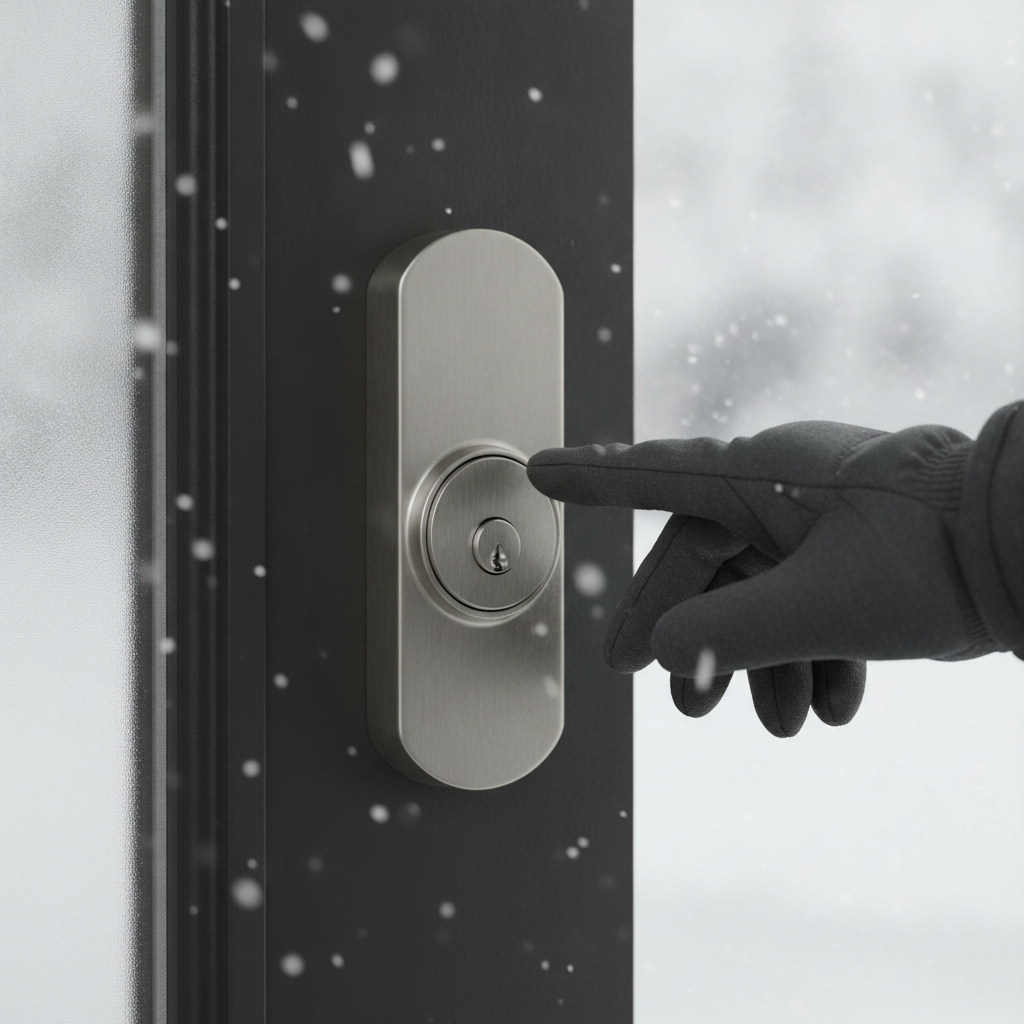
Favor hardwired doorbells, AI‑enabled outdoor cameras, and weather‑rated keypad locks. Hardwiring avoids winter battery sag, AI reduces false alerts, and keypad access keeps things practical with gloves. Tie everything into one app for quick arming, viewing, and locking.
- Cameras: Look for color night vision, person/vehicle detection, and privacy zones.
- Doorbells: Hardwired models with HDR avoid battery swaps and blown‑out images.
- Locks: Keypad + auto‑lock + audit trail; confirm cold‑weather testing.
- Sensors: Door/window and motion sensors trigger light and lock scenes.
We design end‑to‑end and integrate into unified control. Explore our smart security services and smart sensors. For a visual of hardware styles, a local security product gallery can help you compare form factors.
Smart Lighting & Shades (Bulbs, Dimmers, Motorized Blinds)
Use in‑wall dimmers and scene keypads instead of Wi‑Fi bulbs for reliability, then add quiet, motorized roller shades. You’ll get consistent control, room‑wide scenes, and automations that follow schedules, sunrise/sunset, or sun angle.
- Lighting scenes: Set “Welcome,” “Dinner,” and “Goodnight” on keypads and app.
- Dimmers vs. bulbs: Dimmers control any bulb and keep wall controls intuitive.
- Shades: Sun‑tracking reduces glare and heat; privacy ramps up at dusk.
- Integration: Scenes can also arm security and nudge climate setpoints.
We tune scenes to how you live—no flashing or lag. See smart lighting and motorized shades for details on switches, keypads, and schedules.
Smart Climate Control & Sensors
Pick a thermostat that supports room sensors or zones, then pair with occupancy and air‑quality sensors. Expect steadier comfort, fewer hot/cold spots, and automations that adjust only when it saves energy or improves air quality.
- Zoned comfort: Room sensors balance temperatures without over‑conditioning empty rooms.
- Schedules + presence: Automations follow sleep/wake and away patterns.
- Air quality: PM2.5/CO2 sensors can cue ventilation or fan cycles.
- Seasonal tuning: Winter “warm wake” scenes; summer “cool arrival” scenes.
Climate, shades, and occupancy work together. See assistants & hubs for how voice and touch panels keep control simple.
Garage, Entry & Whole-Space Automation Hubs
Automate high‑traffic touchpoints: a smart garage hub with vehicle detection, gate/entry control, and a whole‑space control hub (touch panel + voice + app). Tie arrivals to lighting and climate and departures to locking and arming.
- Smart garage: Auto‑close scenes; alerts if left open; vehicle sensor for hands‑free arrivals.
- Entry control: Gate, door strikes, and smart locks unified in one routine.
- Control hub: Touch panel centralizes scenes; voice helps when hands are busy.
Whole‑home control works best when routines match your day. Explore hubs & control and entry security.
Audio, Video & Networking — The Layer Most Lists Skip
Your network is the backbone. Pair Wi‑Fi 7 mesh, a managed router, and wired backhaul with whole‑home audio and a family‑friendly TV control setup. Without this layer, even top devices stutter, buffer, or drop offline.
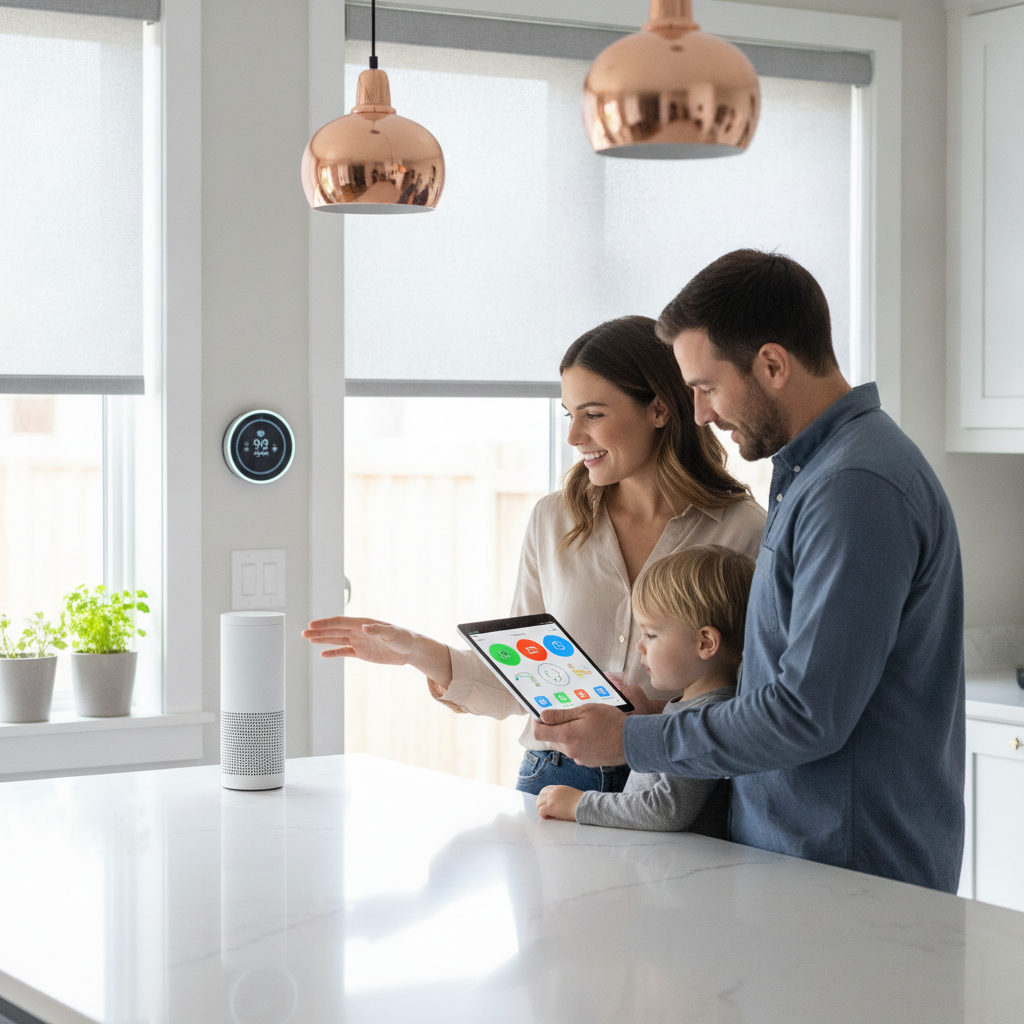
- Networking: Pro‑configured mesh and VLANs keep devices fast and secure.
- Audio: Whole‑home and multi‑room audio make routines seamless.
- Video: Simple remotes and streaming setups reduce app juggling.
We prioritize stability first, features second. Learn how we design home networking and audio & video that stay responsive.
Local Tip — What Works Best for Brampton Homes Specifically
Cold snaps and bright summer afternoons demand weather‑ready gear and thoughtful schedules. Favor hardwired doorbells, winter‑rated locks, sealed exterior cameras, and sun‑tracking shades. We time scenes to local daylight swings so comfort rises while HVAC strain drops.
Installer insight from Brampton
Winter batteries fade fast. We design around hardwired power or sheltered placements and test keypads with gloves. In summer, east‑ and west‑facing shades cut glare and reduce HVAC load, especially in open‑plan living areas.
Local considerations for Brampton
- Coordinate low‑voltage wiring early with your renovation team. See typical sequencing in local renovation planning posts.
- Choose exterior hardware rated for Canadian winters and, where possible, use hardwired power for doorbells and cameras.
- If you’re relocating within Brampton, scheduling pre‑wire before move‑in speeds deployment. Local housing boards like Brampton listings can help with timing.
Comparison Roundup: SmartAura vs Other Options
SmartAura leads on bespoke, unified installs with lifetime support. National providers excel at monitored security packages. AV‑focused integrators shine for theaters. Review publishers are great for research but don’t account for your wiring, Wi‑Fi, or daily routines.
| Option | Type | Install | Platform approach | Support | Best for |
|---|---|---|---|---|---|
| SmartAura | Local integrator | Professional | Unified, Matter‑friendly | Lifetime 24/7 priority | Luxury, whole‑home automation |
| Vivint Canada | National provider | Professional | Monitored security focus | Centralized | All‑in security bundles |
| ADT Canada | National provider | Professional | Monitored security focus | Centralized | Traditional security setups |
| Bell Smart Home | Telecom provider | Professional | ISP‑bundled smart devices | Centralized | Bundling with internet |
| Cloud 9 AV Inc. | Local integrator | Professional | AV‑forward custom work | Project support | Home theaters & media rooms |
| PM Wyre Ltd. | Local integrator | Professional | Custom AV & control | Project support | Premium AV projects |
| PCMag — Best Smart Home Devices 2026 | Publisher roundup | DIY/Research | Brand comparisons | N/A | Pre‑buy research |
| CNET — Best Smart Home Devices 2026 | Publisher roundup | DIY/Research | Brand comparisons | N/A | Pre‑buy research |
| Security.org — Best Smart Devices 2026 | Publisher roundup | DIY/Research | Brand comparisons | N/A | Pre‑buy research |
| TechRadar — Best Smart Home Devices 2026 | Publisher roundup | DIY/Research | Brand comparisons | N/A | Pre‑buy research |
Where each shines:
- SmartAura: Bespoke engineering, unified control across categories, and lifetime 24/7 support across the GTA.
- Vivint/ADT/Bell: Strong if you mainly want monitored security and a recognizable national brand or telecom bundle.
- Cloud 9 AV / PM Wyre: Excellent for dedicated theaters and media rooms; peers we respect for AV‑centric builds.
- Publishers (PCMag/CNET/Security.org/TechRadar): Useful for brand research, but they don’t design for your wiring, Wi‑Fi, or daily scenes.
FAQ
These are the questions we hear most in Brampton before a smart‑home project. Answers are based on SmartAura’s on‑site design and installation work across the GTA.
What’s the right first step if I’m overwhelmed by options?
Start with security, lighting scenes, and a thermostat with room sensors. This trio delivers daily value and shows how you use your home. We confirm wiring and Wi‑Fi during a free in‑home consultation, then map a phased plan that fits your routines.
Can I mix brands and still keep one app?
Yes—when designed for interoperability. We use unified platforms and Matter to bridge compatible devices, so you get one‑touch control instead of five separate apps.
Do smart locks and doorbells work well in cold weather?
They do when specified and powered correctly. We favor hardwired doorbells to avoid battery drop‑off and choose locks with weather‑rated keypads and motors. We also check door fitment and add shelter where possible to keep mechanisms smooth.
Why does networking matter so much for smart homes?
Every device depends on the network. We deploy Wi‑Fi 7 mesh, managed routers, and wired backhaul when possible, segmenting traffic for performance and security. That backbone prevents choppy audio, buffering video, and devices dropping offline.
Methodology
Our recommendations reflect categories we’ve installed repeatedly in GTA homes with strong reliability and clean integration. We validate designs on‑site, test networking, and tune scenes to each household’s routines before handing over.
- Field‑tested: Only categories that performed well across multiple Brampton installs.
- Integration‑first: One platform with Matter beats juggling multiple apps.
- Serviceability: We choose products with dependable firmware and support cycles.
Key Takeaways
Pick a unified, professionally designed bundle rather than a cart of random gadgets. Start with security, lighting, climate, and shades, and make sure your network can handle the load. Expand into audio/video and advanced scenes next.
- Unified control saves time and reduces errors.
- Hardwire exterior gear where possible for winter reliability.
- Network quality decides overall stability.
- Local schedules (sun and seasons) boost comfort and efficiency.
Conclusion
The best home automation devices are the ones that work together—reliably, every day. SmartAura designs whole‑home systems that combine security, lighting, climate, shades, entry, A/V, and robust networking into one simple experience.
- Book your free in‑home discovery in Brampton to map your starter bundle.
- We’ll verify wiring, network health, and daily routines—then build a phased plan.
- You get white‑glove install and lifetime, 24/7 priority support.
Schedule a friendly walkthrough and hands‑on demo. We’ll tailor scenes, sensors, and control to how you live—room by room.